Meal Planner & Recipe Keeper is a Tools application developed by Stashcook, but with the best Android emulator-LDPlayer, you can download and play Meal Planner & Recipe Keeper on your computer.
Running Meal Planner & Recipe Keeper on your computer allows you to browse clearly on a large screen, and controlling the application with a mouse and keyboard is much faster than using touchscreen, all while never having to worry about device battery issues.
With multi-instance and synchronization features, you can even run multiple applications and accounts on your PC.
And file sharing makes sharing images, videos, and files incredibly easy.
Download Meal Planner & Recipe Keeper and run it on your PC. Enjoy the large screen and high-definition quality on your PC!
Meal Planner & Recipe Keeper - StashcookStashcook is a meal planner and recipe keeper that helps you save recipes, plan your week, and organize shopping in one place.
It’s a simple weekly meal planner for everyday cooking - without the clutter.
💾 Recipe Keeper for every recipe you save
Stashcook is a recipe keeper built for real life.
Save recipes from TikTok, Instagram, Pinterest, YouTube, Facebook, BBC Good Food, Food Network, AllRecipes, Yummly, and almost any website.
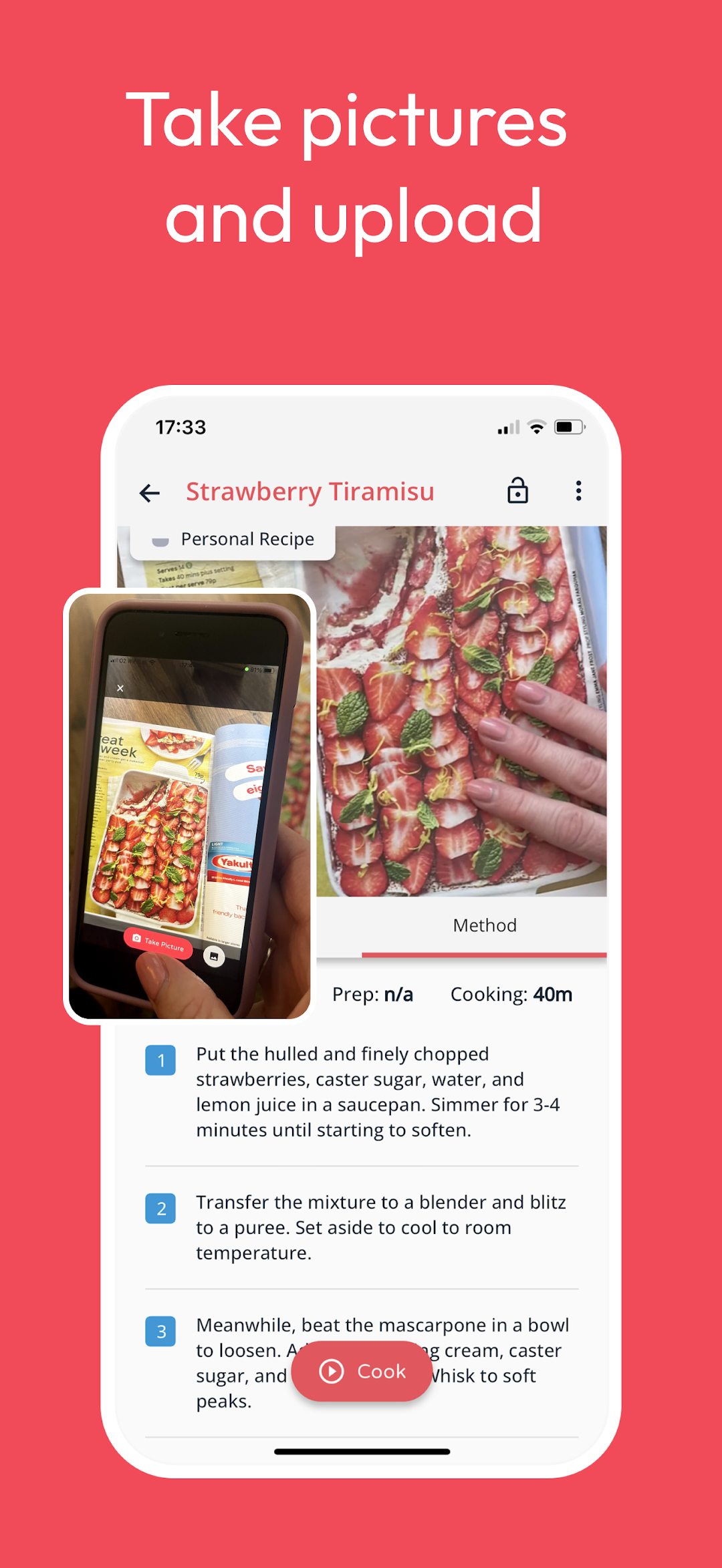
You can also add recipes from screenshots, photos, handwritten cards, or notes.
Everything lives in one organized recipe box, ready when you need it.
This is your digital recipe book - searchable, editable, and always with you.
📆 Weekly Meal Planner that fits your week
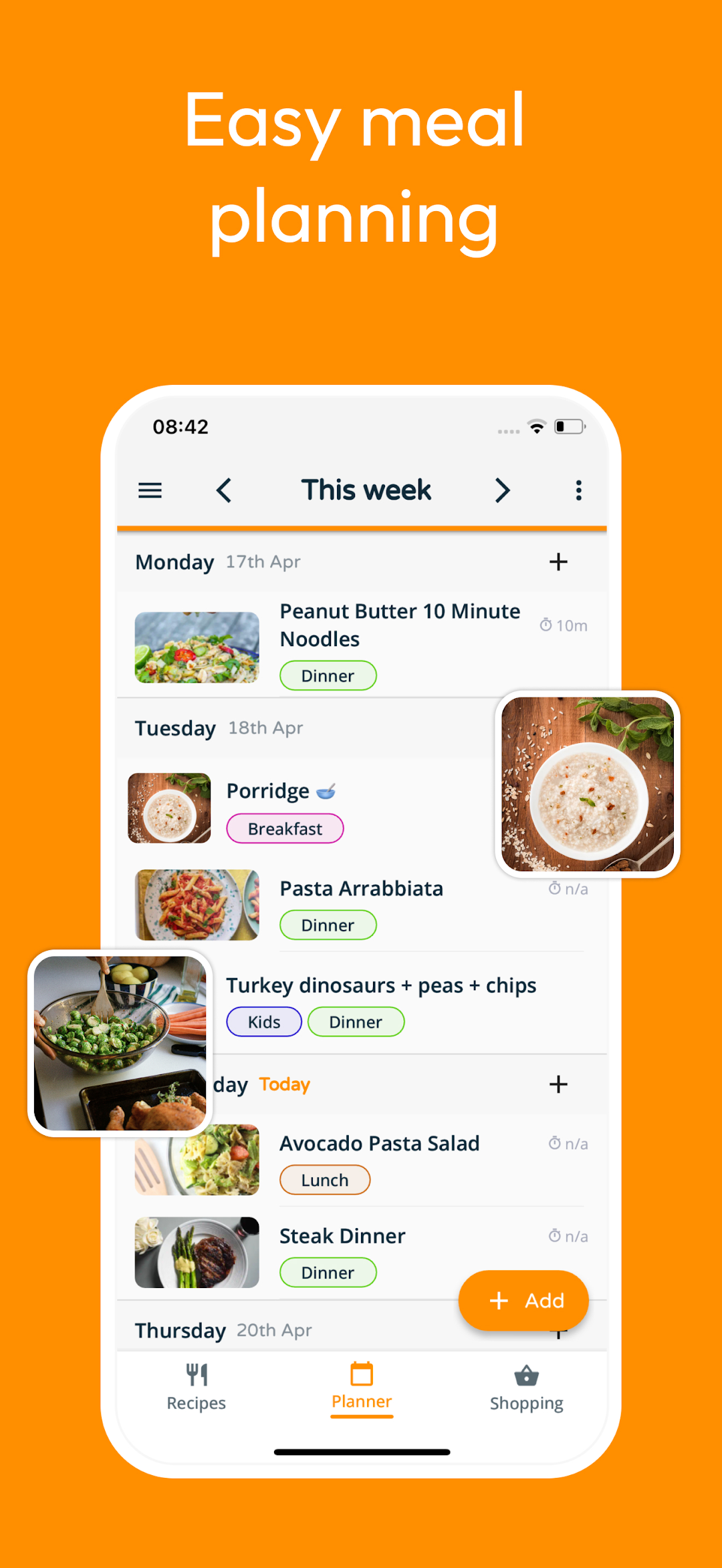
Plan meals in seconds with a flexible weekly meal planner.
Drag, drop, and rearrange meals as plans change.
With this meal planner you can:
- Plan breakfast, lunch, and dinner (or just dinners)
- Duplicate weeks that worked well
- Add notes for leftovers or eating out
Meal planning that works around your life.
🛒 Meal and Grocery Planner with smart shopping lists
Turn meals into a shopping list with one tap.
Add extras and let Stashcook organize everything automatically.
As a meal and grocery planner, Stashcook helps you:
- Shop faster
- Buy only what you need
- Reduce food waste
A practical way to handle weekly meal prep.
📚 Organize your Recipe Keeper your way
Use Collections to organize your recipe keeper and recipe book:
- quick dinners
- air fryer recipes
- healthy meals
- budget recipes
- keto and low carb meals
Search, tag, and organize recipes so your recipe box stays useful - even as it grows.
👪 Share your Meal Planner with Family
With Family Share, connect up to 6 people.
Everyone sees the same recipes, weekly meal planner, and shopping lists - ideal for families and shared households.
🍳 Cook Mode for everyday cooking
Follow recipes in a clean, easy-to-read layout.
- Adjust serving sizes automatically
- Lock the screen while cooking
- Clear steps from start to finish
Your recipe keeper is designed for cooking, not just collecting.
📊 Nutrition, when it’s useful
View nutritional information for recipes, including calories, protein, carbs, fats, sugars, and sodium.
Use it to support your goals - or ignore it when you don’t need it.
One app for planning, saving, and cooking
Stashcook brings meal planning, recipe keeping, and grocery planning together - so cooking stays organized and simple.
Stash. Plan. Cook. with Stashcook