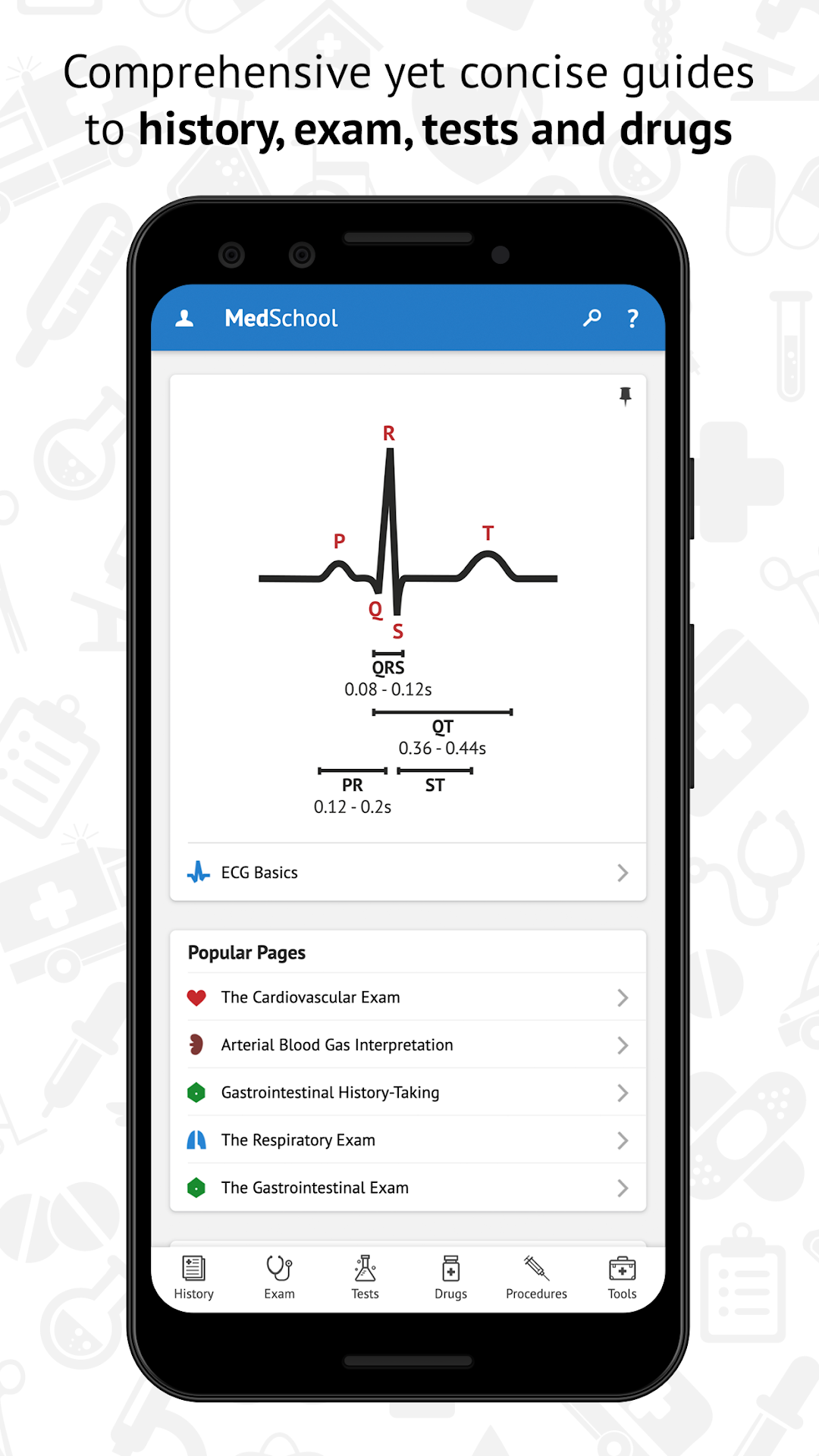
MedSchool is a Medical application developed by The Medical Company, but with the best Android emulator-LDPlayer, you can download and play MedSchool on your computer.
Running MedSchool on your computer allows you to browse clearly on a large screen, and controlling the application with a mouse and keyboard is much faster than using touchscreen, all while never having to worry about device battery issues.
With multi-instance and synchronization features, you can even run multiple applications and accounts on your PC.
And file sharing makes sharing images, videos, and files incredibly easy.
Download MedSchool and run it on your PC. Enjoy the large screen and high-definition quality on your PC!
Medical school can be challenging, with so much to learn in so little time. MedSchool is a modern clinical handbook that helps to optimise your learning, so that you can feel confident and capable.MedSchool provides up-to-date evidence based information, providing you with high-quality clinical information in a portable format. Download the app now and start learning medicine your way!
• Guides: practice key history, exam, diagnostic and procedural skills.
• Encyclopaedia: delve into symptoms, signs, test findings, drugs and diseases.
• Quizzes: answer our questions, or create your own question bank.
• Flashcards: make your own flashcard deck and optimise recall of important information.
• Tools: find answers quickly using clinical calculators and checklists.