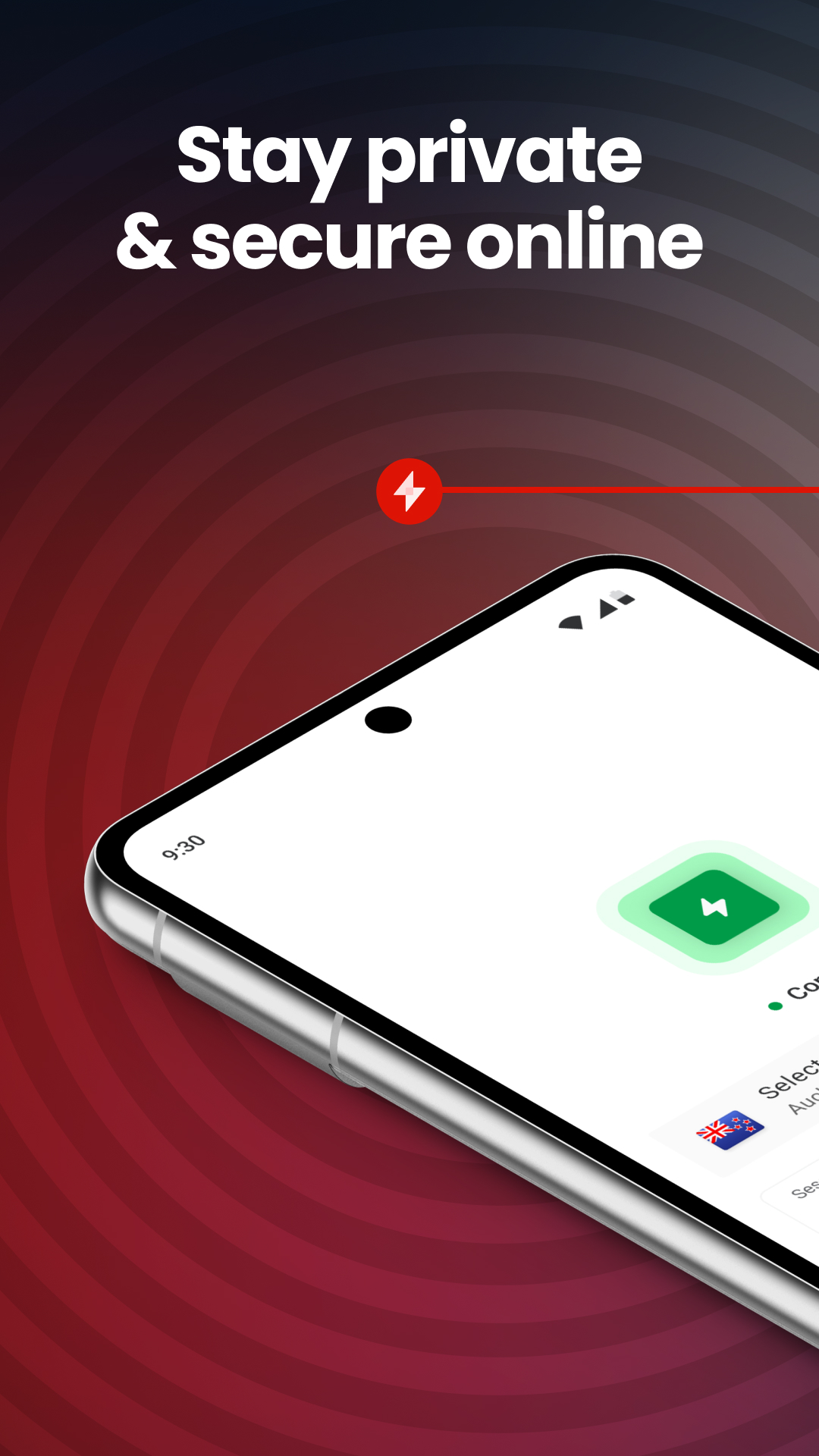
MEGA VPN - Privacy Online is a Tools application developed by MEGA Privacy NZ, but with the best Android emulator-LDPlayer, you can download and play MEGA VPN - Privacy Online on your computer.
Running MEGA VPN - Privacy Online on your computer allows you to browse clearly on a large screen, and controlling the application with a mouse and keyboard is much faster than using touchscreen, all while never having to worry about device battery issues.
With multi-instance and synchronization features, you can even run multiple applications and accounts on your PC.
And file sharing makes sharing images, videos, and files incredibly easy.
Download MEGA VPN - Privacy Online and run it on your PC. Enjoy the large screen and high-definition quality on your PC!
Start your 7-day free trial today for fast, anonymous browsing. Available on a low-cost, standalone plan, or free with any MEGA pro plan.Browse in confidence with an encrypted internet connection that masks your IP address and eliminates throttling for a faster, safer, easier online life.
Ad blocker for uninterrupted browsing
Stop annoying ads and invisible trackers to enjoy faster, cleaner, and more private browsing.
Unlimited VPN traffic, full-speed access
Stream, browse, and download as much as you like. No slowdowns, no data caps, just fast, uninterrupted access.
Around the globe access
Choose from multiple servers in locations around the world, including in North America, Europe, Asia, and New Zealand.
Smart auto-connect
MEGA VPN can activate automatically on risky networks to keep you safe.
One VPN for all your devices
Protect your privacy online, wherever you are. Install MEGA VPN on up to five devices, including your smartphone and tablet.
Stay safe with advanced security
ChaCha20 encryption means your browsing is safe from hackers, information theft, and prying eyes on any network, even unsecured public wi-fi.
Your privacy is our priority
We don’t log or share your browsing activity, DNS queries, browser type, or the time you spend on pages.
24/7 support
Our dedicated Helpdesk team is always on hand to offer support or answer questions.
–
MEGA’s Terms of Service and Privacy Policy apply to the use of MEGA VPN:
MEGA Terms of Service: https://mega.io/terms
MEGA Privacy Policy: https://mega.io/privacy