

Messages - SMS Texting App is a Communication application developed by Battery Stats Saver, but with the best Android emulator-LDPlayer, you can download and play Messages - SMS Texting App on your computer.
Running Messages - SMS Texting App on your computer allows you to browse clearly on a large screen, and controlling the application with a mouse and keyboard is much faster than using touchscreen, all while never having to worry about device battery issues.
With multi-instance and synchronization features, you can even run multiple applications and accounts on your PC.
And file sharing makes sharing images, videos, and files incredibly easy.
Download Messages - SMS Texting App and run it on your PC. Enjoy the large screen and high-definition quality on your PC!
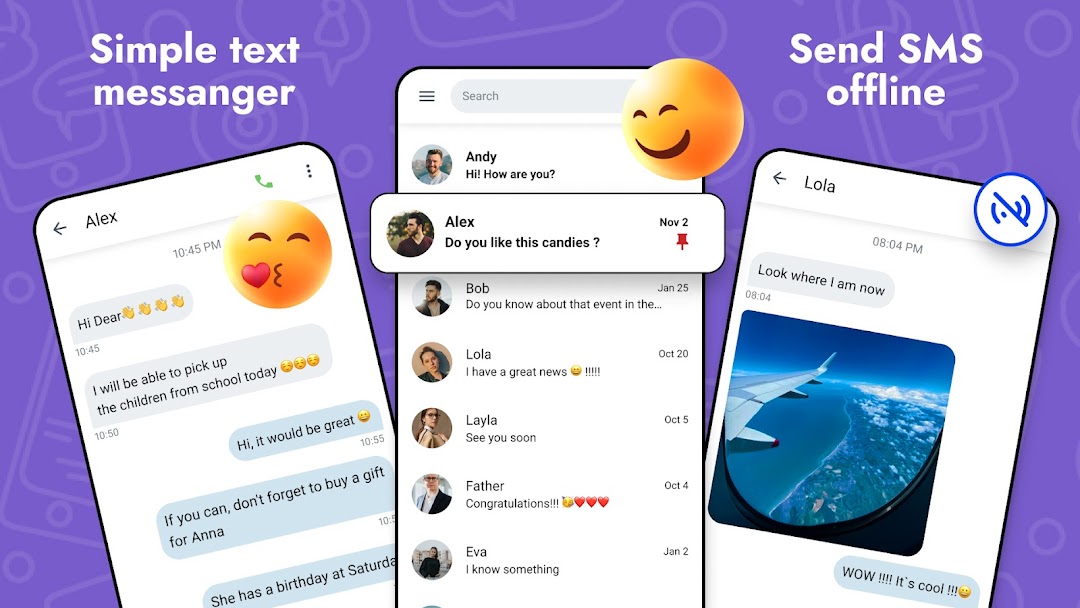
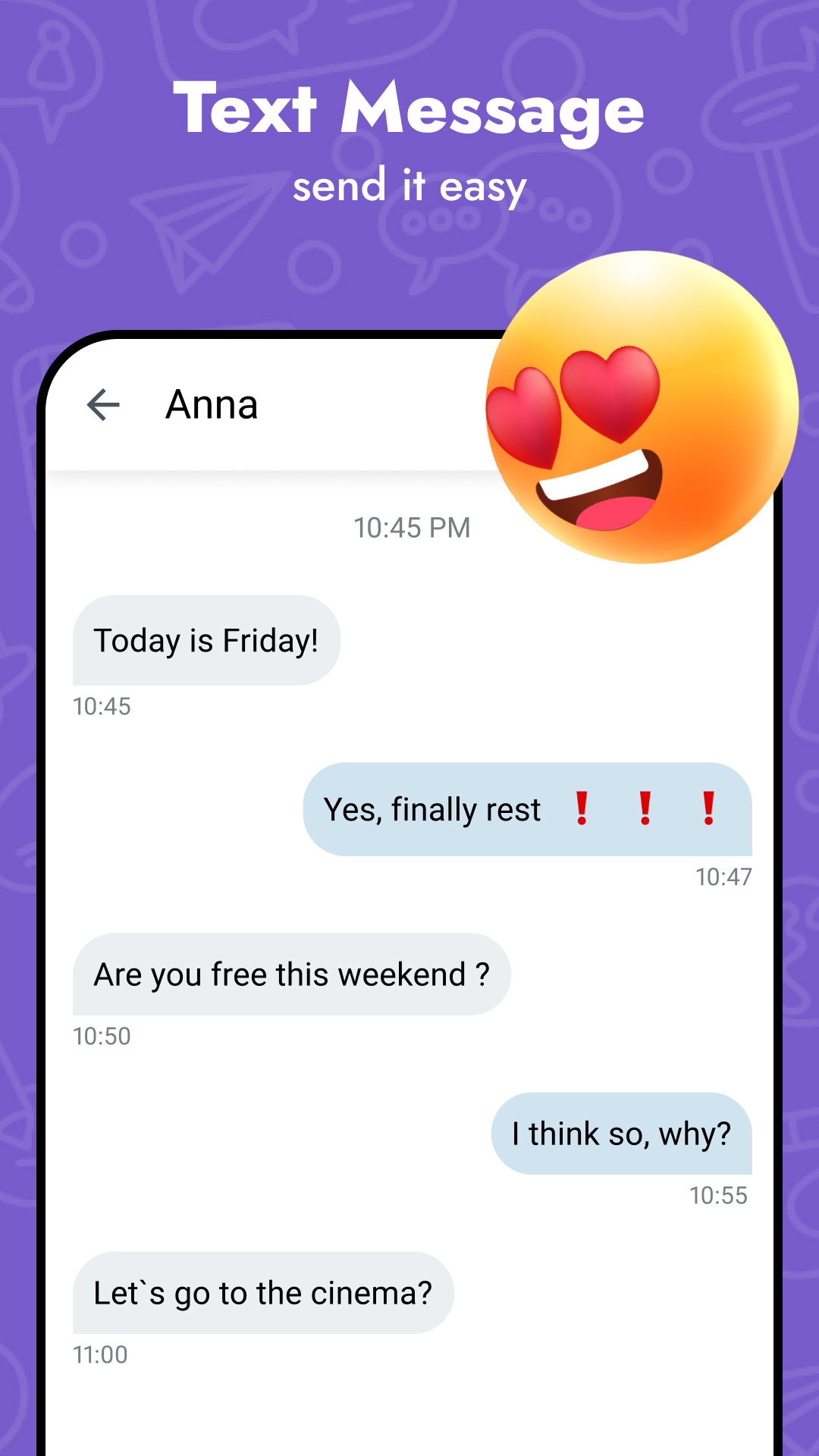
Messages - SMS Texting App is a fantastic text app for keeping in touch with your friends, family, and close ones! ⚡With Messages Texting App, you can send and receive text messages from anyone, no matter their device.
Messages - SMS Texting App is an sms tool that lets you send private text messages to your contacts. You can use this safe text app on devices such as smartphones and tablets.
The Message app also includes a range of customization options, allowing you to personalize the look and feel of the message app to match your preferences. So whether you want to change the message app's theme, font size, or notification sounds, the Message app gives you complete control over your text messages.
Keep in touch with your contacts using the text app on your phone. It's never been easier to share photos, send emojis, or say a quick hello - Messages - SMS Texting app.
You can do so much with Messages - text app, like mute conversations or assign unique text message tones for specific contacts. Messages text App, you can communicate with anyone. Connect with friends and family through group messages, shared photos, videos, GIFs, emojis, and more.
Text Message tool features:
✔ Sending Text Messages.
✔ Enjoy sending & blocking text message.
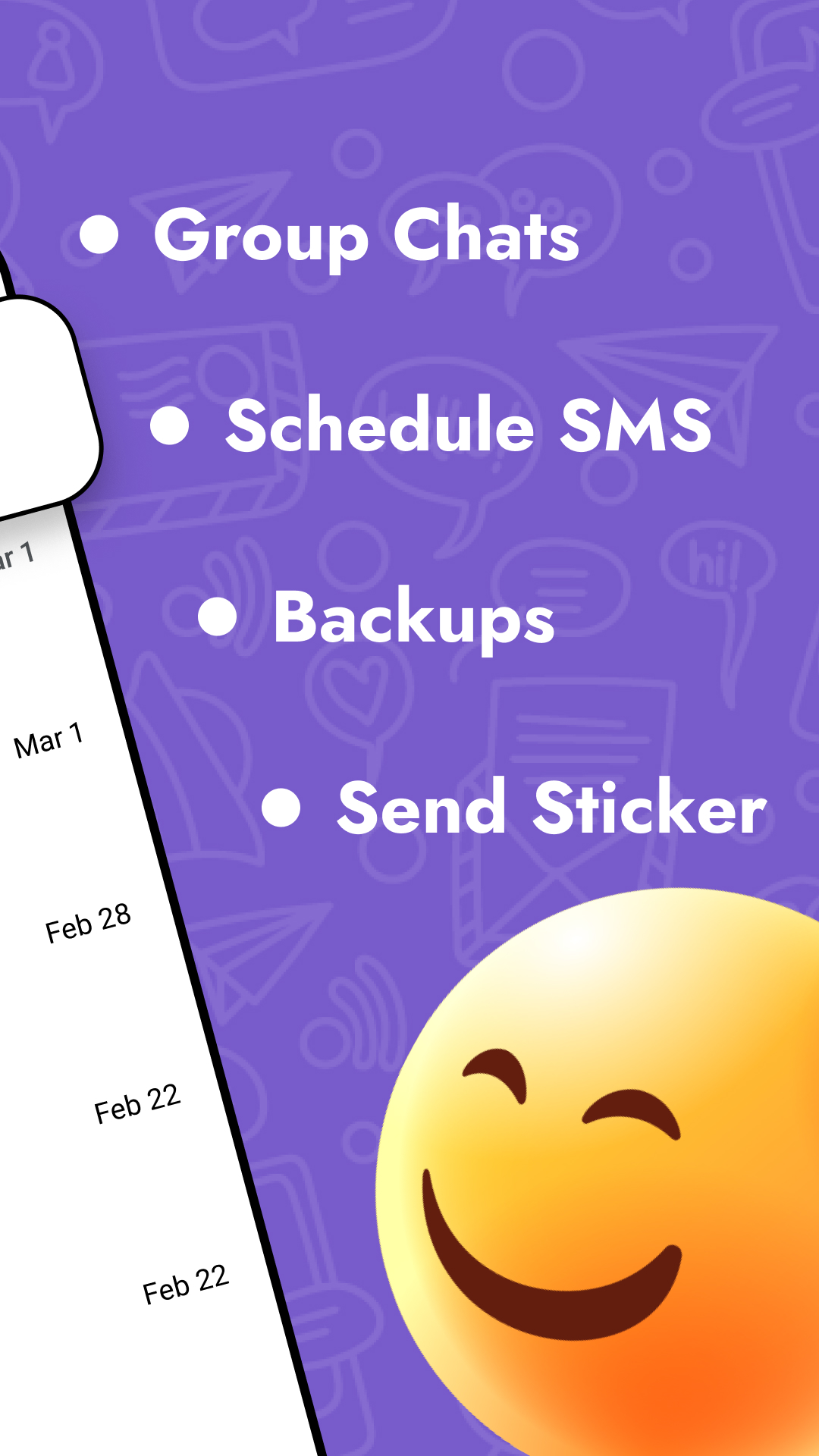
✔ Schedule SMS.
✔ SMS app Backup & Restore.
✔ Highlight your favorite messages.
✔ Enjoy the default SMS and MMS.
✔ Block text messages.
✔ There is a great range of emojis, GIFs, stickers, and other awesome text message materials.
✔ Messenger widget.
✔ Pin the top part of a chat room.
✔ You can back up all text messages on your devices.
✔ Group SMS app.
✔ Switch to Privacy Messanger.
✔ Quick reply text messages with pop-up window.
✔ Mark messages as read.
✔ Block certain unwanted contacts by tapping on them or marking notifications in text messages as already read for any text message you want.
So if you're looking for a powerful, flexible, and easy-to-use text app, look no further.
With its intuitive interface, powerful features, and support for all kinds of devices, the texting app is the ultimate text app for keeping in touch with your friends, family, and colleagues.
Messages app is something to get excited about the text message.
This messages app is the application for text message, SMS & MMS with your contacts. Messages - SMS Texting App stands for Fast, Easy, and FUN messaging!