CDAS is a Medical application developed by T.C. SAĞLIK BAKANLIĞI, but with the best Android emulator-LDPlayer, you can download and play CDAS on your computer.
Running CDAS on your computer allows you to browse clearly on a large screen, and controlling the application with a mouse and keyboard is much faster than using touchscreen, all while never having to worry about device battery issues.
With multi-instance and synchronization features, you can even run multiple applications and accounts on your PC.
And file sharing makes sharing images, videos, and files incredibly easy.
Download CDAS and run it on your PC. Enjoy the large screen and high-definition quality on your PC!
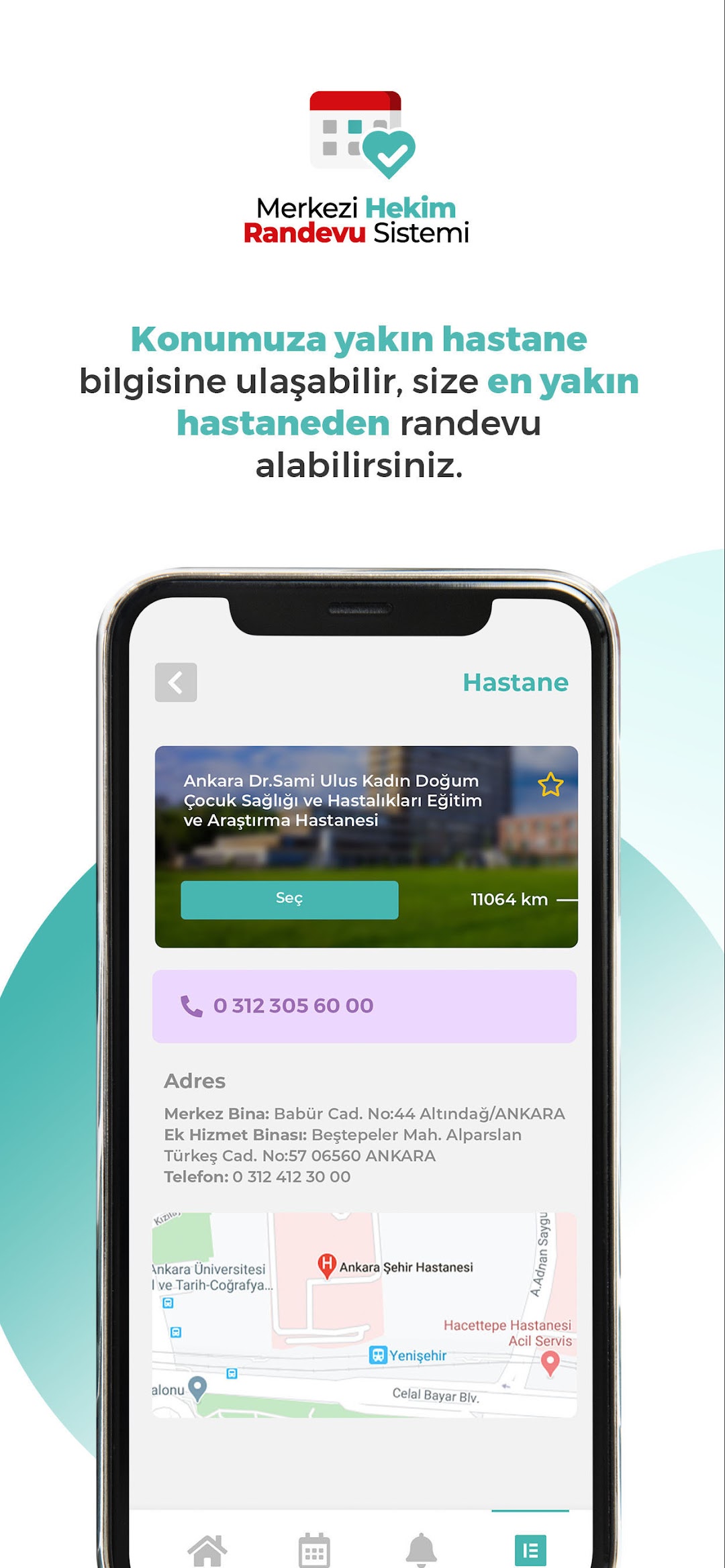
The “Central Physician Appointment System” mobile application offered by the Ministry of Health of the Republic of Turkey has been specially designed for your Android phone and tablet, and both the application itself and making an appointment are free of charge. The short name of the application is “MHRS”.With MHRS, citizens can make appointments with the physician they want and on the appropriate date they determine for State Hospitals, Oral and Dental Health Hospitals and Centers (ADSH, ADSM) affiliated with the Ministry of Health throughout Turkey.
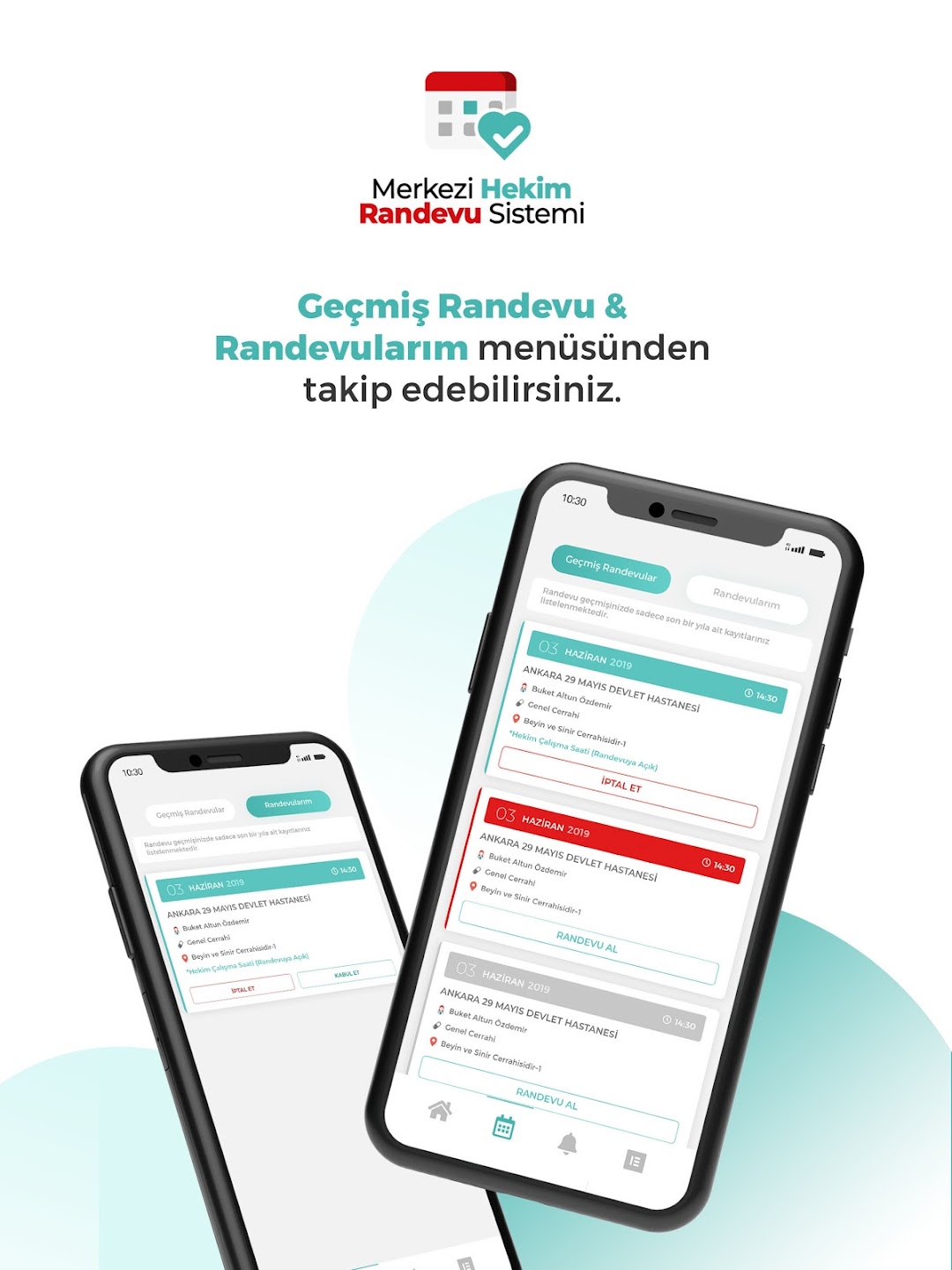
From now on, you do not need to wait in long lines at hospitals. With the MHRS application, you can easily and quickly make an appointment for an examination and track the appointments you have made here. You can track the appointment day and time, and you can also cancel appointments you cannot attend here.
In order to access the Central Physician Appointment System, you can also use the internet address www.mhrs.gov.tr or call the ALO 182 MHRS Call Center to make an appointment for yourself and your relatives.
For your questions and problems, you can reach us using mhrsyardim@saglik.gov.tr.