Mi Remote controller - for TV, is a Tools application developed by Beijing Xiaomi Mobile Software Co.,Ltd, but with the best Android emulator-LDPlayer, you can download and play Mi Remote controller - for TV, on your computer.
Running Mi Remote controller - for TV, on your computer allows you to browse clearly on a large screen, and controlling the application with a mouse and keyboard is much faster than using touchscreen, all while never having to worry about device battery issues.
With multi-instance and synchronization features, you can even run multiple applications and accounts on your PC.
And file sharing makes sharing images, videos, and files incredibly easy.
Download Mi Remote controller - for TV, and run it on your PC. Enjoy the large screen and high-definition quality on your PC!
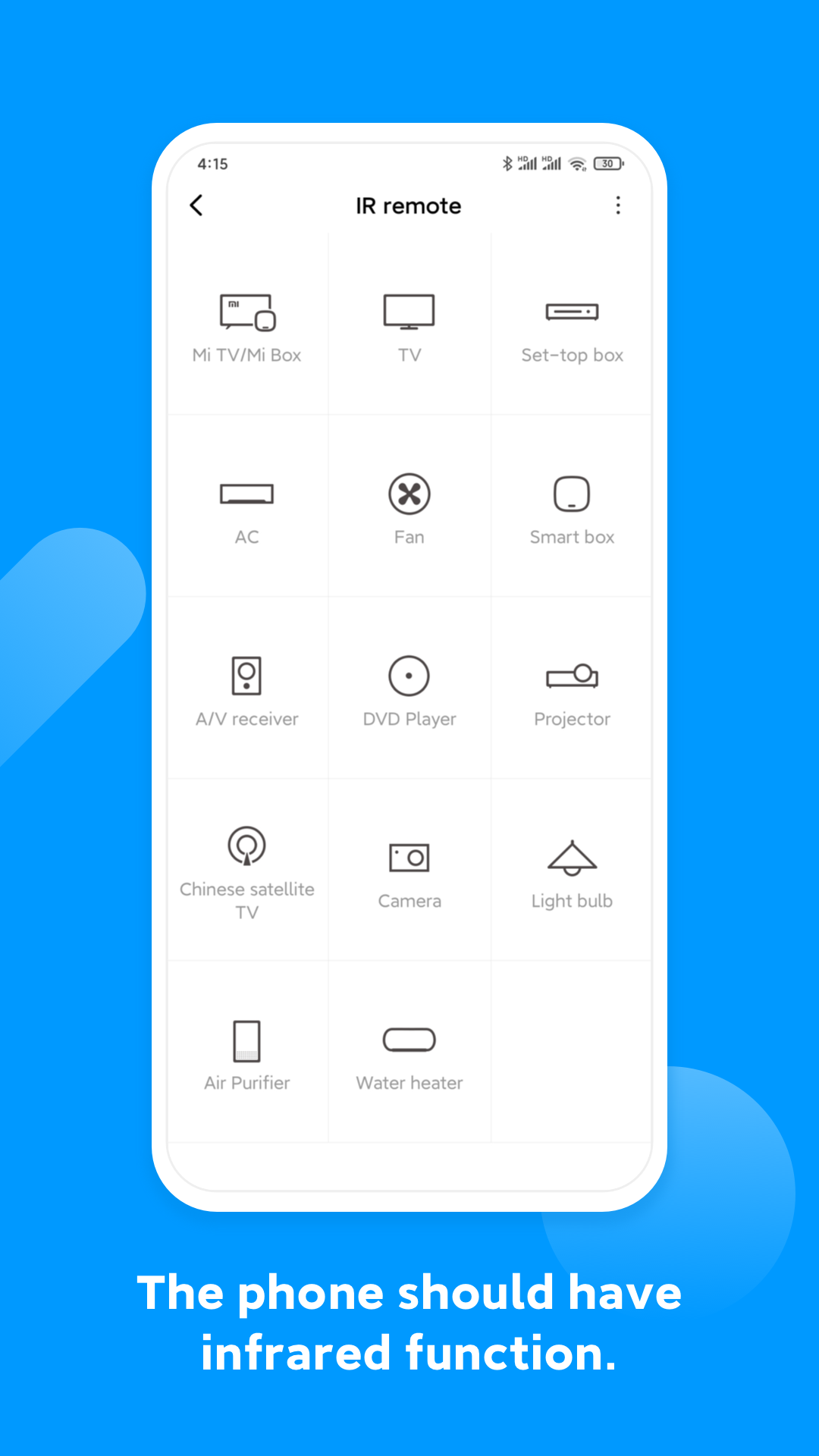
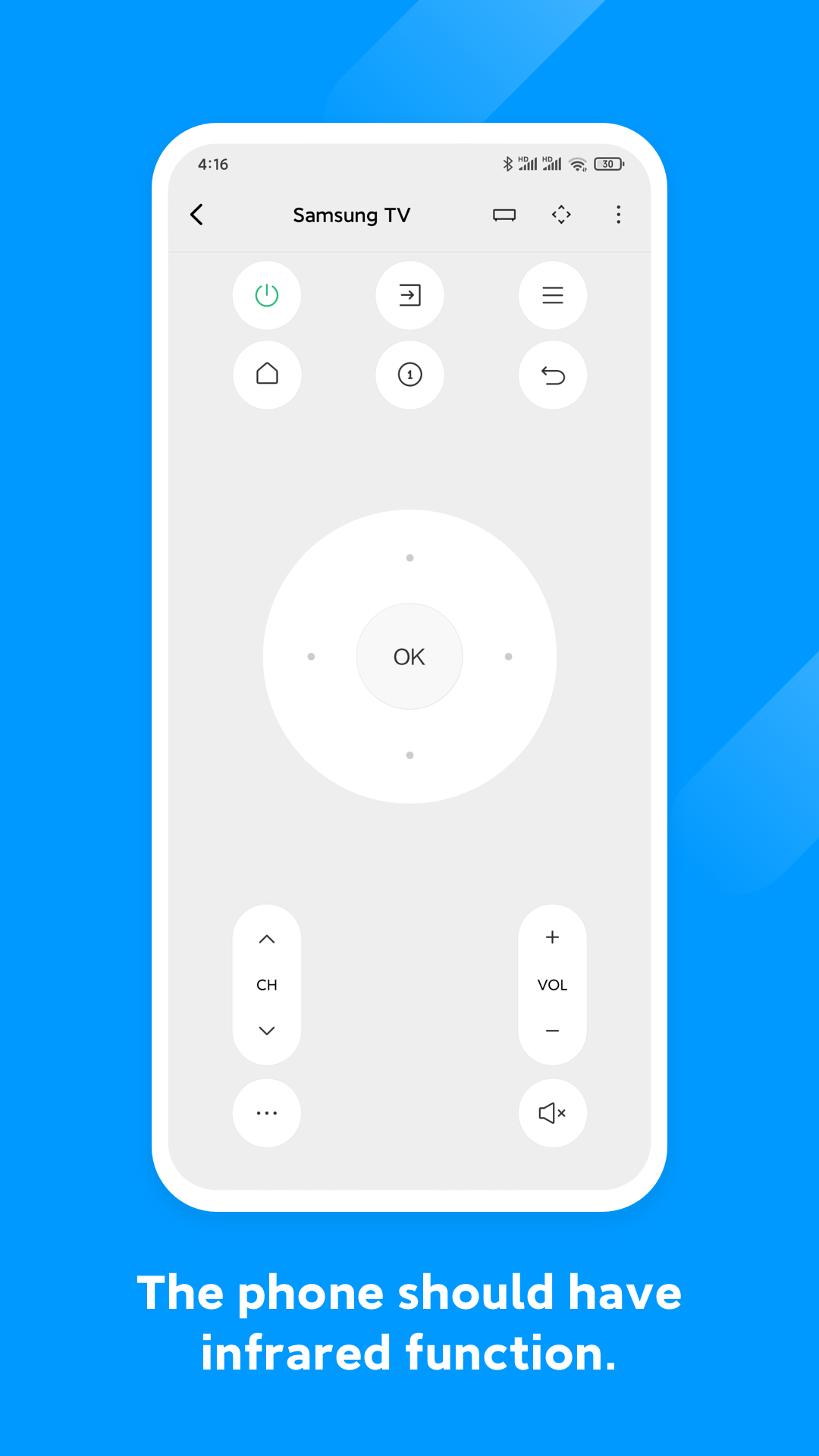
Control your electric appliances with your phone using Mi Remote. Whenever you can’t find your remote or feel like pranking your friends, Mi Remote will be there to help. We also have all the information you need about your favorite TV shows, so you can switch the channel faster, or even watch the show on your mobile device. Mi Remote brings watching TV to a new level!Supported appliances: TV, air-conditioner, set top box, DVD player, projector, A/V receiver, camera, etc.
Supported Brands: Samsung, LG, Sony, Panasonic, Sharp, Haier, Videocon, Micromax, Onida, etc.
1. Most phones with IR blasters support Mi Remote and its features.
2. All mobile devices can be used to control Mi TV/Mi Box and other smart TVs with standard protocols over Wi-Fi.
3. All mobile devices support Mi Remote’s integration with TV scheduling.
Supported phones: Samsung S4/S5/S6/S6 Edge/Note 3/Note 4, HTC One Series, Mi 4/Mi 4c/Mi 5/Mi 5S Plus/Mi 5C/Mi 5X/Mi 6, Redmi 4/Redmi 4A/Redmi 4X, Redmi Note 2/Redmi Note 3/Redmi Note4/Redmi Note4X/Redmi Note5A, Huawei Honor 3/6/6 plus
Mi Remote. Life at the tips of your fingers.