Mico - Widget & Live Wallpaper is a Personalization application developed by MICO LTD, but with the best Android emulator-LDPlayer, you can download and play Mico - Widget & Live Wallpaper on your computer.
Running Mico - Widget & Live Wallpaper on your computer allows you to browse clearly on a large screen, and controlling the application with a mouse and keyboard is much faster than using touchscreen, all while never having to worry about device battery issues.
With multi-instance and synchronization features, you can even run multiple applications and accounts on your PC.
And file sharing makes sharing images, videos, and files incredibly easy.
Download Mico - Widget & Live Wallpaper and run it on your PC. Enjoy the large screen and high-definition quality on your PC!
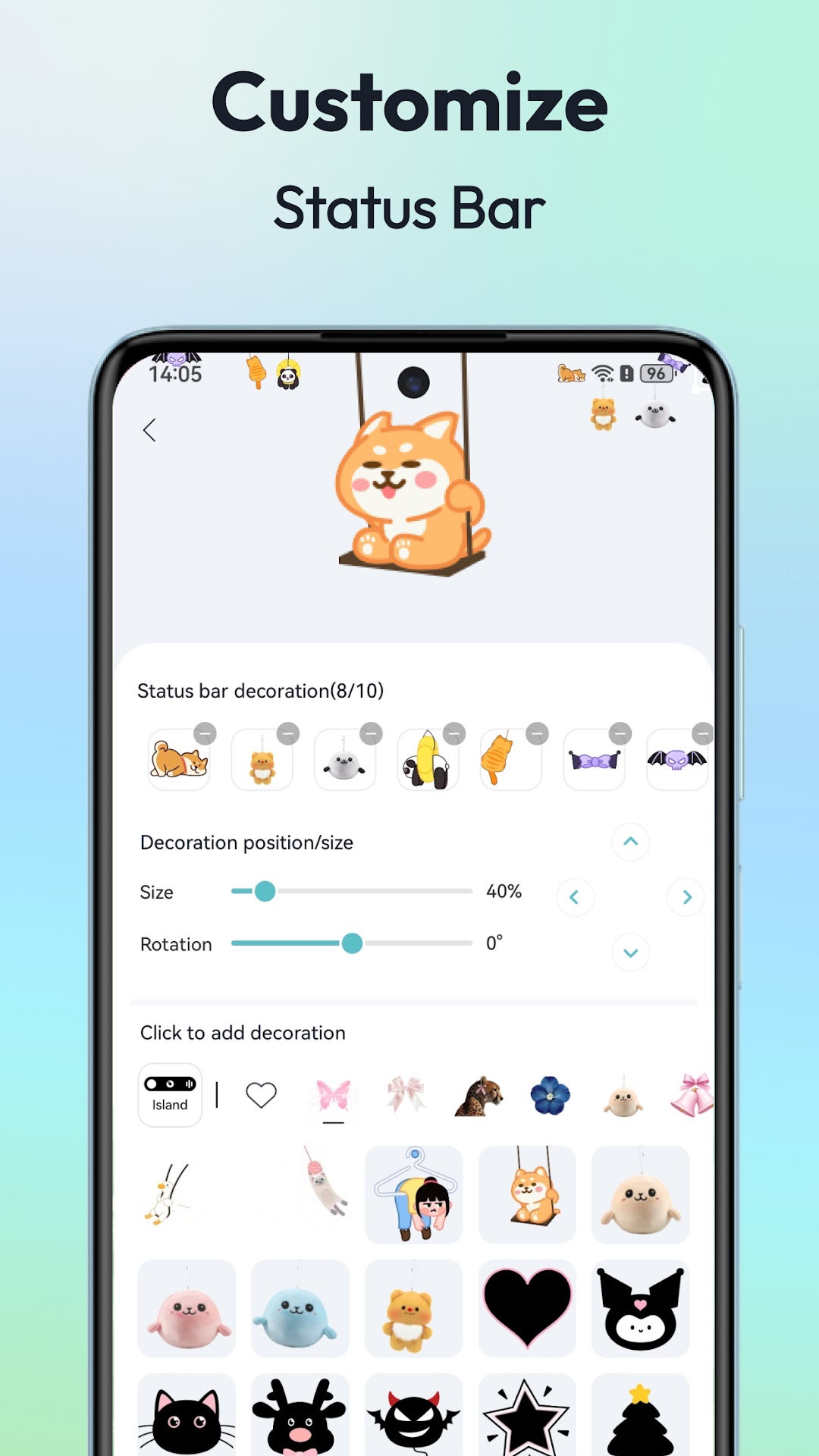
Transform your device into a creative canvas! Mico offers couple and battery widgets, 4K live wallpapers, and 1000+ customization tools to build your dream home screen. You can personalize your aesthetic phone screen- 100% unique your own “iScreen”.🚀 Why 10M+ Users Choose Mico?
✅ 1000+ Creative Widgets
・Many practical functions, photos, panels, cute battery, music player, home screen audio, creative animation, personalize your aesthetic “iScreen”.
・WidgetSimth: There are various widgets here, just like Mr.Widget-Smith, decorate your phone anytime and anywhere.
・ Widgify Tool: provide a variety of styles of DIY Widget tool, You can turn your favorite things into widget- “Widgify” Everything.
・Locket Widget: Delivers a balance between "security" (Lock) and "personalized freedom" (Et),
・Top Widgets: We have top designers from around the world providing you with high-quality, top widgets.
・Themify Design: Mico lets you “themify” your phone with custom themes and wallpapers. Whether it's the popular Labubu theme or a TikTok wallpaper, you can apply it with just one tap.
・Photo widget: provide a variety of styles of photo frames, cute pets, retro game consoles, movie film styles, everything.
✅ 4K Live Wallpaper Maker
・DIY Wallpaper: Transform your favorite photos or artistic designs into vibrant wallpapers with ease.
・Video Wallpaper: From scenic landscapes to your favorite movie clips, personalize your home screen like never before.
・Daily updated collections: Manga, Anime, Landscapes, abstract art, anime themes
・AI-powered filters & depth effects for portrait wallpapers
・Focus mode matching: Auto-switch wallpapers by time/location
✅ Lock Screen Magic
・Dynamic Widgets: Use the Couple Widget with your partner and set matching cute Battery Widgets together.
・Smart Text Designer: 500+ motivational quotes & editable typography
・Health Tracking : Custom health dashboards with real-time step counters
✅ Pro Customization Tools
・DIY Widget Builder: Convert photos/GIFs into live widgets
・Smart Layout Engine: One-tap Ins/Gaming/Kawaii style presets
・2000+ Icon Packs: Retro pixel, neon glow, marble textures
🚀 Why 10M+ Users Love Mico?
・Funny & Easy: Create your next level phonee in one Taps.
・Improve efficiency: Customize your phone as your life assistant
・Cross-Platform Sync: iOS ↔ Android style transfer
Top Widgets make it easy to decorate your “iScreen” – “themify” your phone with just one app: Mico. Download now!
Download Mico now to make your device unique!
If you have any questions, please contact us via email: mikelockscreen@163.com
Follow us:
TikTok @mico_widget
Instagram @mico_widget