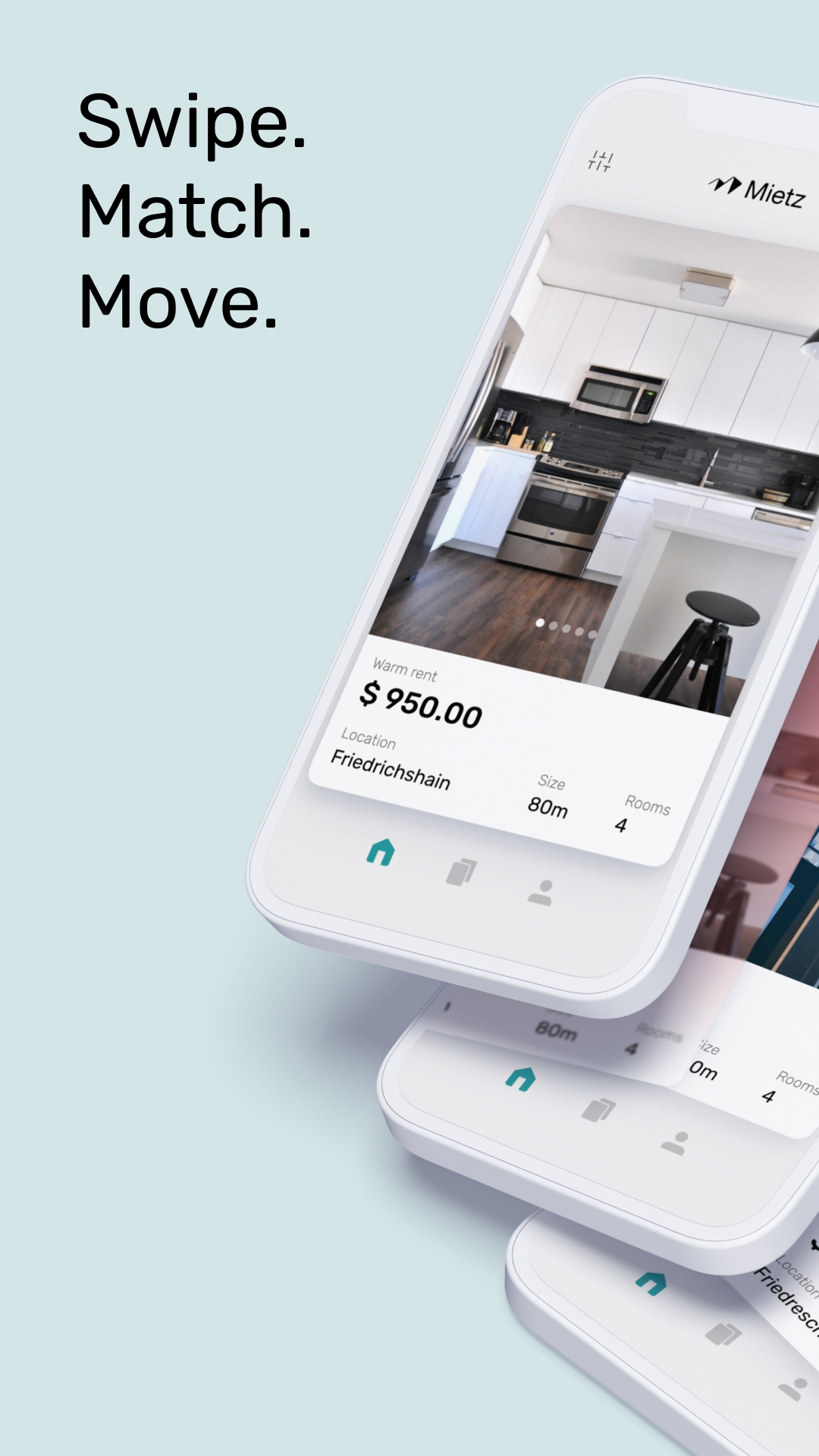
Mietz is a House&Home application developed by Mietz GmbH, but with the best Android emulator-LDPlayer, you can download and play Mietz on your computer.
Running Mietz on your computer allows you to browse clearly on a large screen, and controlling the application with a mouse and keyboard is much faster than using touchscreen, all while never having to worry about device battery issues.
With multi-instance and synchronization features, you can even run multiple applications and accounts on your PC.
And file sharing makes sharing images, videos, and files incredibly easy.
Download Mietz and run it on your PC. Enjoy the large screen and high-definition quality on your PC!
Mietz is the first fully digitized renting platform for landlords and tenants.Are you looking for a new flat?
Mietz helps you to find an apartment that matches your needs. You start by entering your dream flat in the app, and our algorithm pre-sorts thousands of listings that match your wishes.
If you like what you see - Swipe right to finish your personalized application.
Looking for a flat? Here's how it works with Mietz:
• Answer our questions to define your dream flat.
• Setup your profile that describes you as a tenant and add a short introductory video.
• Our holistic matching system considers all your priorities to find you the ideal flat.
• Book a viewing appointment and see the flat in person, alternatively view through virtual reality (coming soon!)
• Sign the digital lease agreement right in the app after a successful viewing.
Are you a landlord? Automate your processes with Mietz:
• List your flat by providing pictures and point out important features.
• Start receiving matches with personalized verified tenant profiles.
• Schedule viewing appointments or offer a virtual tour
• Approve the perfect tenant and send out our standard lease agreement or upload yours.
• Get a qualified electronic signature (QES) that complies with regulations to finish up the renting process. This is only possible with Mietz!
Looking for a flat share in Berlin, Frankfurt, Braunschweig, Munich or Düsseldorf? We know the difficulties. When we were looking for student flat shares ourselves, we almost despaired.
We are a young start-up from Berlin and have set out to simplify your flat search.
We want to replace traditional flat portals such as Immobilienscout24, Immonet, Immowelt de, WG Gesucht de, Nebenan de, Housing Anywhere, Immobilienscout etc. with our 100% legally secure solution thanks to a digital rental contract.
Looking for a flat share? Find your new flat. With Mietz - your new favourite flat-sharing app.
Download Mietz now and convince yourself!
If you have any further questions, write to info@mietz.app, and we will be happy to support you.
mietz.app