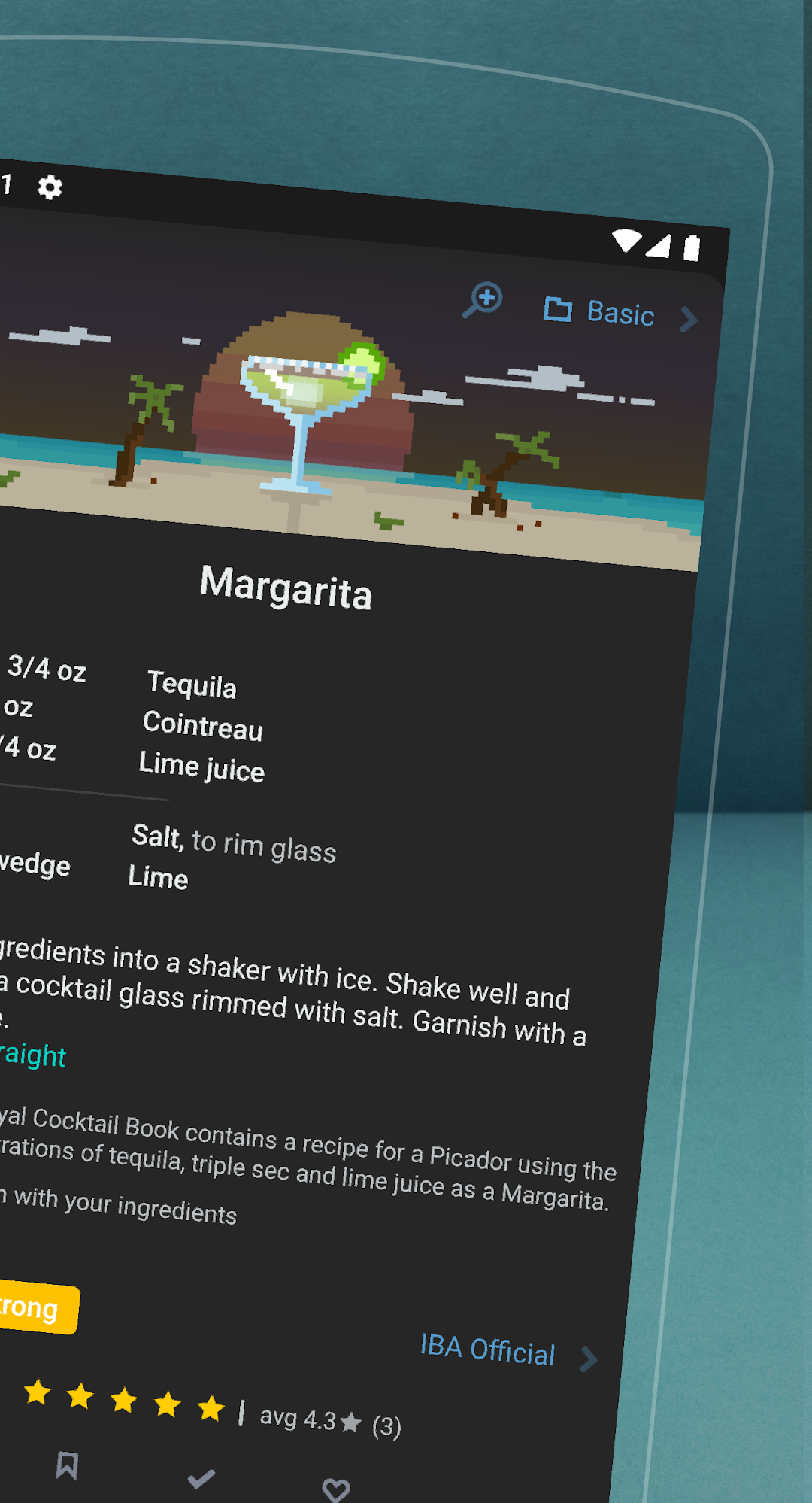
Mixel: Cocktail Recipes & Bar is a Tools application developed by Cool Font, but with the best Android emulator-LDPlayer, you can download and play Mixel: Cocktail Recipes & Bar on your computer.
Running Mixel: Cocktail Recipes & Bar on your computer allows you to browse clearly on a large screen, and controlling the application with a mouse and keyboard is much faster than using touchscreen, all while never having to worry about device battery issues.
With multi-instance and synchronization features, you can even run multiple applications and accounts on your PC.
And file sharing makes sharing images, videos, and files incredibly easy.
Download Mixel: Cocktail Recipes & Bar and run it on your PC. Enjoy the large screen and high-definition quality on your PC!
🍸 What cocktails can you make right now? Add your ingredients and instantly discover drinks you can mix - Martini, Margarita, Old Fashioned, Mojito, Negroni, Whiskey Sour, and 2,600+ more cocktail recipes.🤖 Meet Bart, your AI bartender. Chat with Bart to invent new drinks based on your ingredients, mood, or flavor preferences. Snap a photo of your bar - Bart will suggest what to make. Instantly preview and save generated recipes to your collection.
☁️ Sync across all your devices. Your home bar, favorites, custom recipes, and tasting notes. All backed up and available on any device
🏆 2,600+ cocktail recipes. Classic and craft drinks from world-renowned bartenders and cocktail books — whiskey cocktails, gin drinks, rum cocktails, vodka mixed drinks, tequila recipes, tiki drinks, and more.
🍹Your personal home bar manager. Add the bottles you own and see every cocktail you can make. Search by ingredient, filter by spirit or flavor, sort by "can make now" to find the perfect drink for any occasion.
👅 Find drinks by flavor. Every recipe is tagged — sour, sweet, strong, bitter, herbal, dry, spicy. Browse recipe packs: holiday cocktails, summer drinks, low-ABV aperitivo, tiki cocktails, bourbon drinks, gin cocktails, and more.
✨ Create & share your own recipes. Build custom cocktails, save them to your collection, and share with friends via link or QR code.
🎨 Thoughtful design. Hand-crafted pixel art for every ingredient. A bartender app that's actually fun to use.
Free version includes:
• 100+ classic cocktail recipes (Margarita, Mojito, Daiquiri, Negroni & more)
• All 600+ ingredients to build your home bar
• Filter by flavor, favorites, bookmarks, and more
• Create and save your own custom recipes
• Shopping list + Mixel Maximizer (answers the question of which bottle to buy next)!
• Tasting notes on any recipe
• Light & dark themes that match your system
Mixel Premium - Unlock Everything:
• All 2,600+ cocktail recipes (with new recipes added regularly)
• Unlimited AI bartender (Bart) conversations
• Share recipes and bars with friends in real-time
• Rate recipes and join the community discussion
• Advanced filters: source, hashtags, glassware, ingredients
• Ingredient details: history, ABV%, sugar content
• All 10+ color themes (multiple light and dark mode themes)
Martini. Mojito. Margarita. Mai Tai. Old Fashioned. Negroni. Aperol Spritz. Whiskey Sour. Daiquiri. Cosmopolitan. If it's in a glass, it's in Mixel.
Download the best cocktail recipe app for Android.