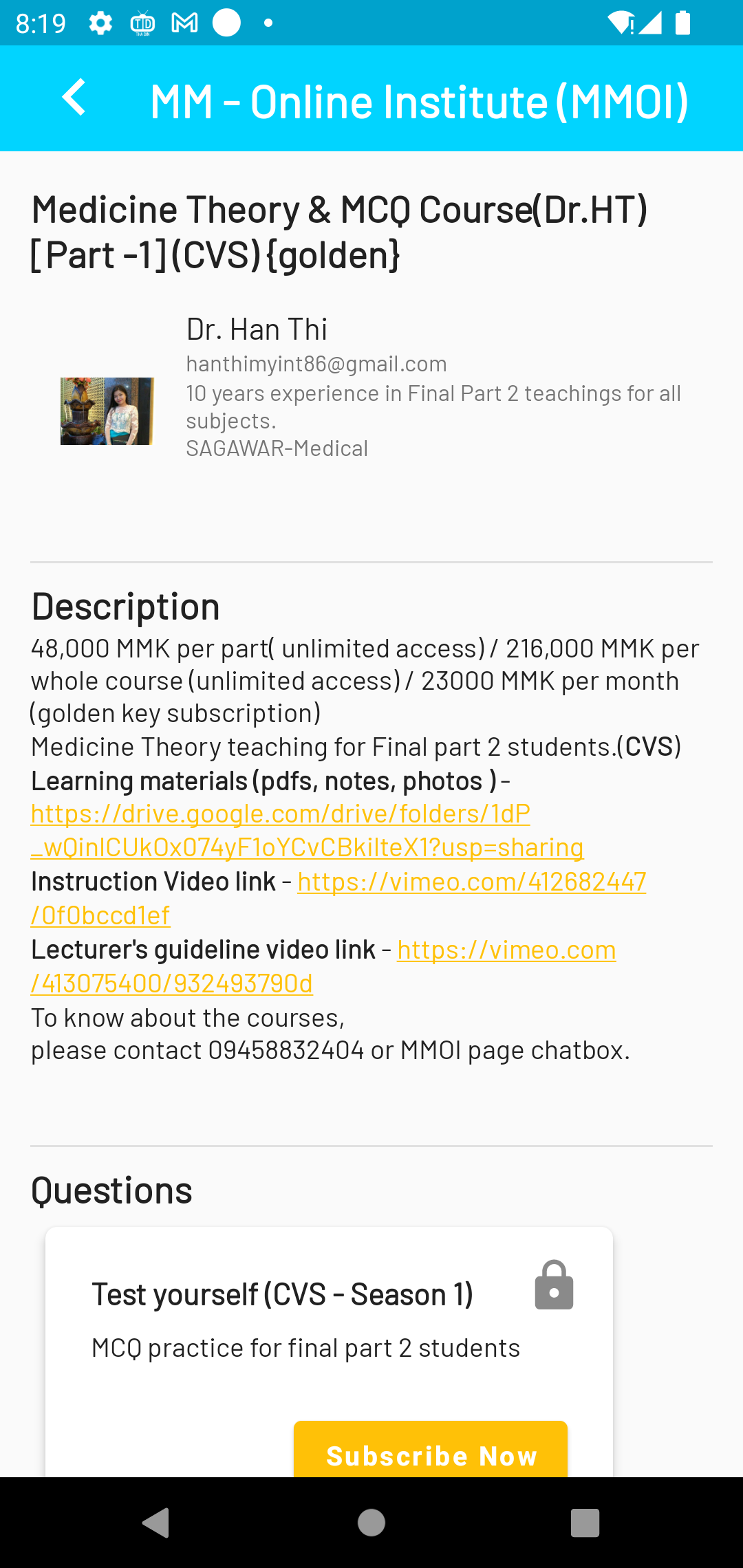


MMOI 2.0 is a Education application developed by MMOI Tech, but with the best Android emulator-LDPlayer, you can download and play MMOI 2.0 on your computer.
Running MMOI 2.0 on your computer allows you to browse clearly on a large screen, and controlling the application with a mouse and keyboard is much faster than using touchscreen, all while never having to worry about device battery issues.
With multi-instance and synchronization features, you can even run multiple applications and accounts on your PC.
And file sharing makes sharing images, videos, and files incredibly easy.
Download MMOI 2.0 and run it on your PC. Enjoy the large screen and high-definition quality on your PC!
This application is aimed for "Easy way to learn".This application also contains Vacancies and Book Store.
The education system contains 2 parts- Undergraduate and Postgraduate.
Both undergraduate and postgraduate contains
-video lectures from popular classes,
-Multiple choice questions(MCQs) training classes, Fill in the blanks training classes
-multiple links to live teaching classes
for Multiple subjects and skill improvement.
Thousands of questions,
Hundreds of Videos,
Thousands of videos, voice recordings, document files and links are included to support your learning.
Please rate and give feedback to our app in this playstore.
Thanks for reading....