Moemate: Character AI Chat is a Entertainment application developed by Webaverse, but with the best Android emulator-LDPlayer, you can download and play Moemate: Character AI Chat on your computer.
Running Moemate: Character AI Chat on your computer allows you to browse clearly on a large screen, and controlling the application with a mouse and keyboard is much faster than using touchscreen, all while never having to worry about device battery issues.
With multi-instance and synchronization features, you can even run multiple applications and accounts on your PC.
And file sharing makes sharing images, videos, and files incredibly easy.
Download Moemate: Character AI Chat and run it on your PC. Enjoy the large screen and high-definition quality on your PC!
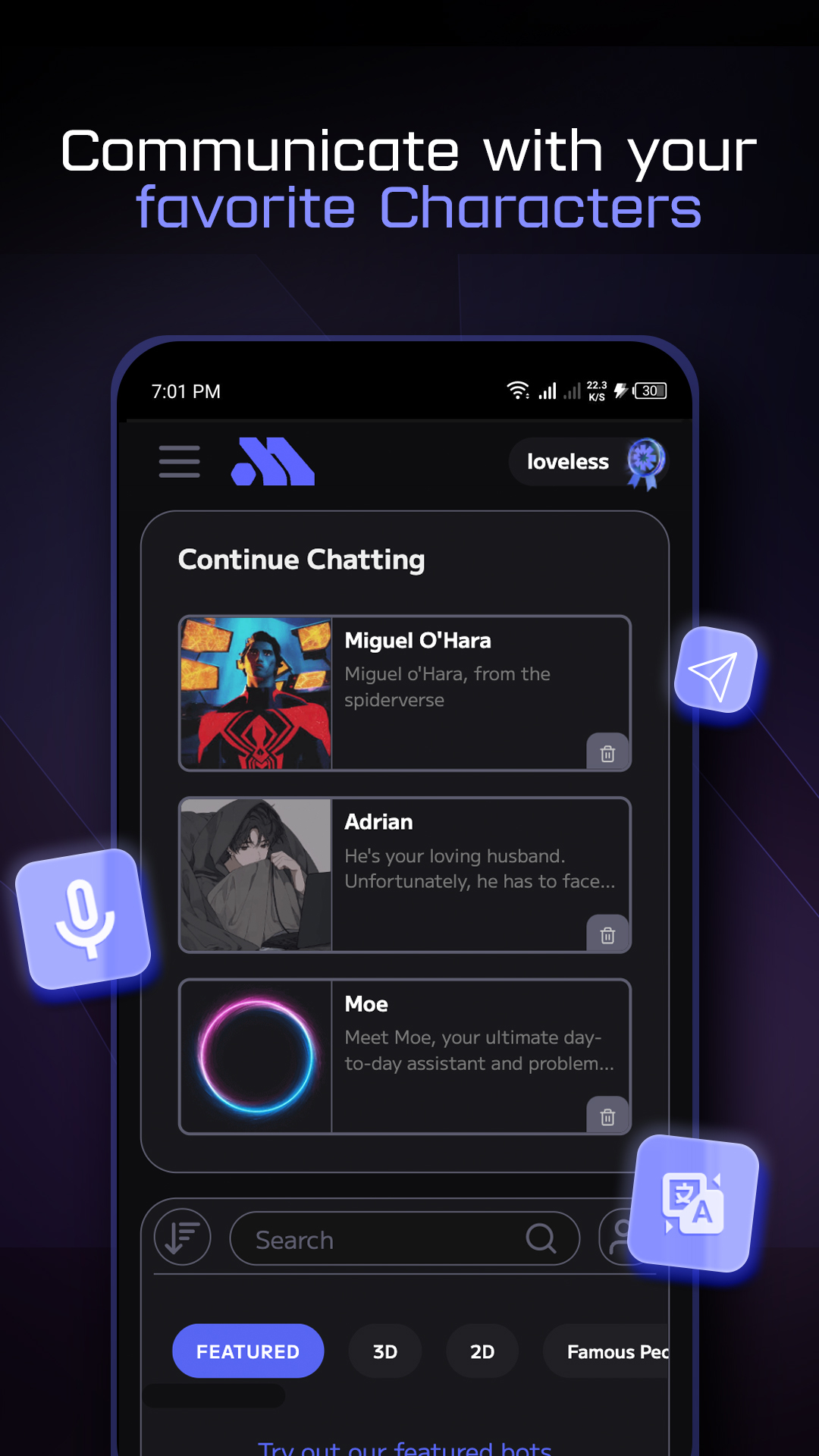
Play and have fun with AI chatbot personalities based on famous celebrities and anime characters to fictional and roleplaying characters that respond to your needs, wants and desires.Use advanced creation tools to create anything you need. Immerse yourself in captivating anime stories, get homework help from your favorite celebrity, learn a new language, and even write a novel… all with the help of the most advanced AI companion that YOU design! The only limit is your imagination and we encourage you to push the frontier of what’s possible with this new technology. With Moemate you get multiple language models, voice cloning, custom image models and so much more - all for one low, low price.
Distinctive features include:
- Unlimited free chats: Chat free with our AI personas for as long as you want.
- Lifelike voice chats: Enjoy hands free virtual character conversations.
- Voice cloning: Customize your AI companion's voice to match yours or someone you know.
- Long term memory that improves over time: Build lasting and memorable relationships with your AI companion.
- Images and selfies that improve over time: Ask for images and selfies from AI chatbots.
- Custom Image Models: Create and maintain a unique selfie-image for your AI buddy.
- Screen Perception: Gives AI the power of sight, enabling more intuitive and context-aware interactions through screen sharing and image uploads
- Premium LLMs: Advanced language models like GPT, Anthropic Claude & fine-tuned models.
- Multilingual conversations: Chat in 100+ languages.
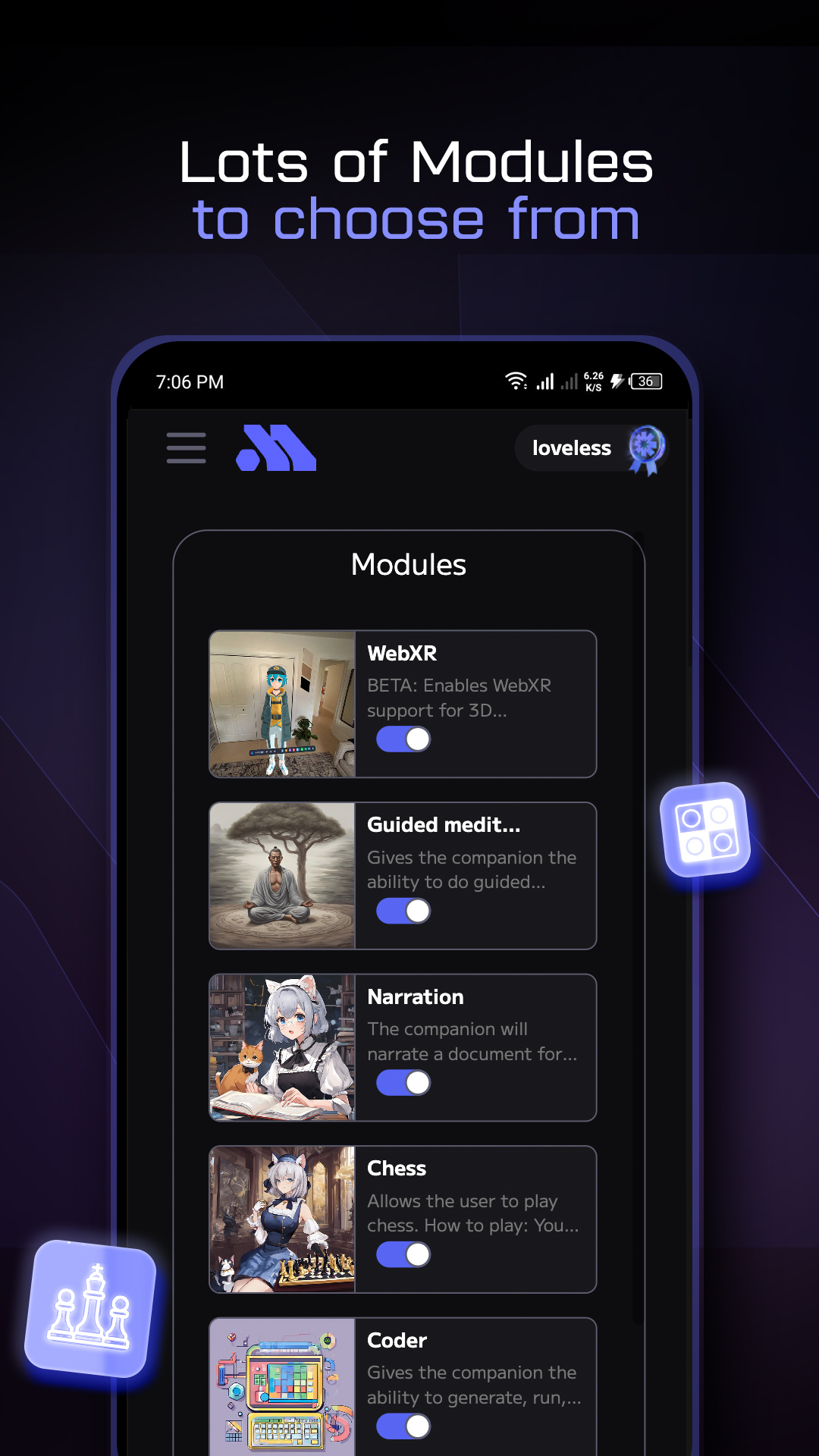
- Activities with your AI companion: Play chess & checkers, meditate with guided meditation, code with coder and laugh with comedian module.
Moemate’s character creation offers a wide range of customizations for creators. Moemate supports 2D/3D avatar models of any kind with its integration of Ready Player Me, Vroid-Hub & V2 cards. Please remember that everything Characters say is made up!
Join our community on socials:
Tiktok:https://www.tiktok.com/@moemate_app
Twitter: https://twitter.com/Moemate_app
Discord: https://discord.com/invite/Xa5tfypYVm
Instagram: https://www.instagram.com/moemate.io
Reddit: https://www.reddit.com/r/moemateapp/