Monica AI: Ultimate AI Assist is a Productivity application developed by BUTTERFLY EFFECT PTE. LTD., but with the best Android emulator-LDPlayer, you can download and play Monica AI: Ultimate AI Assist on your computer.
Running Monica AI: Ultimate AI Assist on your computer allows you to browse clearly on a large screen, and controlling the application with a mouse and keyboard is much faster than using touchscreen, all while never having to worry about device battery issues.
With multi-instance and synchronization features, you can even run multiple applications and accounts on your PC.
And file sharing makes sharing images, videos, and files incredibly easy.
Download Monica AI: Ultimate AI Assist and run it on your PC. Enjoy the large screen and high-definition quality on your PC!
Meet MonicaYour all-in-one AI companion for chat, search, writing, translation, and creative images/videos. Powerful enough to handle any task, simple enough to use anywhere. Powered by cutting-edge models like GPT-5.4 Pro, GPT-5.4, Claude 4.6 Sonnet, Claude 4.6 Opus, GPT- 5.3 Codex, Claude 4.5 Sonnet & DALL.E 3, Monica is designed to supercharge your productivity and creativity.
With Monica in your pocket, you'll get:
[Smart AI Chat Experience]
Top AI Models: Access premium AI models (GPT-5.4 Pro, Gemini 3.1 Pro, Claude 4.6 Sonnet, Gemini 3.0, Google Nano Banana 2 and more) in one place.
Instant Answers: Sub-second response times for real-time problem solving.
Voice Mode: Tap the headphones icon to chat in voice mode. Save yourself the trouble of typing.
[Creative Art Studio]
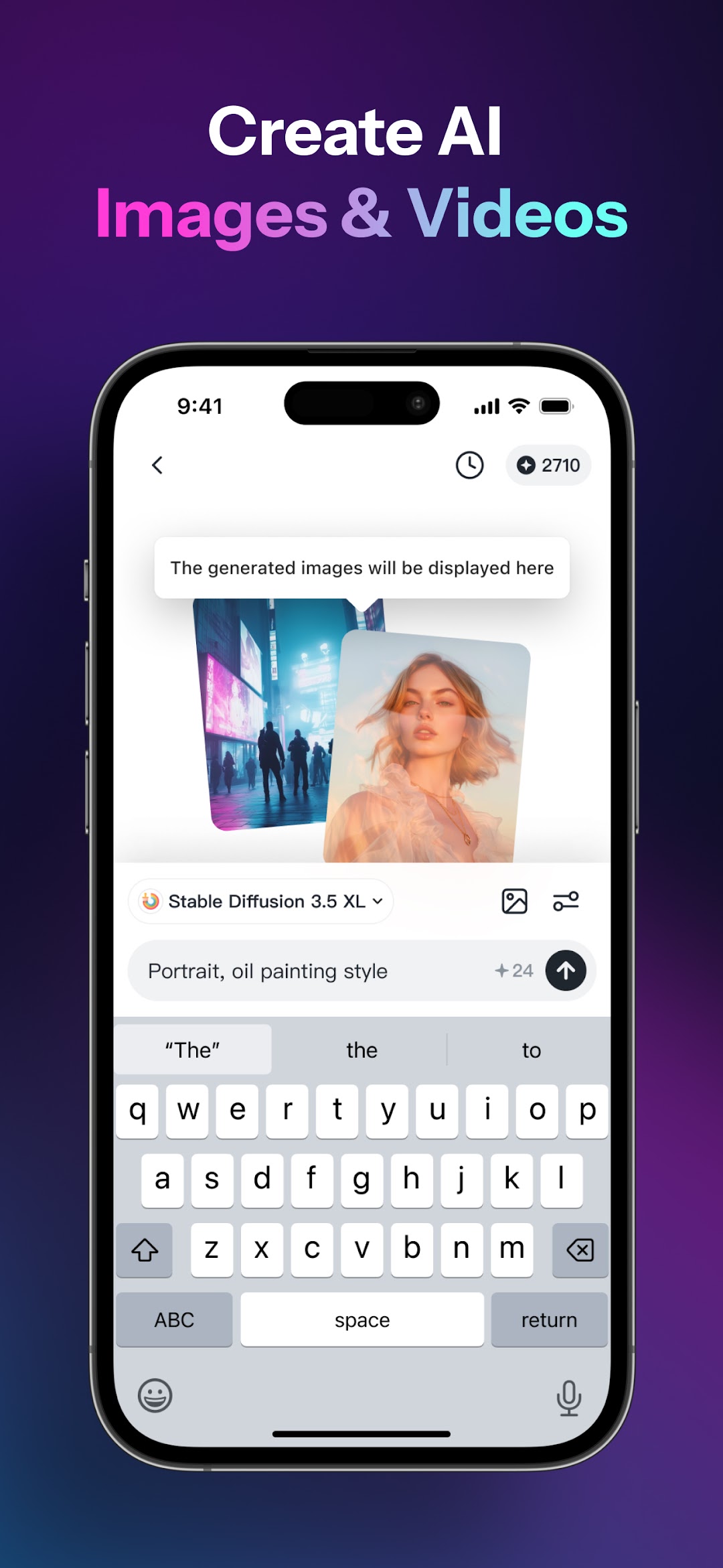
Text-to-Image: Create visuals with Google Nano Banana 2, Nano Banana, DALL.E 3, Stable Diffusion, Flux, Recraft, Ideogram, Playground and Imagen. 50+ artistic styles.
Text-to-Video: Convert static images into animated stories with dynamic transitions. Powered by Sora 2, SVD, Runway Gen-3, and Pika.
Pro Image Editing: Remove objects, upscale resolution, or adjust backgrounds with one click.
[Intelligent Search & Summaries]
Smart Search Agent: Ask complex questions - Monica cross-references keywords and delivers curated answers.
Instant Summaries: Extract key points and mindmaps from webpages, PDFs, YouTube videos in seconds.
Chat With Files: Upload PDFs or images to ask questions directly.
[Study & Writing Toolkit]
AI Writing Templates: Generate essays, reports, or emails with adjustable tone and structure.
AI Humanizer: Rewrite content to sound human while preserving meaning.
AI Tutor: Solve academic problems across all subjects with photo-to-solution feature.
[Global Translation Hub]
Real-Time Voice Translator: Speak freely - Monica converts speech across languages instantly.
PDF Translation: Translate entire documents while preserving layout.
Parallel Translation: Compare original and translated texts side-by-side for accuracy.
[Your AI Knowledge Vault]
Save webpages, chat logs, images, and PDFs into Memo - retrieve them through natural conversations. As your Memo grows, Monica offers smarter, personalized responses.
[Play & Explore]
Voice Cloning: Mimic any voice style for fun or professional use.
Photo Analysis: Take a picture to identify plants, insects, mushrooms, coins, and other items.
Roast Master: AI Roast Generator for Instagram, TikTok, Facebook, Twitter.
Make It More: Turn AI drawings into quirky story videos with one click.
Give it a whirl and prepare to be wowed by AI Chat!
Explore even more AI magic at our web version: https://monica.im
Privacy Policy: https://monica.im/privacy
User Agreement: https://monica.im/terms
Dive in now - let Monica redefine your digital world!