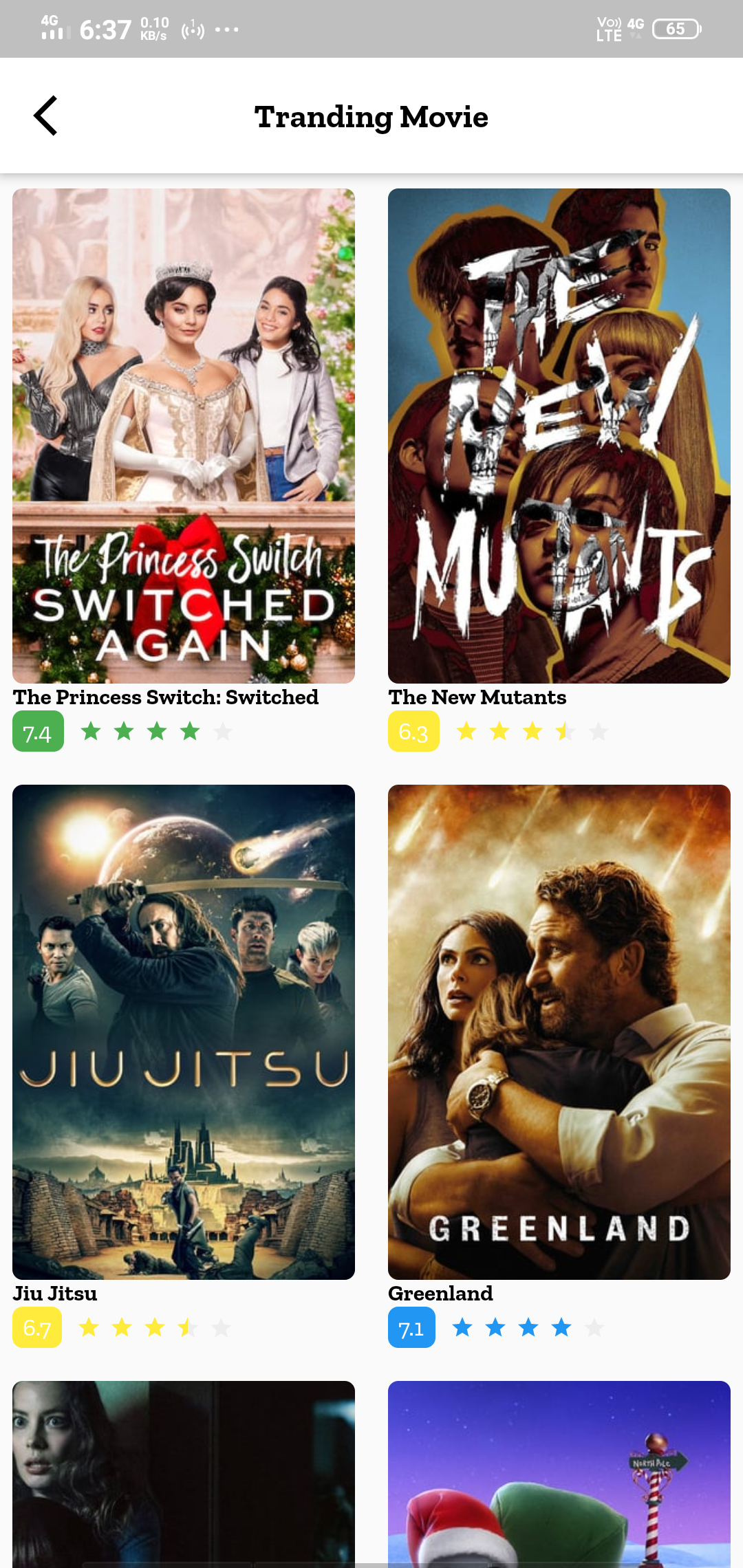
Run Movies4u on PC
Elevate your movie-watching experience with Movies4u, the ultimate movie-tracking app! With its sleek and user-friendly interface, it's a breeze to keep track of all the films you've seen and discover new ones to add to your watchlist. And with its integration of IMDb's extensive database of reviews and information, you can make informed decisions about your cinematic choices. Plus, with a variety of pricing options and the ability to share with friends via special codes, Movies4u is the perfect companion for any film enthusiast. LDPlayer 9 is the best emulator to Run Movies4u on PC.
Movies4u features:
-
Keep track of movies.
-
Gather information and reviews from the IMDb database.
-
User-friendly interface.
-
Allows users to input movies they have seen.
-
Functions as a movie recommendation tool.
-
Pricing starts at $0, with additional features available for purchase.
-
Offers a top contributor badge and codes for sharing with others.
Enjoy Movies on a Bigger Screen
Although an app can be helpful for recommending films based on viewing habits, seeing a film on a small screen is never enjoyable. The quality of the experience may suffer when using it on a smaller screen. This is why you should use LDPlayer to run Movies4u on your computer, as its ability to boost graphics will ensure that you have a far more enjoyable experience than you would on a mobile device. In a matter of seconds, you may customize your experience to your liking and get the full Benefits.