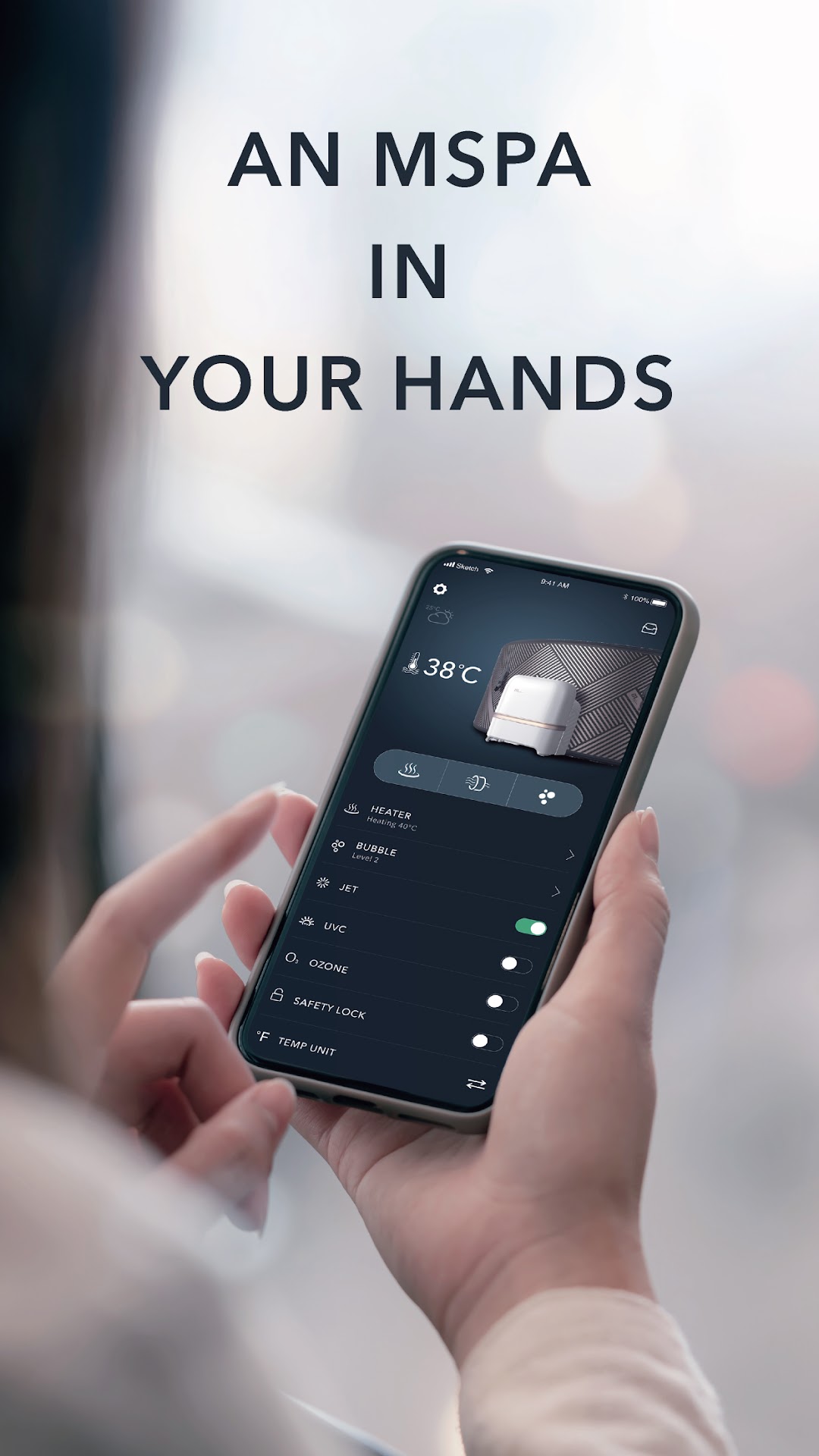
MSpa Link is a Lifestyle application developed by Technology Center of ORPC, but with the best Android emulator-LDPlayer, you can download and play MSpa Link on your computer.
Running MSpa Link on your computer allows you to browse clearly on a large screen, and controlling the application with a mouse and keyboard is much faster than using touchscreen, all while never having to worry about device battery issues.
With multi-instance and synchronization features, you can even run multiple applications and accounts on your PC.
And file sharing makes sharing images, videos, and files incredibly easy.
Download MSpa Link and run it on your PC. Enjoy the large screen and high-definition quality on your PC!
As a senior brand focus on developing and producing high-quality inflatable spas, we always aim to let our users enjoy a wholesome lifestyle in the easiest way. Now we made a step forward to present MSpa Link application, it will look after all you needs concerning using the spa.With this App, you will enjoy below benefits:
Remotely control your spa at any time in anywhere.
It's just like a real control panel, but a portable and smarter one. All operations that can be done by physical panel now can be done with this App by just a click. Including but not limited to heater setting, bubbling, UVC and Ozone sanitizing, control panel locking…
Get all kinds of supports quickly than ever
The app offers technical support such as manual, installation videos, FAQ… It will also lead you to service providers if the prementioned guidance cannot fix the problem or answer your question.
Fully know about your spa
With the help of MSpa Link, you are not only using the spa, but also get to know it in every aspect. You can easily find spa serial number, Wi-Fi version. We will send you tips to better maintain the spa. When it’s in wrong conditions, we will send alarms so you could notice and fix the problem in time.
Share your spa with beloved ones.
As spa owners, you can share control authority to your friends or families.