

Multiple Watch Video is a Tools application developed by Kimmiroll, but with the best Android emulator-LDPlayer, you can download and play Multiple Watch Video on your computer.
Running Multiple Watch Video on your computer allows you to browse clearly on a large screen, and controlling the application with a mouse and keyboard is much faster than using touchscreen, all while never having to worry about device battery issues.
With multi-instance and synchronization features, you can even run multiple applications and accounts on your PC.
And file sharing makes sharing images, videos, and files incredibly easy.
Download Multiple Watch Video and run it on your PC. Enjoy the large screen and high-definition quality on your PC!
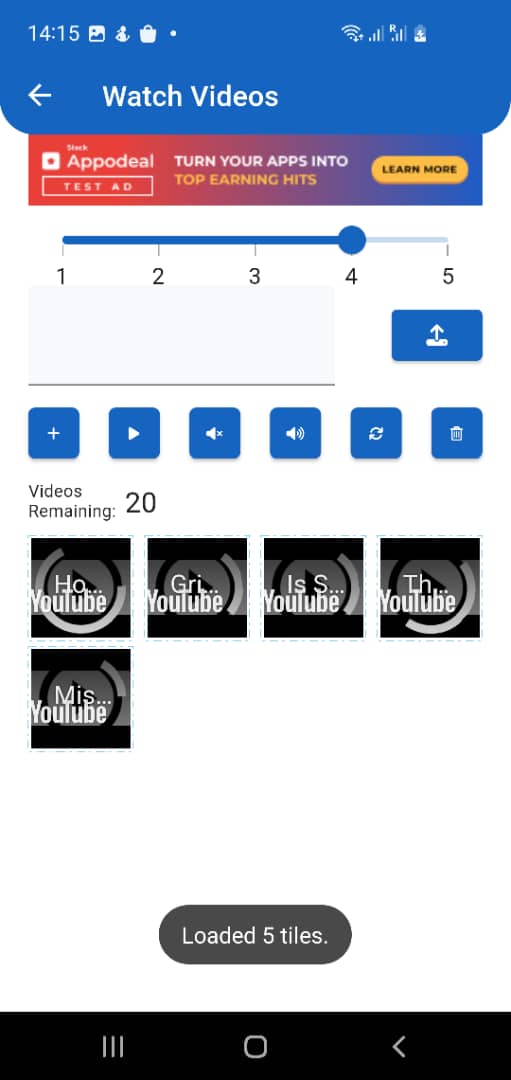
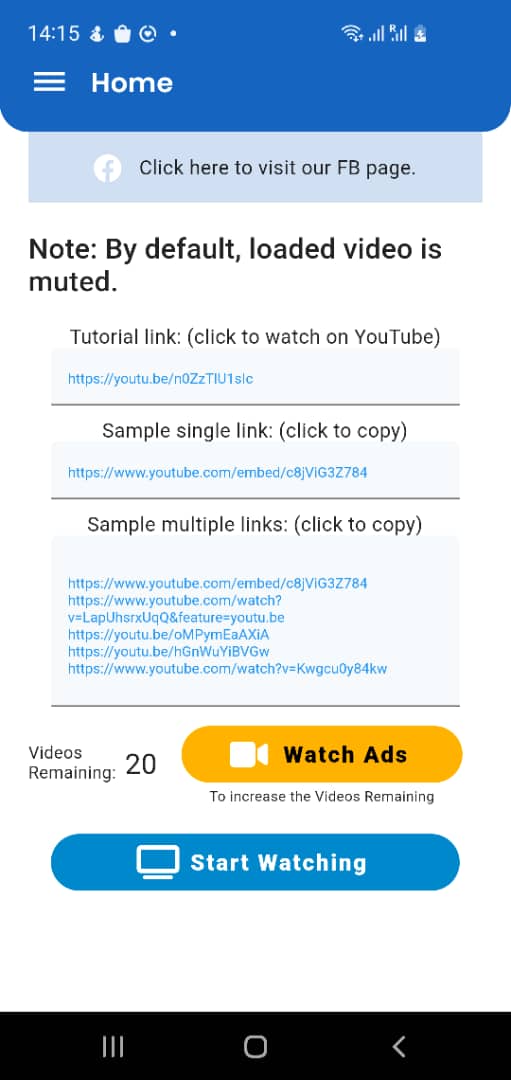
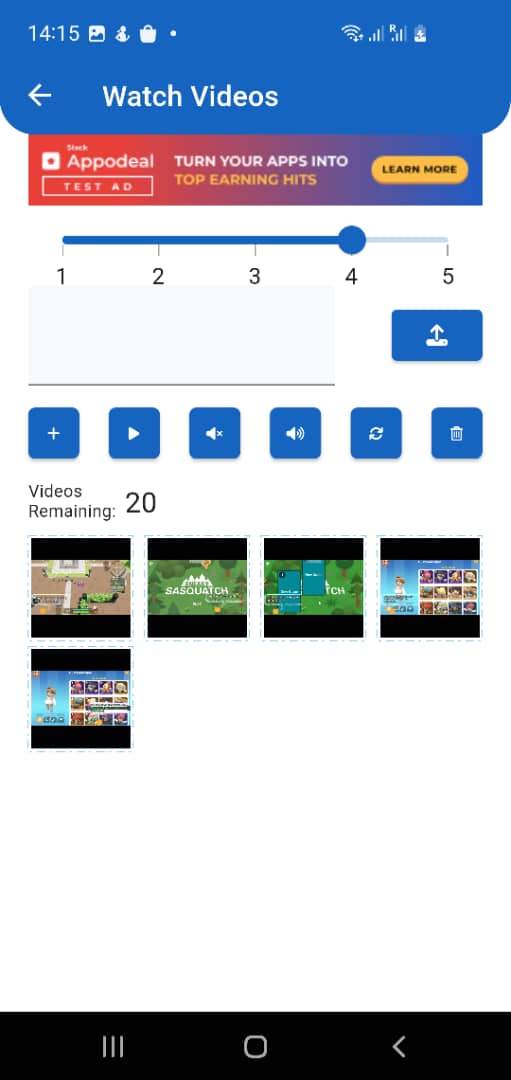
"Multiple Watch Video" is an unique app that enables users to watch multiple videos on large screens, such as those found in televisions. The app has a simple, user-friendly interface that makes it simple to navigate and find videos to watch.One of the key features of "Multiple Watch Video" is the ability to watch multiple videos at the same time. This feature is especially useful for users who want to watch multiple events or shows at the same time, such as sports highlights or news updates. Users can customise their viewing experience by changing the size and position of each video on the screen.
"Multiple Watch Video" is compatible with a wide range of devices and can be used on any device with a large screen, such as a television. As a result, it is a versatile app that can be used in a variety of settings, whether at home or on the go.
Overall, "Multiple Watch Video" is an app that offers a unique and convenient way to watch multiple videos on large screens. Its ability to play multiple videos simultaneously, robust search function, picture-in-picture mode, and wide compatibility make it a valuable addition for anyone who wants to keep up with multiple events or shows at once.