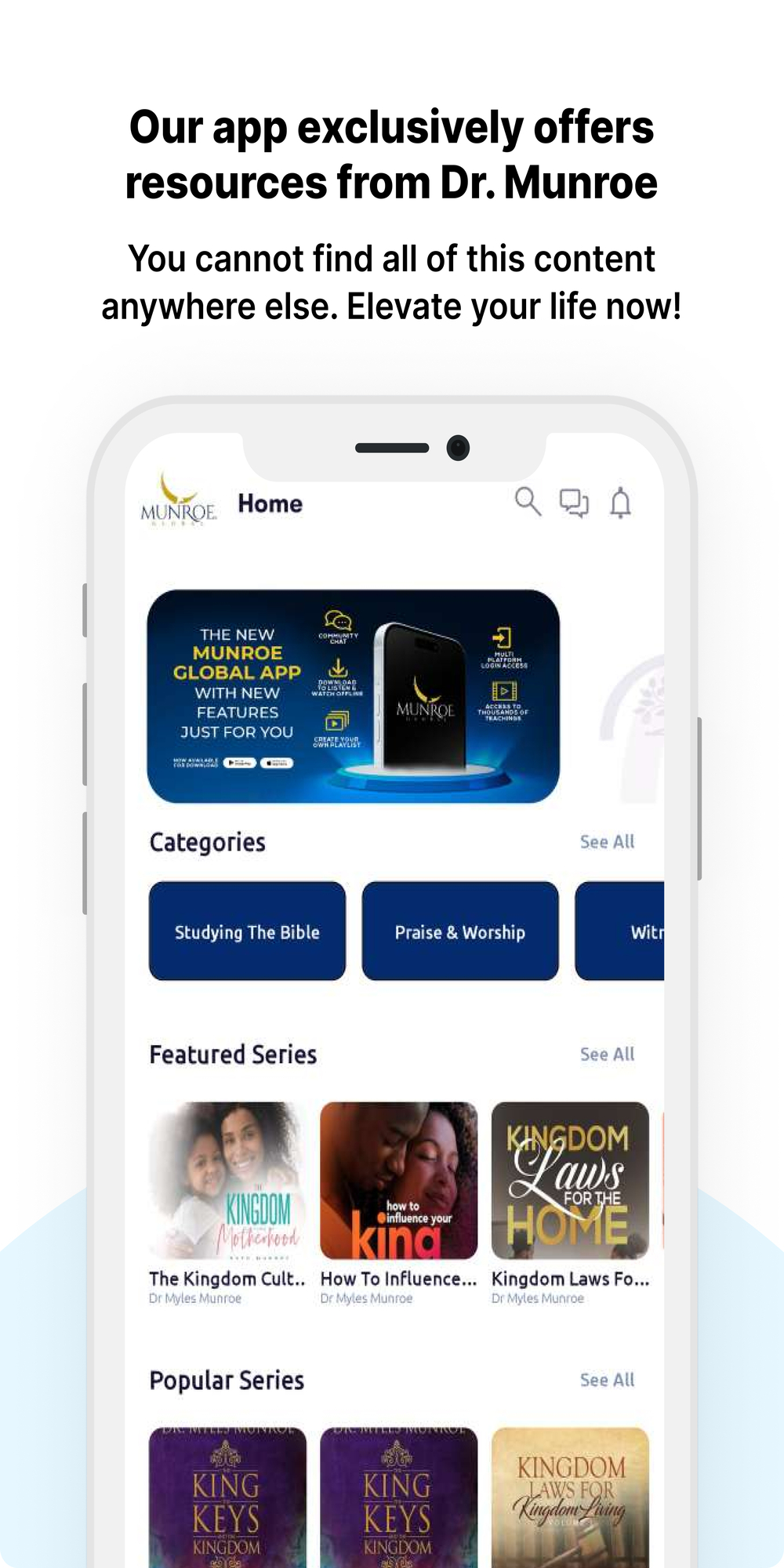
Munroe Global Media is a Lifestyle application developed by Munroe Global, but with the best Android emulator-LDPlayer, you can download and play Munroe Global Media on your computer.
Running Munroe Global Media on your computer allows you to browse clearly on a large screen, and controlling the application with a mouse and keyboard is much faster than using touchscreen, all while never having to worry about device battery issues.
With multi-instance and synchronization features, you can even run multiple applications and accounts on your PC.
And file sharing makes sharing images, videos, and files incredibly easy.
Download Munroe Global Media and run it on your PC. Enjoy the large screen and high-definition quality on your PC!
The Official Myles Munroe App. Munroe Global Media grants you access to audio and video resources developed by Dr. Myles Munroe and the Munroe family. We are delighted to provide you with exclusive content only available through this app. Our desire is to make all of Dr. Munroe's teachings available to you dating back to the late 1980s and we will be constantly updating our content with resources as they are made available.Create your own playlists, download your content of choice to listen to and watch offline, and enjoy hundreds of hours of teaching by Dr. Munroe as often as you would like.
All content in the Featured Series, Popular Series, and Featured Videos sections are free for all users. To access any additional content, you will need to subscribe. Our subscription options include:
• Monthly Subscription - $9.99, billed each month
• Annual Subscription - $99.99, billed the total annual fee from the date of purchase. Prices may vary slightly, depending on your country and currency. Subscriptions renew automatically unless canceled at least 24hrs prior to the end of the subscription.