MuscleWiki: Workout & Fitness is a Health&Fitness application developed by MuscleWiki SEZC, but with the best Android emulator-LDPlayer, you can download and play MuscleWiki: Workout & Fitness on your computer.
Running MuscleWiki: Workout & Fitness on your computer allows you to browse clearly on a large screen, and controlling the application with a mouse and keyboard is much faster than using touchscreen, all while never having to worry about device battery issues.
With multi-instance and synchronization features, you can even run multiple applications and accounts on your PC.
And file sharing makes sharing images, videos, and files incredibly easy.
Download MuscleWiki: Workout & Fitness and run it on your PC. Enjoy the large screen and high-definition quality on your PC!
Stop guessing in the gym. Start building muscle with MuscleWiki, the simple, powerful, and 100% ad-free workout tracker and fitness planner.We believe fitness should be accessible to everyone, everywhere. That’s why our core features, including our massive exercise library with video demos, work perfectly offline.
FEATURES THAT DELIVER RESULTS:
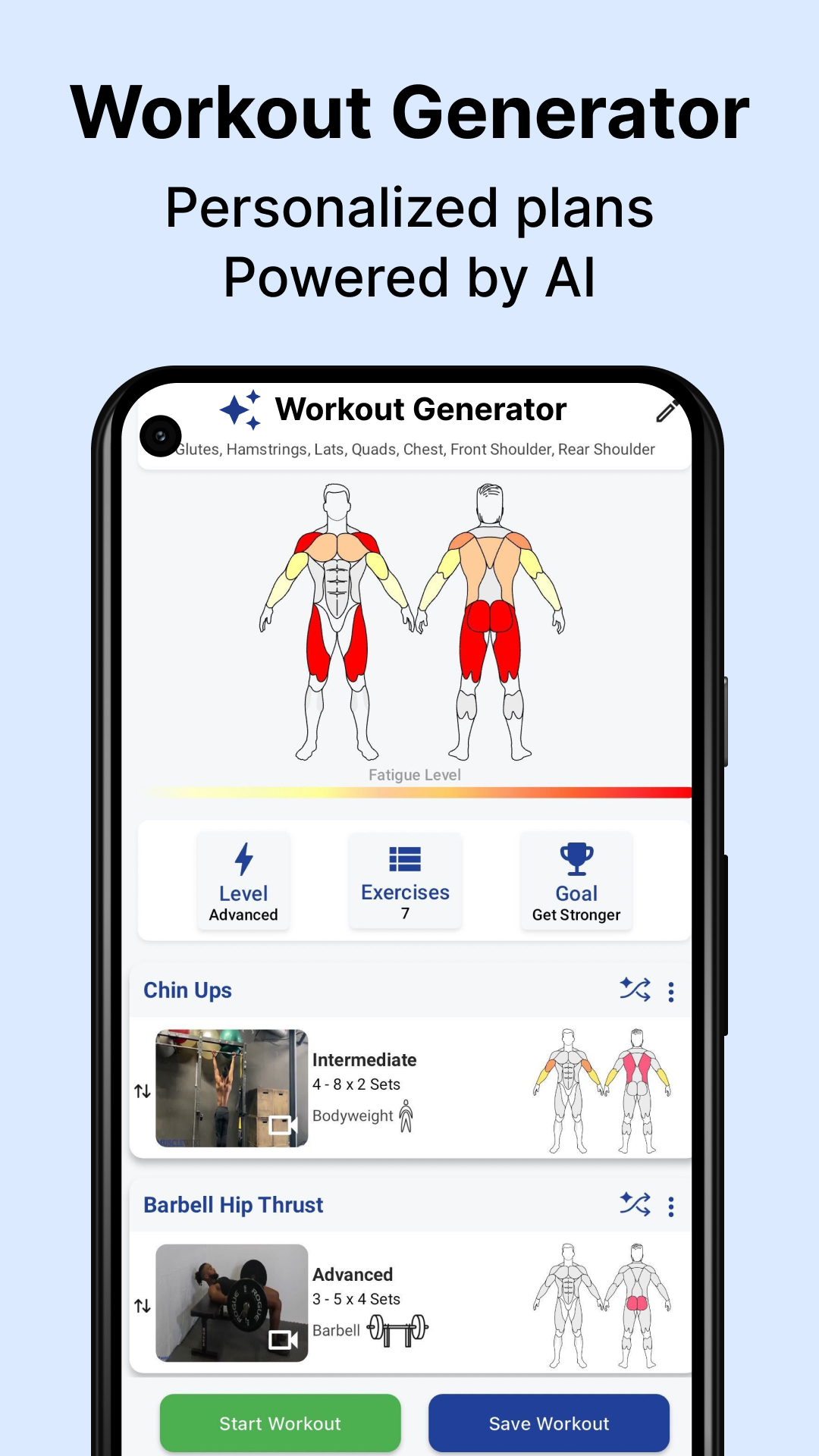
AI Personal Trainer: Get intelligent workout routines customized for your goals—muscle gain, weight loss, and more.
The Ultimate Exercise Finder: Use our unique interactive body map to target any muscle group with precision.
Massive Exercise Library: Over 1,700+ exercises with clear video demonstrations to perfect your form.
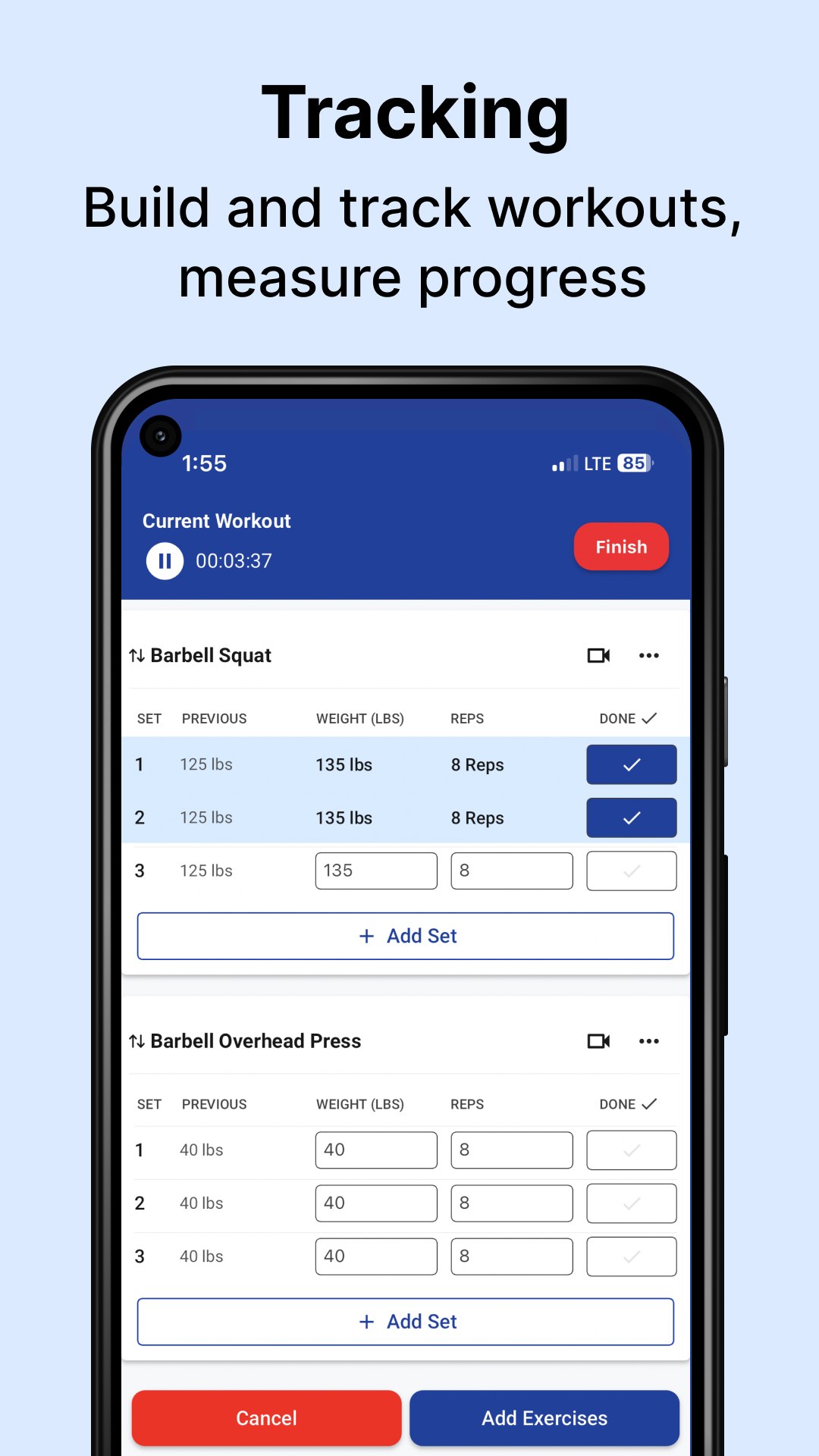
Powerful Workout Log: Track your workouts, log your lifts, and visualize your progress with our easy-to-use gym log.
Home or Gym Flexibility: Crush your goals with bodyweight-only home workouts or advanced gym strength training plans.
100% Ad-Free & Offline Access: No internet? No problem. No ads? Ever. Just pure, uninterrupted focus on your fitness.
YOUR WORKOUT, YOUR WAY:
From beginner workout plans to advanced strength training programs, MuscleWiki is the only fitness app you need to plan, track, and achieve.
Ready to train smarter? Download MuscleWiki now and unlock your potential.
[Minimum supported app version: 3.0.5]