Music Maker JAM: Beatmaker app is a Music&Audio application developed by Loudly, but with the best Android emulator-LDPlayer, you can download and play Music Maker JAM: Beatmaker app on your computer.
Running Music Maker JAM: Beatmaker app on your computer allows you to browse clearly on a large screen, and controlling the application with a mouse and keyboard is much faster than using touchscreen, all while never having to worry about device battery issues.
With multi-instance and synchronization features, you can even run multiple applications and accounts on your PC.
And file sharing makes sharing images, videos, and files incredibly easy.
Download Music Maker JAM: Beatmaker app and run it on your PC. Enjoy the large screen and high-definition quality on your PC!
Music Maker JAM: The music maker & beat maker free music app for all music creators, DJs and producers, whatever your level is. Music Maker JAM is an easy-to-use song maker: create or remix amazing music beats and tracks using loops from a variety of musical genres including Trap, EDM, Rap, Dubstep, Hip-Hop, House, Garage, Pop, Rock, and more.Whether you’re an experienced beat maker or just exploring for the first time, this is the perfect way to make music!
✨ Our free beat maker features will give you the music studio experience:
• Make music or remix music beats: Choose from over 300 Mix Packs with more than 500,000 loops.
• Make it your style: Available musical genres include Trap, EDM, Rap, Hip-Hop, House, Pop, Rock, Dubstep, Jazz, Latin, Techno, Garage, DnB and many more - the possibilities are endless.
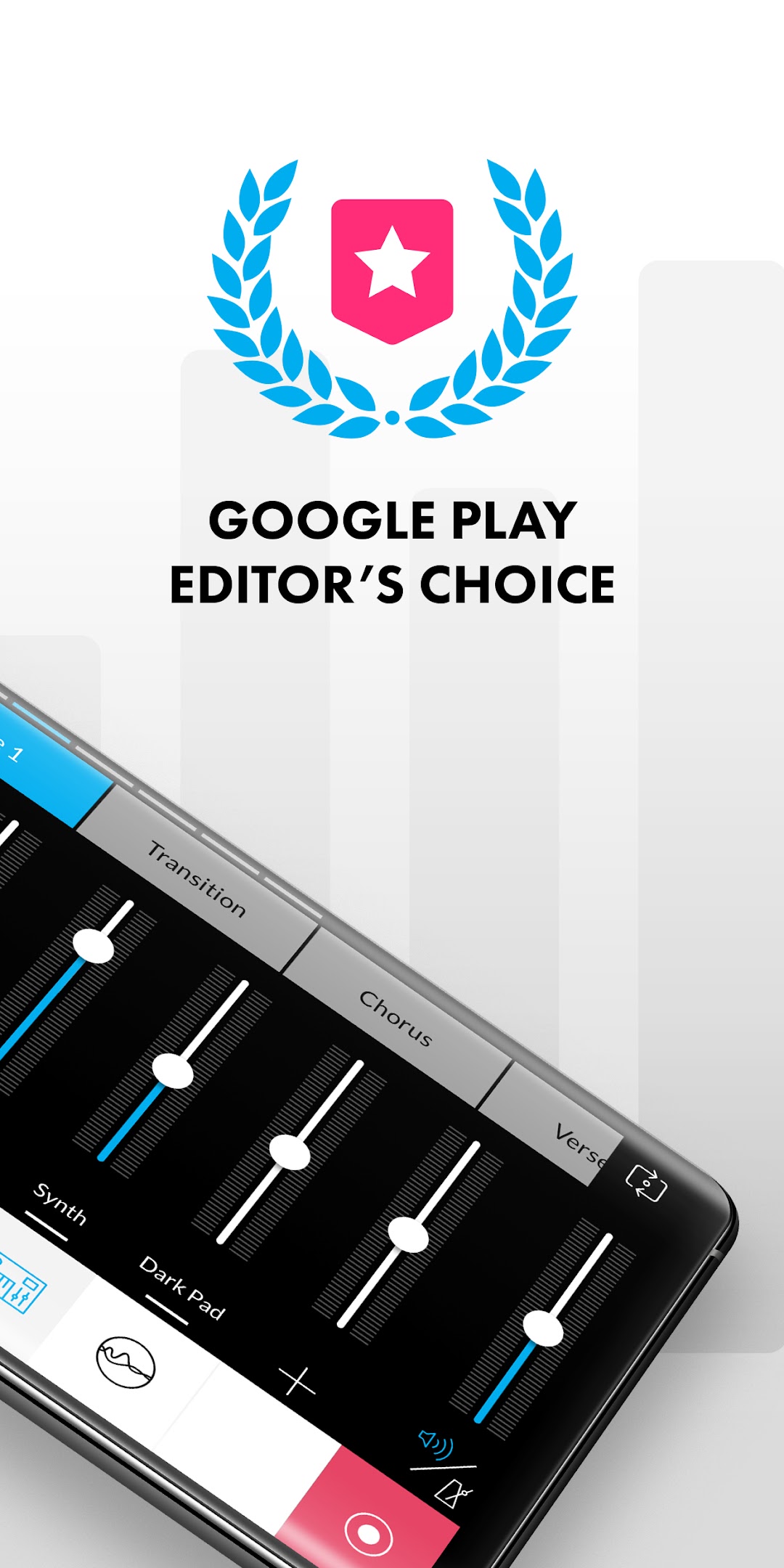
• Be a music production pro: Record your tracks with a perfect mix on the 8-channel mixer, or just jam live for your friends at a party.
• Be creative: Change tempo and harmonies, arrange song parts and play around with spectacular real-time effects like reverb, stutter, delay, and more.
• Make beats and remix tracks by simply shaking your smartphone or tablet.
• Sing or rap on your tracks: Record your voice and mix your vocals into your beats, then apply autotune effects for ultimate results, like a real trap beat maker.
• Choose from all the instruments you could want - who needs a garage band!
• Share your songs directly on YouTube, SoundCloud, Facebook, TikTok and other social networks.
• Join our music community: Connect and become friends with artists, influencers, fans, followers, DJs, music producers and more.
Music Maker JAM is a user-friendly and free music app for DJs, beat makers, producers, or simply music lovers of all levels, beginners or pros. Make beats and create music with our song mixer - anytime and anywhere!
Our Music Maker JAM community has created and uploaded more than 10 million tracks. Join it now!
Get Music Maker JAM to create your own music and become a beat maker today. Unleash your creativity and your music production skills now.
ℹ️ MORE INFO ℹ️
• www.musicmakerjam.app
• www.youtube.com/c/musicmakerjam
• www.twitter.com/musicmakerjam
• www.facebook.com/MusicMakerJam
• www.instagram.com/musicmakerjam
💥 YOU ARE THE MUSIC REVOLUTION, WE ARE THE SPARK 💥