Music Player - Play Music is a Music&Audio application developed by Finsight Tech, but with the best Android emulator-LDPlayer, you can download and play Music Player - Play Music on your computer.
Running Music Player - Play Music on your computer allows you to browse clearly on a large screen, and controlling the application with a mouse and keyboard is much faster than using touchscreen, all while never having to worry about device battery issues.
With multi-instance and synchronization features, you can even run multiple applications and accounts on your PC.
And file sharing makes sharing images, videos, and files incredibly easy.
Download Music Player - Play Music and run it on your PC. Enjoy the large screen and high-definition quality on your PC!
Welcome to Music Player, the music companion of choice for smooth audio management and playback. Featuring a beautiful design, it accepts every kind of file and provides an excellent audio experience.This amazing music player is yours; go through all of the tracks on it and enjoy music offline.
All audio formats are supported by the audio player.
Music Player—which isn't an MP3 player—supports all audio formats, including WAV, FLAC, M4A, OGG, and MP3.
Features included in a music player:
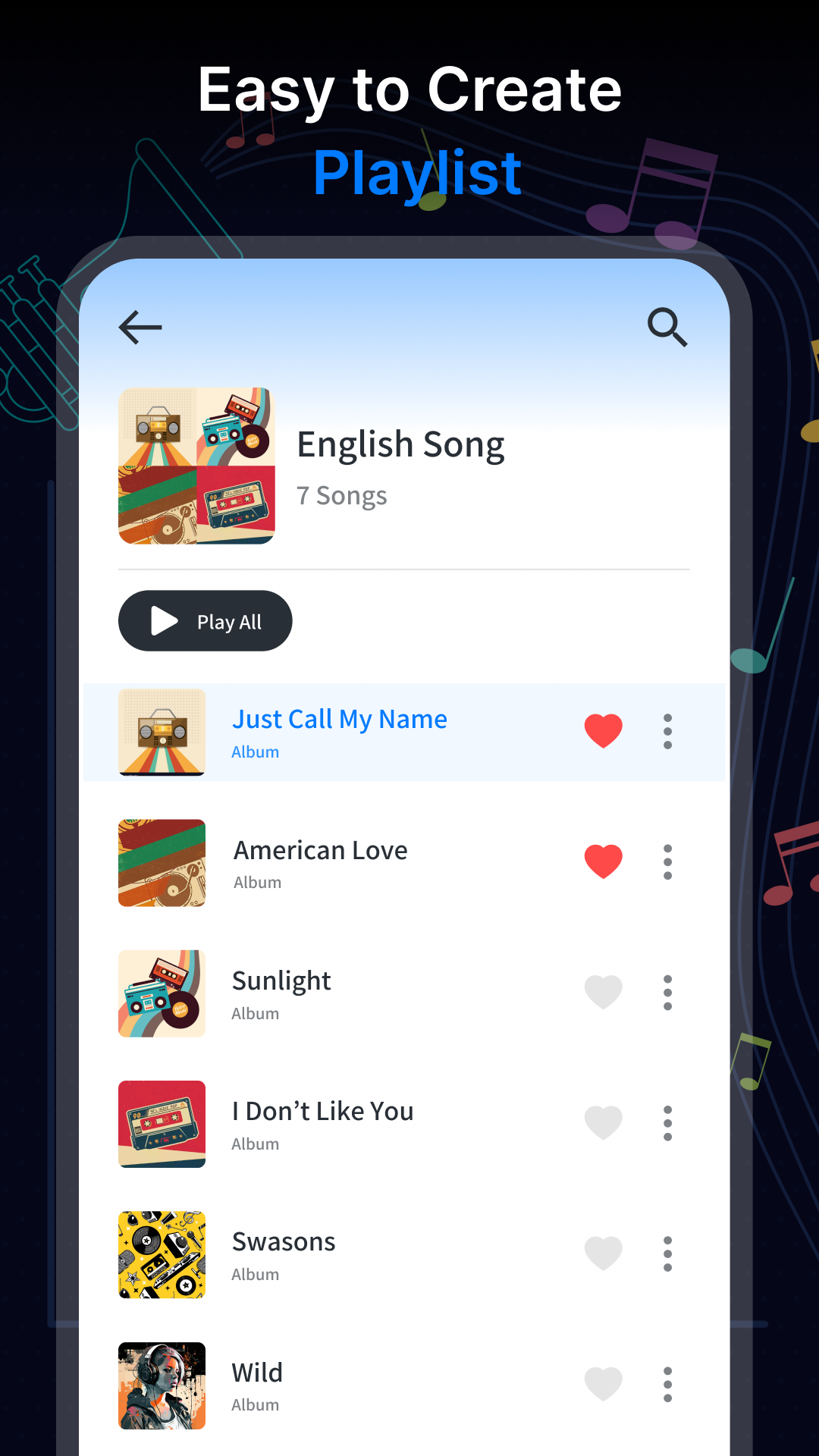
Playlist Creation: Create custom playlists to rapidly organize your music.
Organize Playlists: Easily add or remove songs from playlists.
Music may be quickly accessed by marking it as a favorite with ease.
Recently Added & Recently Played: Use these options to swiftly find and play songs.
Records, Artists, and Folders: Easily browse your music collection with distinct areas designated for records, artists, and folders.
Media Player Options: Use the queue list and shuffle mode to precisely control the playback of your music.
Encourages Different Audio Formats: Play any kind of audio file, such as FLAC, M4A, WAV, OGG, and MP3.
Use the incredible Music Player App for the best possible music playback experience!
Note that this is not a music downloader; instead, it is a player for local audio files.