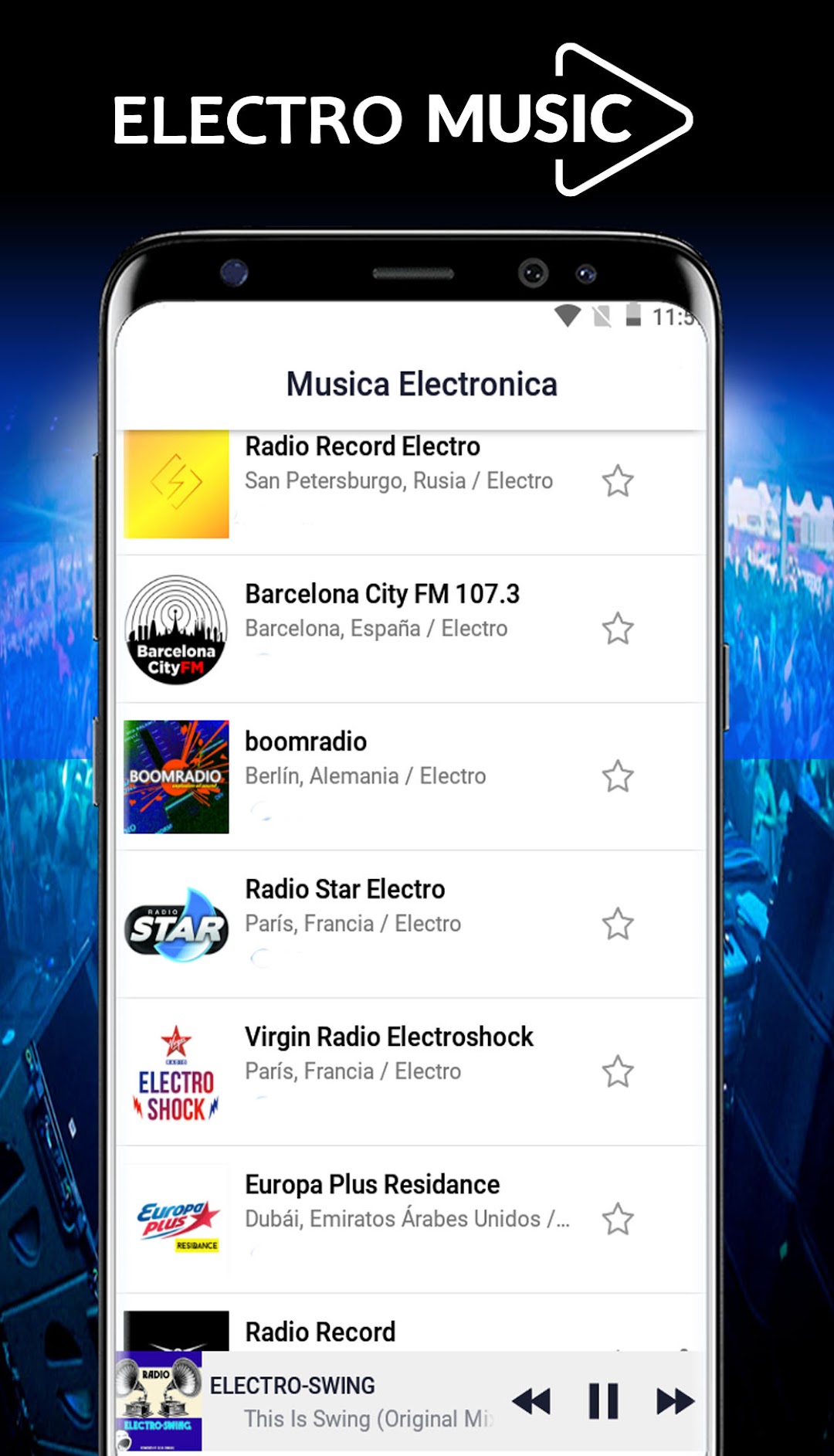
Musica Electronica is a Music&Audio application developed by FioDev Nice Apps, but with the best Android emulator-LDPlayer, you can download and play Musica Electronica on your computer.
Running Musica Electronica on your computer allows you to browse clearly on a large screen, and controlling the application with a mouse and keyboard is much faster than using touchscreen, all while never having to worry about device battery issues.
With multi-instance and synchronization features, you can even run multiple applications and accounts on your PC.
And file sharing makes sharing images, videos, and files incredibly easy.
Download Musica Electronica and run it on your PC. Enjoy the large screen and high-definition quality on your PC!
Te presentamos esta app de musica electronica gratis, para que disfrutes cientos de radios de musica electronica 24/7 que trasmiten electro house music.Puedes escuchar y compartir de manera facil y rapida con tus amigos para que tambien escuchen musica electronica gratis en linea.
Musica electronica gratis necesita estar conectado al interner o WIFI, para que funcione, de esta manera podras escuchar en cualquier lugar del mundo.
Radio electronica te permite seleccionar tu radio favorita y cambiar el modo claro y modo oscuro. de acuerdo a tu agrado.
Nuestro equipo viene agregando nuevas electro house music y solucionando algunos errores que puedan presentarse.