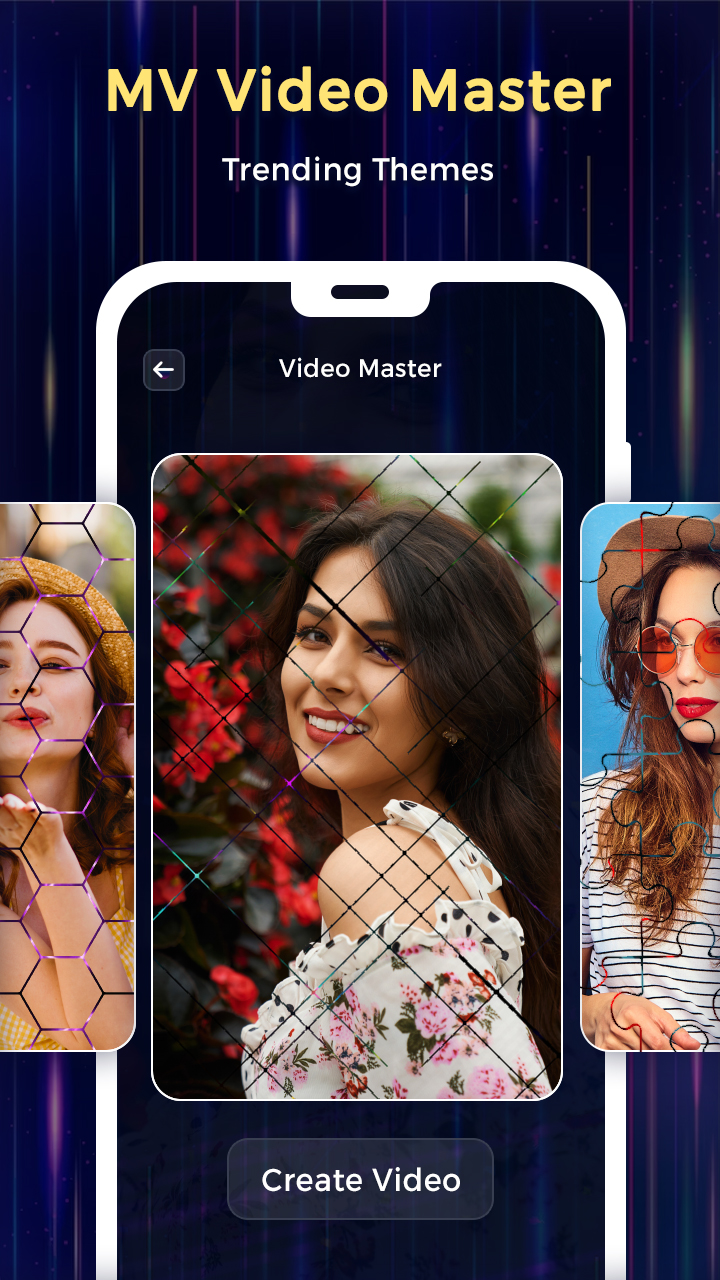
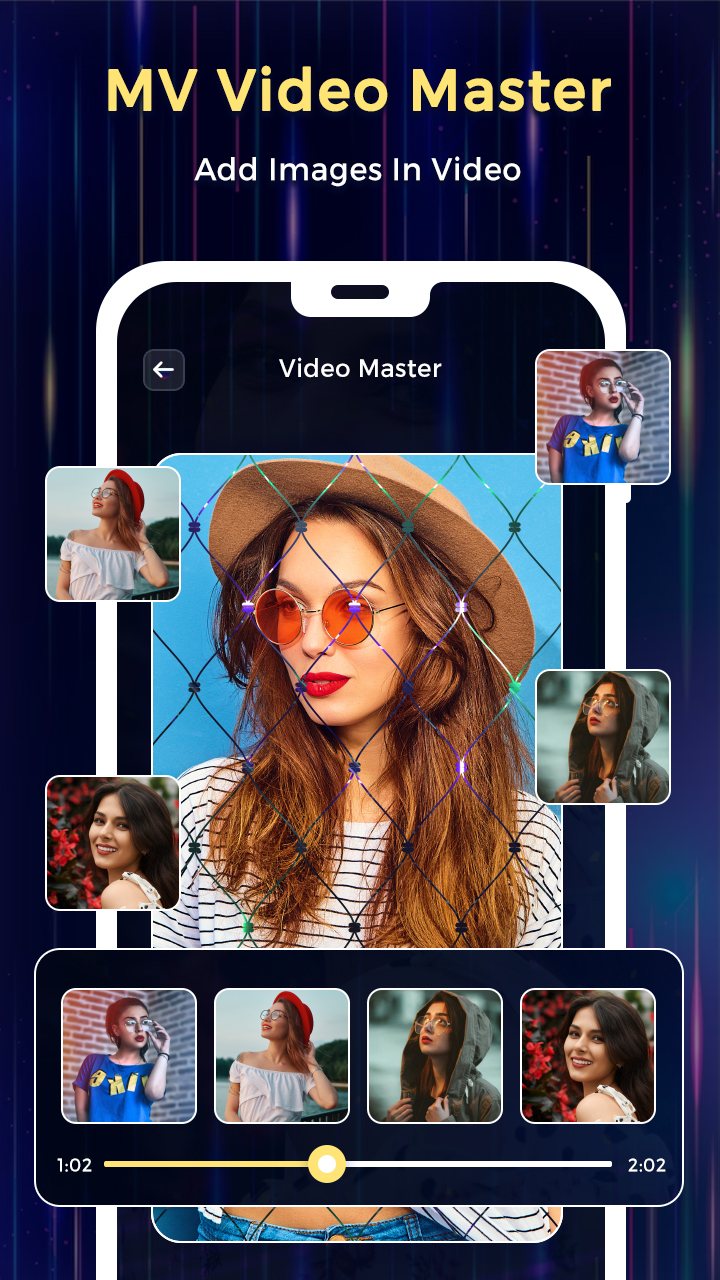
MV Video Master Status Maker is a Video Players&Editors application developed by Photo, Music & Video Caller ID, but with the best Android emulator-LDPlayer, you can download and play MV Video Master Status Maker on your computer.
Running MV Video Master Status Maker on your computer allows you to browse clearly on a large screen, and controlling the application with a mouse and keyboard is much faster than using touchscreen, all while never having to worry about device battery issues.
With multi-instance and synchronization features, you can even run multiple applications and accounts on your PC.
And file sharing makes sharing images, videos, and files incredibly easy.
Download MV Video Master Status Maker and run it on your PC. Enjoy the large screen and high-definition quality on your PC!
Want to create animated videos from your self ?Add your beautiful photos onto video animations ?
Want to get likes & follwers in social sites ?
Want to create magical effects video from an application ?
Want to share newly video created from MV Video Master application daily ?
MV Video Master Status Maker application happy to help in creating animated video from your photos which daily needed & easy steps.
In a few steps you can create animated videos by your self.
A new trend on social media to share a videos on social side every day but if your video id unique then you are getting more likes.
MV Video Master provides a unique way to make an amazing videos using your own photos.
Here you can getting different types of animated video daily updated, you can easy to download & apply your photos & share or store in your phone.
Amazing video collection you never show, a magical collection of magical video you never see.
Master Effect Video Status Maker application develop something new for who want to create animated video from their photos.
Here you can decorate your photos on magical video effects & design your wish photos to video clip with this music video maker application.
Your videos will be ready within one minute with highly decorative effects.
Now no need to download the video clip to share on social media status just use this application & create yours.
Features :-
* An amazing collection of HD animated videos.
* Very easiest way to create magical music video status.
* Apply different types of master magic effects.
* Now capture your life moments in a sparkle video effects, amazing puzzle square video & different video effects.
* Large collection of videos with daily updated.
* One tap to see preview & easy download.
* Easy to add a photo in a video to create magic music video status.
* Smart crop available for focus & perfect set photo.
* Now change song from video from your phone storage music files.
* Easy to replace audio as you want with audio trimmer.
* Your magical music video status has been created in few second.
* You can save in your phone storage.
* Now daily create new video & share on social media application.
* Easy to decorate magical animated videos.
How to create Magical & Particles Effects Video :-
- Download HD quality videos effects in just a few second.
- Select photos from your gallery to apply on stunning animated videos.
- One steps & your video will be ready.
- Easy to share magical effect video on social media sites.
A high class & HD video templates waiting for you with daily updated basis, now decorate photos with daily new videos & share on social media application.
MV Video Master Status Maker application, create your status right now...!