My Cloud Home is a Productivity application developed by Western Digital Technologies, Inc., but with the best Android emulator-LDPlayer, you can download and play My Cloud Home on your computer.
Running My Cloud Home on your computer allows you to browse clearly on a large screen, and controlling the application with a mouse and keyboard is much faster than using touchscreen, all while never having to worry about device battery issues.
With multi-instance and synchronization features, you can even run multiple applications and accounts on your PC.
And file sharing makes sharing images, videos, and files incredibly easy.
Download My Cloud Home and run it on your PC. Enjoy the large screen and high-definition quality on your PC!
My Cloud Home appStore it all in one place. Access and share it from anywhere.
The My Cloud Home app keeps you connected to all the photos, videos and files centralized on your My Cloud Home device from wherever you are. Automatically back up all the photos and videos from your phone so that you can make room for more. Smoothly stream videos on the go. Quickly find and share your favorite memories with friends and family. With the My Cloud Home app, all your content is under your control wherever, whenever you have an internet connection.
Access your content on-the-go from anywhere in the world
Automatically save the photos and videos from your phone
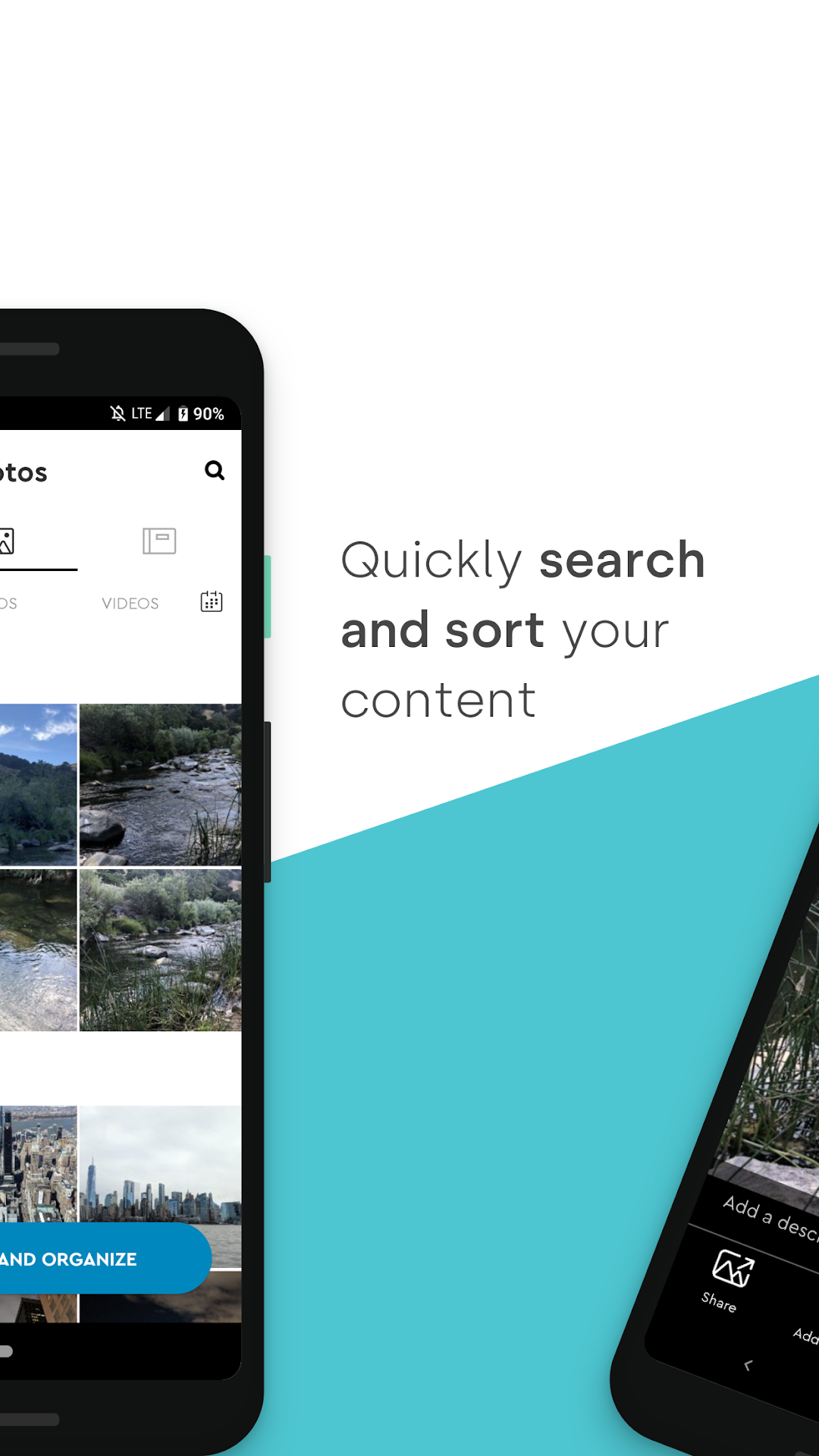
Quickly search through your content by name or location.
Play almost any video anywhere
Share your memories effortlessly with your friends and family
Note: The My Cloud Home app requires a My Cloud Home or My Cloud Home Duo product to work (sold separately).
For more information on Western Digital’s Vulnerability Disclosure Policy please visit: https://www.westerndigital.com/support/product-security/vulnerability-disclosure-policy