My Mitsubishi Connect is a Auto&Vehicles application developed by Mitsubishi Motors Corporation, but with the best Android emulator-LDPlayer, you can download and play My Mitsubishi Connect on your computer.
Running My Mitsubishi Connect on your computer allows you to browse clearly on a large screen, and controlling the application with a mouse and keyboard is much faster than using touchscreen, all while never having to worry about device battery issues.
With multi-instance and synchronization features, you can even run multiple applications and accounts on your PC.
And file sharing makes sharing images, videos, and files incredibly easy.
Download My Mitsubishi Connect and run it on your PC. Enjoy the large screen and high-definition quality on your PC!
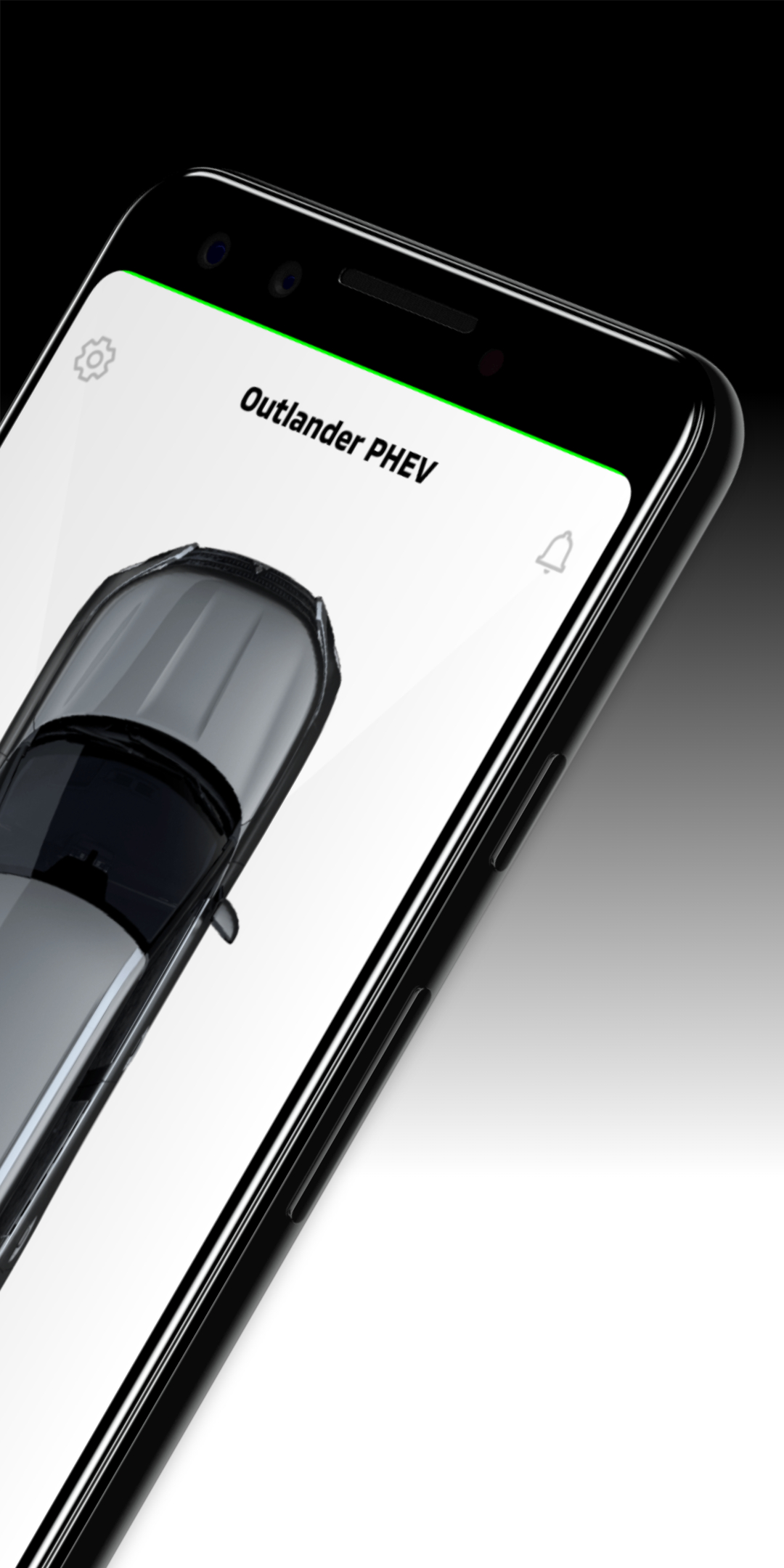
Mitsubishi Connect is an innovative platform of services that provide vehicle owners with a safe, secure, and convenient driving experience. The My Mitsubishi Connect Mobile Application allows users to register and access the Mitsubishi Connect services. This includes the ability to request remote commands to your vehicle such as remote start, door lock/unlock, horn, lights, schedule dealer services, car finder, and parental controls. Plug In Hybrid Electric Vehicle services include ability to view charging status, manage charging schedules and settings. The mobile app also allows users to manage their account settings and notifications, as well as to contact Customer Care for inquiries on the Mitsubishi Connect Safeguard and Remote Service Packages.Applicable Model:
• Select 2018 model year or newer Mitsubishi Eclipse Cross
• Select 2022 model year or newer Mitsubishi Outlander
• Select 2023 model year or newer Mitsubishi Outlander PHEV
* Note: Active subscription and Mitsubishi Telematics Control Unit equipped vehicle is required to use Mitsubishi Connect features in the app. Access is subject to cellular network availability and coverage limitations