My Weather Station is a Weather application developed by MyWeatherStation, but with the best Android emulator-LDPlayer, you can download and play My Weather Station on your computer.
Running My Weather Station on your computer allows you to browse clearly on a large screen, and controlling the application with a mouse and keyboard is much faster than using touchscreen, all while never having to worry about device battery issues.
With multi-instance and synchronization features, you can even run multiple applications and accounts on your PC.
And file sharing makes sharing images, videos, and files incredibly easy.
Download My Weather Station and run it on your PC. Enjoy the large screen and high-definition quality on your PC!
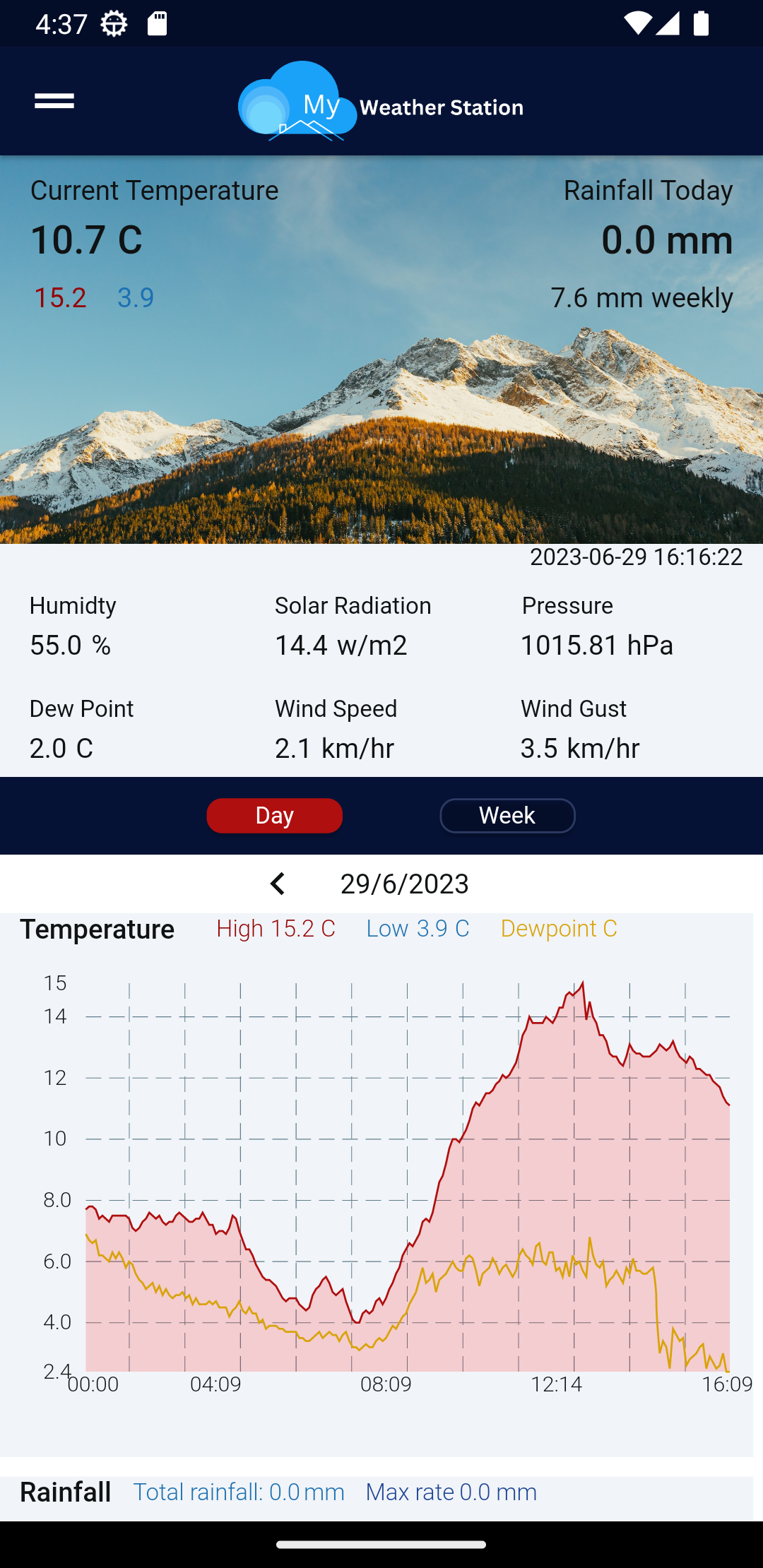
Connect and view weather data from over 250,000 private weather stations using the Weather Underground service.My Weather Station is completely free, but requires an API key free to weather underground users.
Features:
- Real time data
- Daily graphs (including historical data)
- Weekly graphs (current week)
- Add multiple stations to a list for quick access
- Select units (metric, imperial or UK)
- Clean customisable design
- Choose the graphs relevant to you
- Light and dark modes
- Select units (metric, imperial or UK)
- Font size selection
- Adjust ads: none, some or full
Data displayed:
- Temperature (current, High, Low)
- Dewpoint
- Humidity
- Daily Rainfall (Rate, Total)
- Rainfall Weekly Total
- Wind Speed (Current, High)
- Wind Gust (current, High)
- Wind Direction
- Pressure (current)
- Solar Radiation
- UV Index