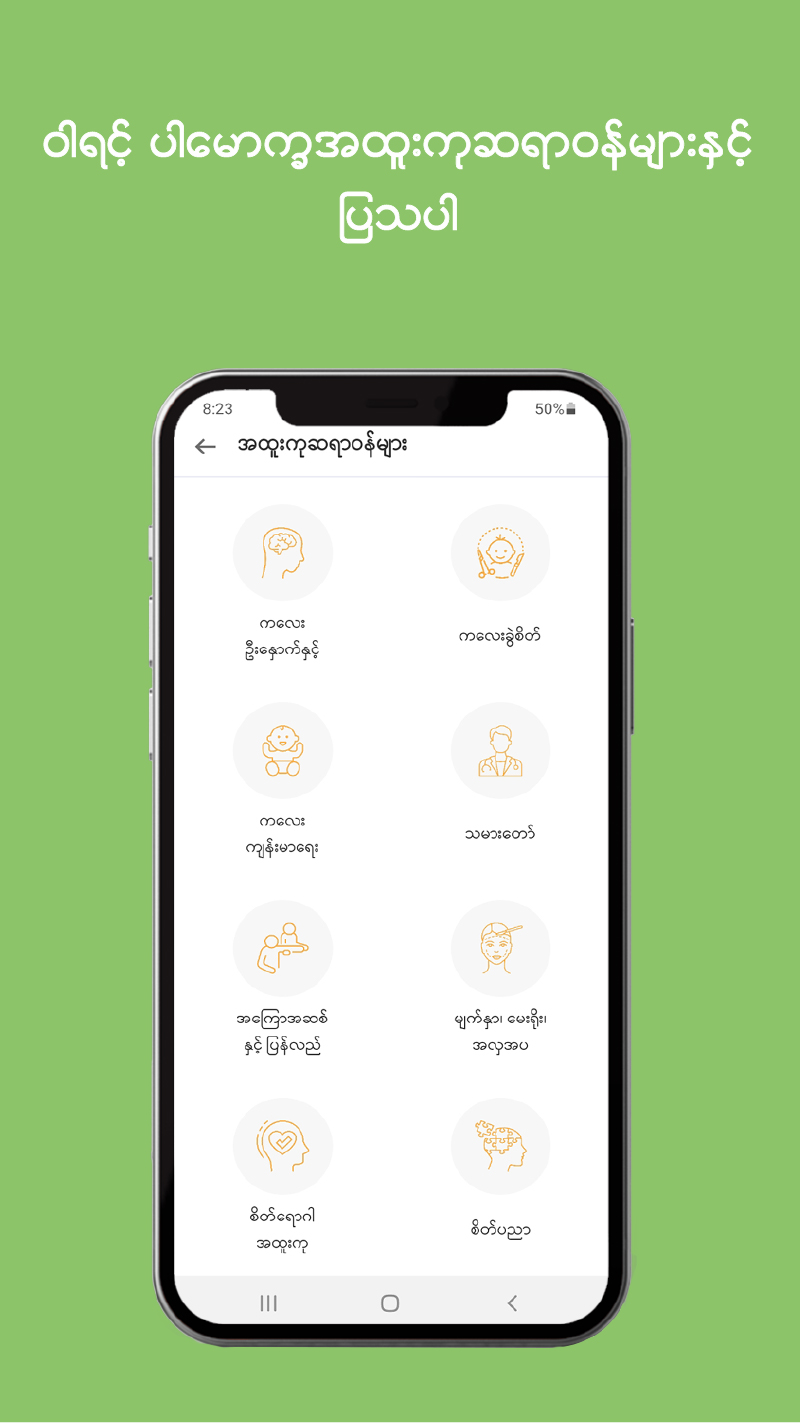


MyanCare telehealth is a Medical application developed by MyanCare, but with the best Android emulator-LDPlayer, you can download and play MyanCare telehealth on your computer.
Running MyanCare telehealth on your computer allows you to browse clearly on a large screen, and controlling the application with a mouse and keyboard is much faster than using touchscreen, all while never having to worry about device battery issues.
With multi-instance and synchronization features, you can even run multiple applications and accounts on your PC.
And file sharing makes sharing images, videos, and files incredibly easy.
Download MyanCare telehealth and run it on your PC. Enjoy the large screen and high-definition quality on your PC!
MyanCare Application သည် ကျန်းမာရေးကိစ္စရပ်များအတွက် ဆရာဝန်များနှင့် တိုက်ရိုက်တိုင်ပင်ဆွေးနွေးနိုင်သော app တစ်ခု ဖြစ်ပါသည်။ ဘယ်နေရာကပဲဖြစ်ဖြစ် မိမိကျန်းမာရေးပြဿနာများအတွက် အထွေအထွေဆရာဝန်များအပြင် အထူးကုဝါရင့်ဆရာဝန်ကြီးများနှင့်လည်း Video Call, Voice Call များဖြင့် တိုက်ရိုက်တိုင်ပင်ဆွေးနွေးပြသနိုင်ပါသည်။ပြည်ပရောက်ရှိနေသူများ၊ ဆေးရုံဆေးခန်းများသို့ သွားရောက်ပြသရန် အချိန်မပေးနိုင်သူများ မအားလပ်သူများအနေဖြင့် MyanCare App တွင် booking ရယူပြီး ဆရာဝန်ကြီးများနှင့် တိုင်ပင်ဆွေးနွေးကာ ကျန်းမာရေးစောင့်ရှောက်မှု ရရှိနိုင်ပါပြီ။ လူနာများမှ ဆရာဝန်ကို ဆေးမှတ်တမ်းများ ကြိုတင်ပေးပို့ထားနိုင်ပြီး ဆရာဝန်များမှ တိုင်ပင်ဆွေးနွေးပြီးပါက ဆေးညွန်းစာများကိုလည်း ပေးပို့မည် ဖြစ်ပါသည်။
မိမိအိမ်မှနေ၍ ကောင်းမွန်သော ကျန်းမာရေးဝန်ဆောင်မှုကို MyanCare App အသုံးပြုခြင်းဖြင့် ရယူလိုက်ပါ။
If you are looking for the best tele-healthcare service, you've got it now. Get the finest healthcare service from the comfort of your home through MyanCare Application. You can book an appointment at your convenient time. Then, you can meet the doctor from your smart phone within a short of time and get online treatments from the medical professionals.
HOW DOES IT WORK?
- Download and create account.
- Top up your wallet.
- Book an appointment at your convenient time.
- Talk to the doctor via video, voice and chat.
- The doctor will review your medical history and give you the prescriptions.
Get quality healthcare at home and stay healthy.