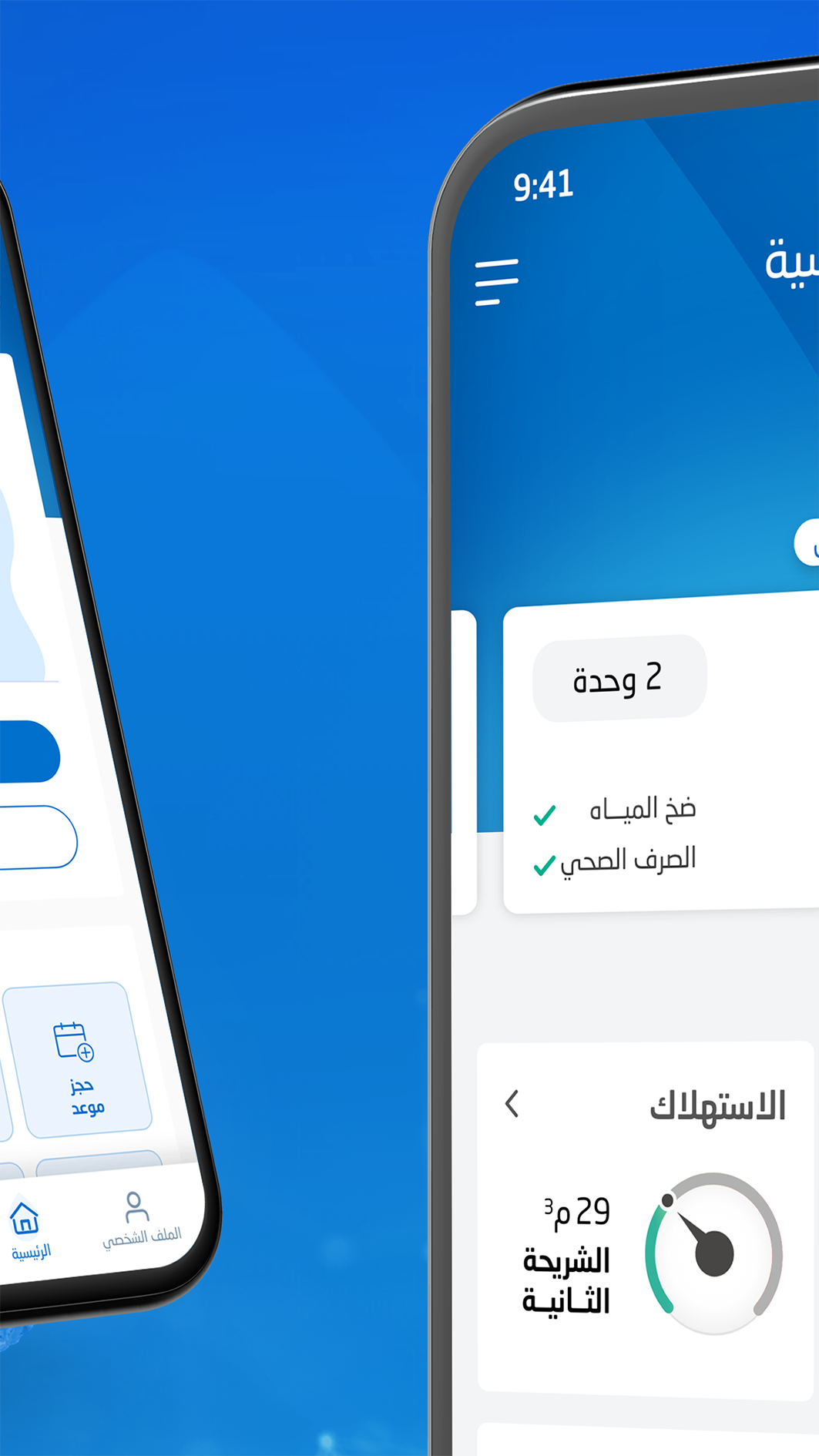
National Water is a Business application developed by National Water Company, but with the best Android emulator-LDPlayer, you can download and play National Water on your computer.
Running National Water on your computer allows you to browse clearly on a large screen, and controlling the application with a mouse and keyboard is much faster than using touchscreen, all while never having to worry about device battery issues.
With multi-instance and synchronization features, you can even run multiple applications and accounts on your PC.
And file sharing makes sharing images, videos, and files incredibly easy.
Download National Water and run it on your PC. Enjoy the large screen and high-definition quality on your PC!
يساعدك تطبيق المياه الوطنية على تنفيذ أكثر من 30 خدمة بشكل أسهلويمكنك من خلاله:
السداد الإلكتروني
طلب صهريج مياه
تقديم اعتراض على الفاتورة
تفعيل العداد وإقفاله مؤقتاً
طلب توصيلة المياه والصرف الصحي
طلب أذن غسيل خزان
تقديم بلاغ حول انقطاع المياه
وغيرها الكثير من الخدمات
ونرحب بمقترحاتكم على البريد
The National Water Application helps you to implement more than 30 services more easily
From it, you can:
Electronic payment
Request a water tanker
Submit an objection to the bill
Activate and temporarily close the meter
Request for connection to water and sewage
Request for permission to wash tank
Submit a report about water shortage
And many other services
We welcome your suggestions on email