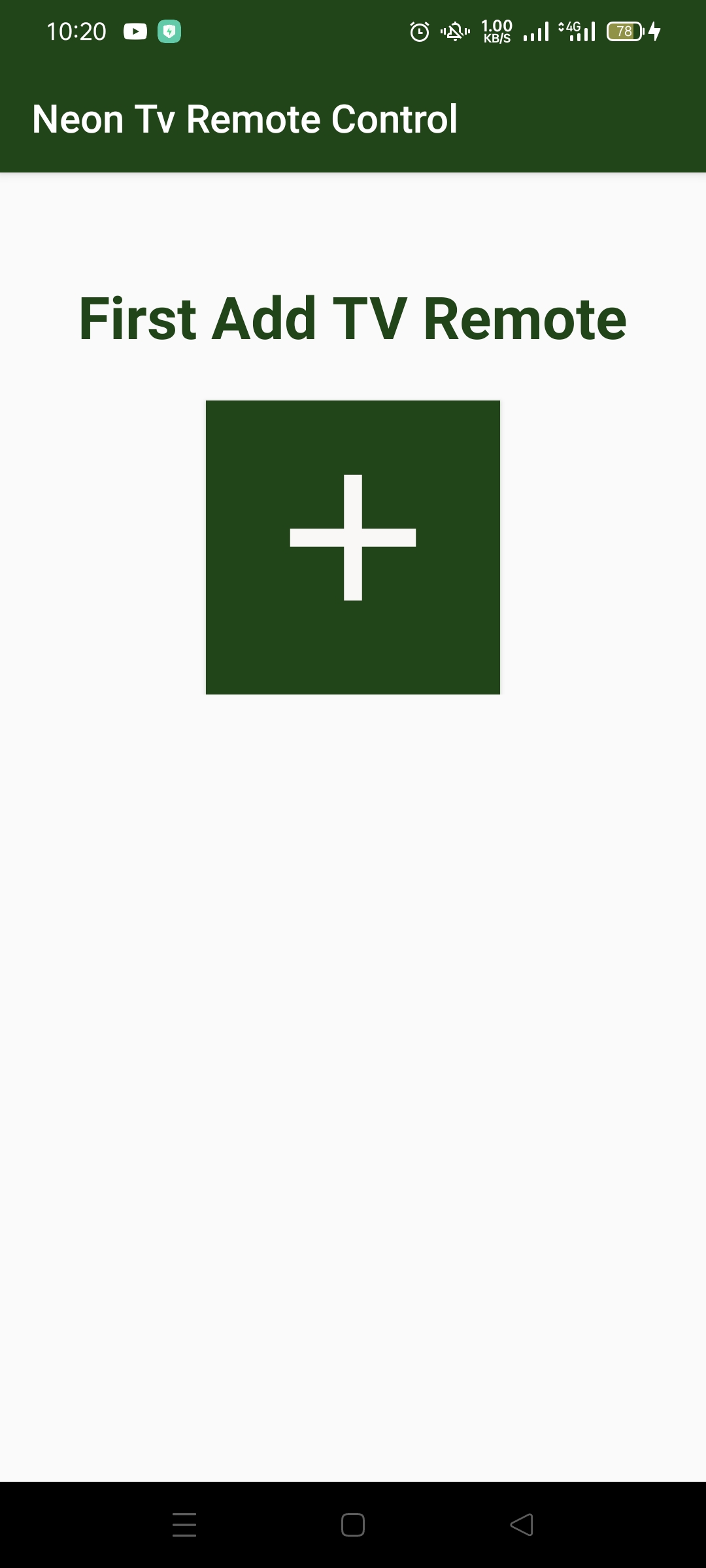
neon tv remote is a Tools application developed by Adnan Shaukat, but with the best Android emulator-LDPlayer, you can download and play neon tv remote on your computer.
Running neon tv remote on your computer allows you to browse clearly on a large screen, and controlling the application with a mouse and keyboard is much faster than using touchscreen, all while never having to worry about device battery issues.
With multi-instance and synchronization features, you can even run multiple applications and accounts on your PC.
And file sharing makes sharing images, videos, and files incredibly easy.
Download neon tv remote and run it on your PC. Enjoy the large screen and high-definition quality on your PC!
The Neon TV Remote Android app is a user-friendly and convenient application that allows users to control their Neon TV using their Android mobile device as a remote control. It serves as a replacement for the traditional Neon TV remote control and provides users with an alternative way to access all of the features and functions of their television.With a simple and intuitive interface, this app provides all the necessary buttons and functions to navigate and control your Neon TV. Users can easily switch between channels, adjust volume, change input sources, and perform other tasks with just a few taps on their mobile device. The app is specifically designed to work with Neon TVs, ensuring optimal compatibility and performance.
The Neon TV Remote Android app is a reliable replacement for a lost or broken Neon TV remote control. Instead of having to purchase a new remote control for Neon TV, users can simply download the app and use their mobile device as a remote control. This can save users both time and money, as well as provide a more convenient and portable way to control their TV.
The app is available for download from the Google Play Store and is compatible with most Android devices. Once installed, users can quickly and easily connect their mobile device to their Neon TV via Wi-Fi, and start using the app as a remote control.
For those who have lost or broken their remote for Neon TV, the Neon TV Remote Android app provides a quick and easy solution. Users can download the app, connect to their TV, and start using their mobile device as a remote control without having to wait for a replacement remote control to arrive.
Overall, the Neon TV Remote Android app is a practical and useful tool for any Neon TV owner looking for an alternative to the traditional remote control. With its user-friendly interface, reliable performance, and compatibility with a wide range of Android devices, this app provides an easy and convenient way to control your Neon TV.