NFC Reader and Writer is a Social application developed by Studio XYZ, but with the best Android emulator-LDPlayer, you can download and play NFC Reader and Writer on your computer.
Running NFC Reader and Writer on your computer allows you to browse clearly on a large screen, and controlling the application with a mouse and keyboard is much faster than using touchscreen, all while never having to worry about device battery issues.
With multi-instance and synchronization features, you can even run multiple applications and accounts on your PC.
And file sharing makes sharing images, videos, and files incredibly easy.
Download NFC Reader and Writer and run it on your PC. Enjoy the large screen and high-definition quality on your PC!
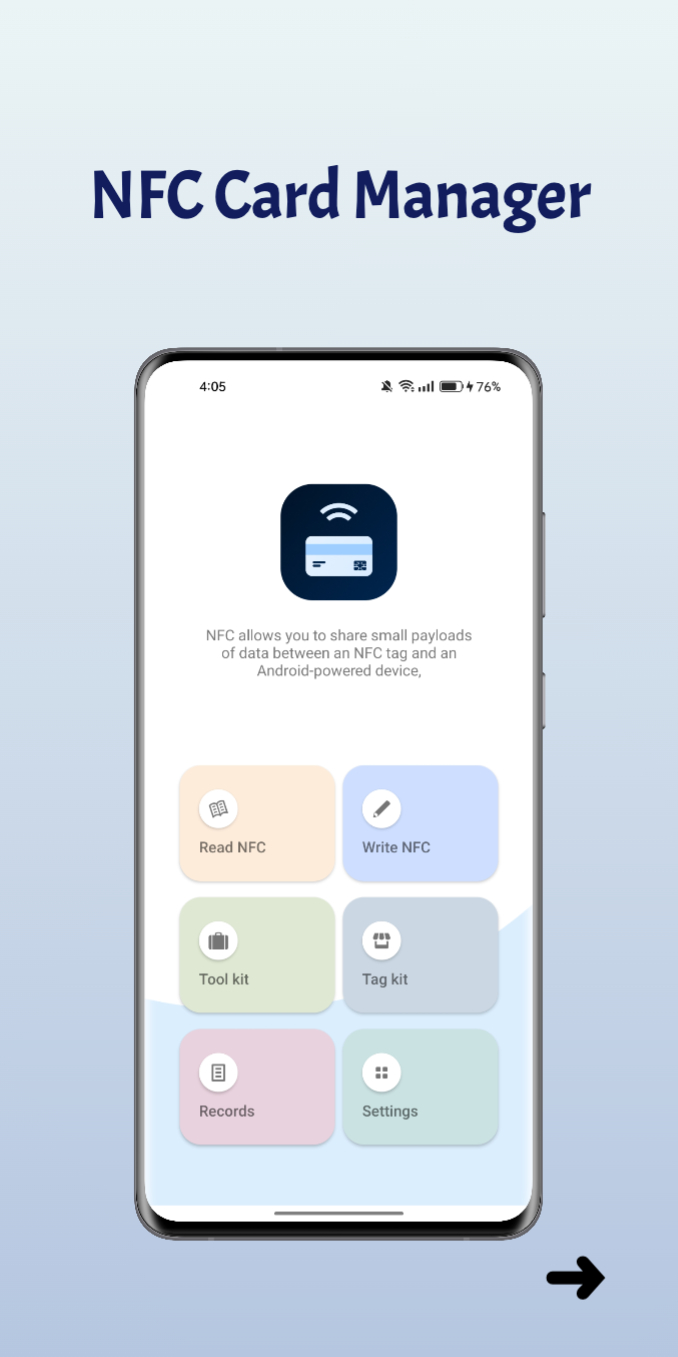
Unlock the full potential of your NFC-enabled devices with NFC Card Manager. Our powerful and intuitive app allows you to effortlessly read, write, manage, and secure NFC card data, including the added convenience of password protection.📚 Read NFC Cards:
Instantly access and view the data stored on NFC cards, including contactless payment cards, access cards, and more. NFC Card Manager supports a wide range of card types, making it your go-to NFC data reader.
✍️ Write NFC Cards:
Personalize NFC cards by writing new data or modifying existing information. Whether it's updating your contactless payment details or customizing access permissions, NFC Card Manager simplifies the process.
🔐 Secure with Password Protection:
Enhance your NFC card security by adding password protection to your data. NFC Card Manager allows you to lock and encrypt sensitive information, ensuring that your NFC cards remain private and secure.
🧹 Manage NFC Data:
Effortlessly organize and store NFC card data within the app. Keep track of your cards, create backups, and restore them whenever needed. Say goodbye to the hassle of losing valuable NFC information.
⚙️ User-Friendly Interface:
Our app boasts an intuitive and user-friendly interface, making NFC card management a breeze for both beginners and experts. No technical expertise required.
🚀 Optimized Performance:
NFC Card Manager is designed to deliver lightning-fast performance on NFC-enabled devices. Experience smooth and efficient NFC card operations every time.
Discover the convenience and versatility of NFC Card Manager today. Elevate your NFC card management experience with our feature-rich app, now with added password protection.
Download NFC Card Manager now and take full control of your NFC cards while keeping your data secure!
For any questions or assistance, please contact our support team.