Nighty Night - Bedtime Story is a Books&Reference application developed by Fox & Sheep, but with the best Android emulator-LDPlayer, you can download and play Nighty Night - Bedtime Story on your computer.
Running Nighty Night - Bedtime Story on your computer allows you to browse clearly on a large screen, and controlling the application with a mouse and keyboard is much faster than using touchscreen, all while never having to worry about device battery issues.
With multi-instance and synchronization features, you can even run multiple applications and accounts on your PC.
And file sharing makes sharing images, videos, and files incredibly easy.
Download Nighty Night - Bedtime Story and run it on your PC. Enjoy the large screen and high-definition quality on your PC!
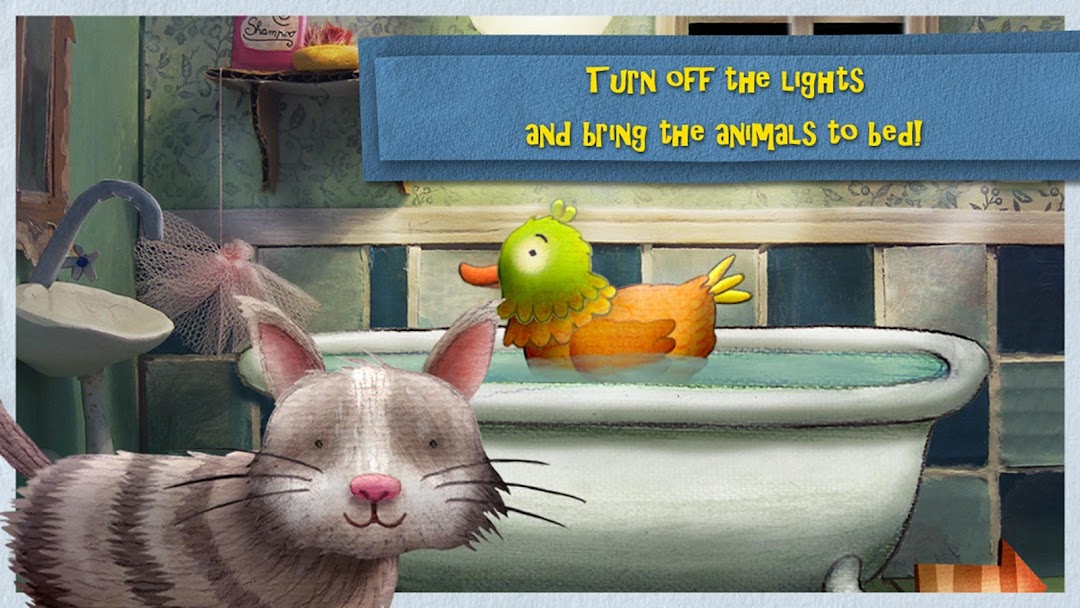
"Nighty Night!" is a lovely App for a daily go-to-sleep ritual with cute animals, sweet lullaby music and great narration. All around the house the lights go out, and in the barn even the animals are tired. But who puts them to bed? Who turns out the lights in their stalls? That is the task for small children aged 1-4. Watching all the animals go to sleep is a great way to set the mood for bedtime.The interactive bedtime "Nighty Night" is brought to you by Oscar-Nominee Heidi Wittlinger (2002, best animated short) who put a lot of passion and effort in constructing little sets made of paper and combining them with 2D illustration and animation.
Languages: English, German, Spanish, French, Italian, Dutch, Russian and Portuguese.
-------------------
About Fox & Sheep:
We are a Studio in Berlin and develop high quality apps for kids at the age of 2-8 years. We are parents ourselves and work passionately and with a lot of commitment on our products. We work with the best illustrators and animators around the world to create and present the best apps possible – to enrich the lives of our and your kids.