

Nipto: Split Household Chores is a House&Home application developed by Nipto, but with the best Android emulator-LDPlayer, you can download and play Nipto: Split Household Chores on your computer.
Running Nipto: Split Household Chores on your computer allows you to browse clearly on a large screen, and controlling the application with a mouse and keyboard is much faster than using touchscreen, all while never having to worry about device battery issues.
With multi-instance and synchronization features, you can even run multiple applications and accounts on your PC.
And file sharing makes sharing images, videos, and files incredibly easy.
Download Nipto: Split Household Chores and run it on your PC. Enjoy the large screen and high-definition quality on your PC!
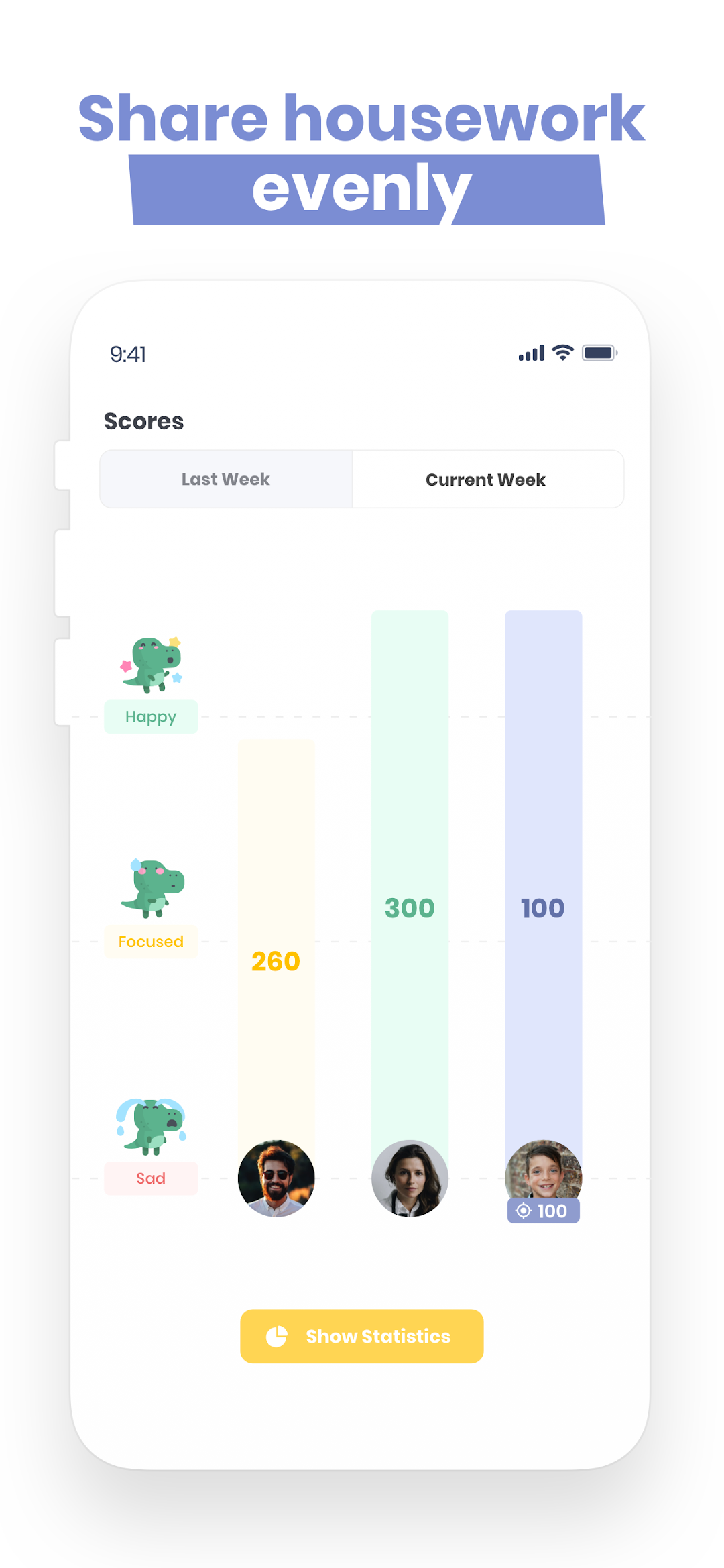
Nipto organizes a game in your couple, your family or your roommate to better divide the household chores.By doing these household chores and home cleaning tasks, players accumulate points throughout the week. The winner is chosen every Sunday evening and can get a reward. The counters are then reset and a new week of competition begins.
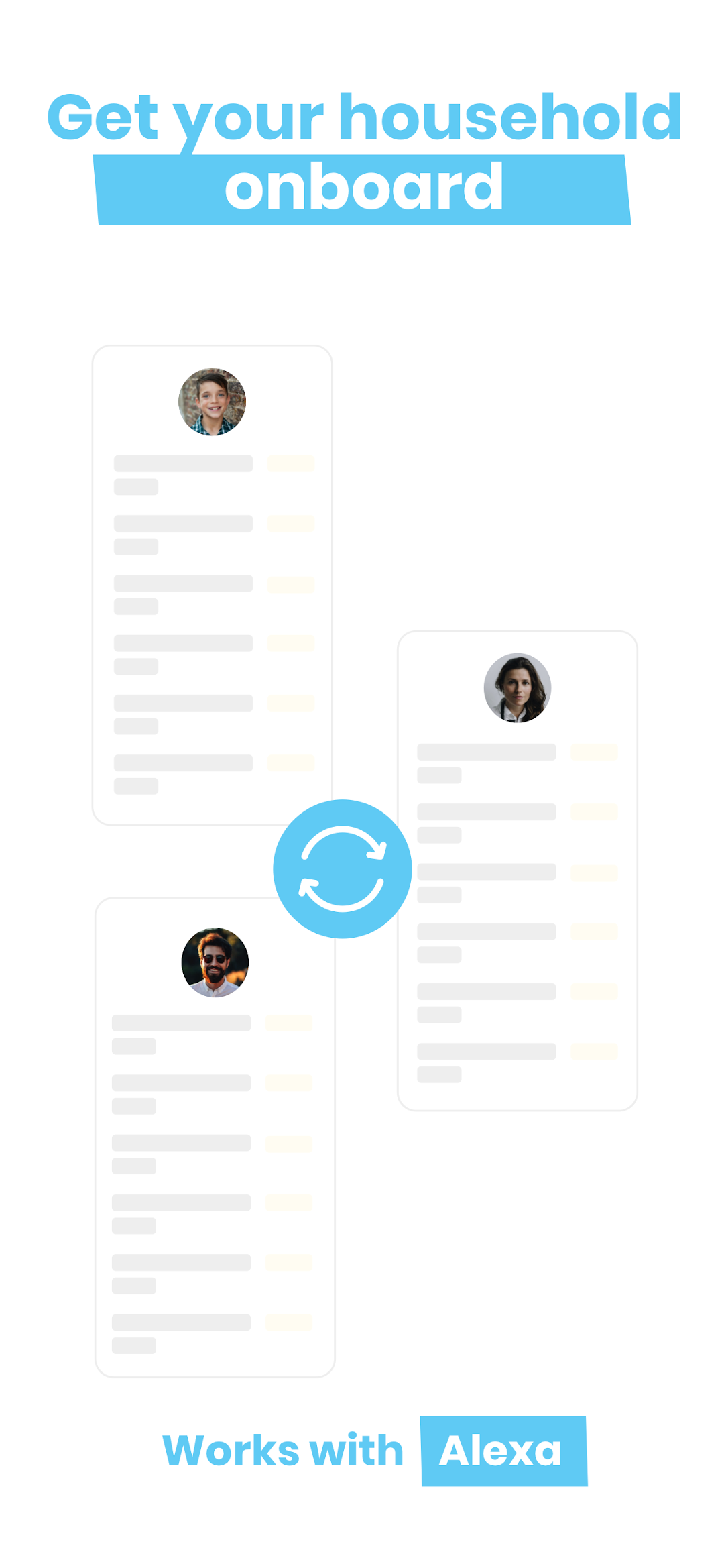
Nipto also involves your children, whose accounts you can manage and customize the points goal.
Competition for some, teamwork for others, Nipto makes sharing household chores and home cleaning fun and friendly. No more debates about who does the most housework!
You will also be able to :
- Personalize household chores,
- Choose your favourite game mode, competition or personal goal,
- See the participation of each player,
- Reward the winners,
- Add reminders for important household chores,
- Offering a bonus of points as a thank you.