Nursing Care Plans & Diagnosis is a Medical application developed by AFRA Dev, but with the best Android emulator-LDPlayer, you can download and play Nursing Care Plans & Diagnosis on your computer.
Running Nursing Care Plans & Diagnosis on your computer allows you to browse clearly on a large screen, and controlling the application with a mouse and keyboard is much faster than using touchscreen, all while never having to worry about device battery issues.
With multi-instance and synchronization features, you can even run multiple applications and accounts on your PC.
And file sharing makes sharing images, videos, and files incredibly easy.
Download Nursing Care Plans & Diagnosis and run it on your PC. Enjoy the large screen and high-definition quality on your PC!
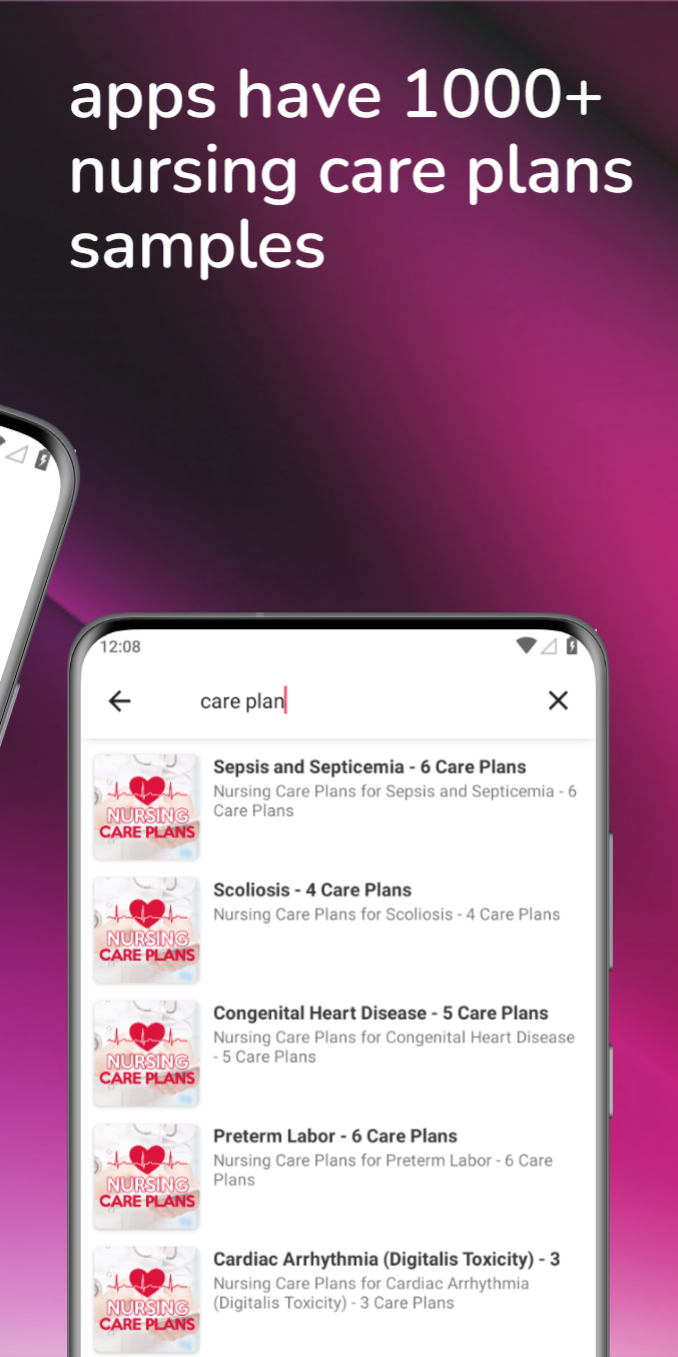
This apps have 1000+ nursing care plans samples and 50+ nursing diagnosis samplesNursing Article
Nursing Care Plans List:
- Basic Nursing and General Care Plans List
- Surgery and Perioperative Care Plans List
- Maternal and Newborn Care Plans List
- Pediatric Nursing Care Plans List
- Cardiac Care Plans List
- Endocrine and Metabolic Care Plans List
- Gastrointestinal Care Plans List
- Genitourinary Care Plans List
- and more
Nursing Diagnosis List:
- Activity Intolerance
- Acute Confusion
- Acute Pain
- Anxiety
- Caregiver Role Strain
- Constipation
- Chronic Pain
- Decreased Cardiac Output
- and more
*Disclaimer:
All content in this application is for information and education purposes only. Our app is not intended to be a substitute for professional medical advice, diagnosis, or treatment. All content in the application can be obtained from online sources, reference sources are listed at the bottom of the content. All other trademarks are the property of their respective owners. No copyright infringement is intended. Any content can be removed on request by the copyright owner.