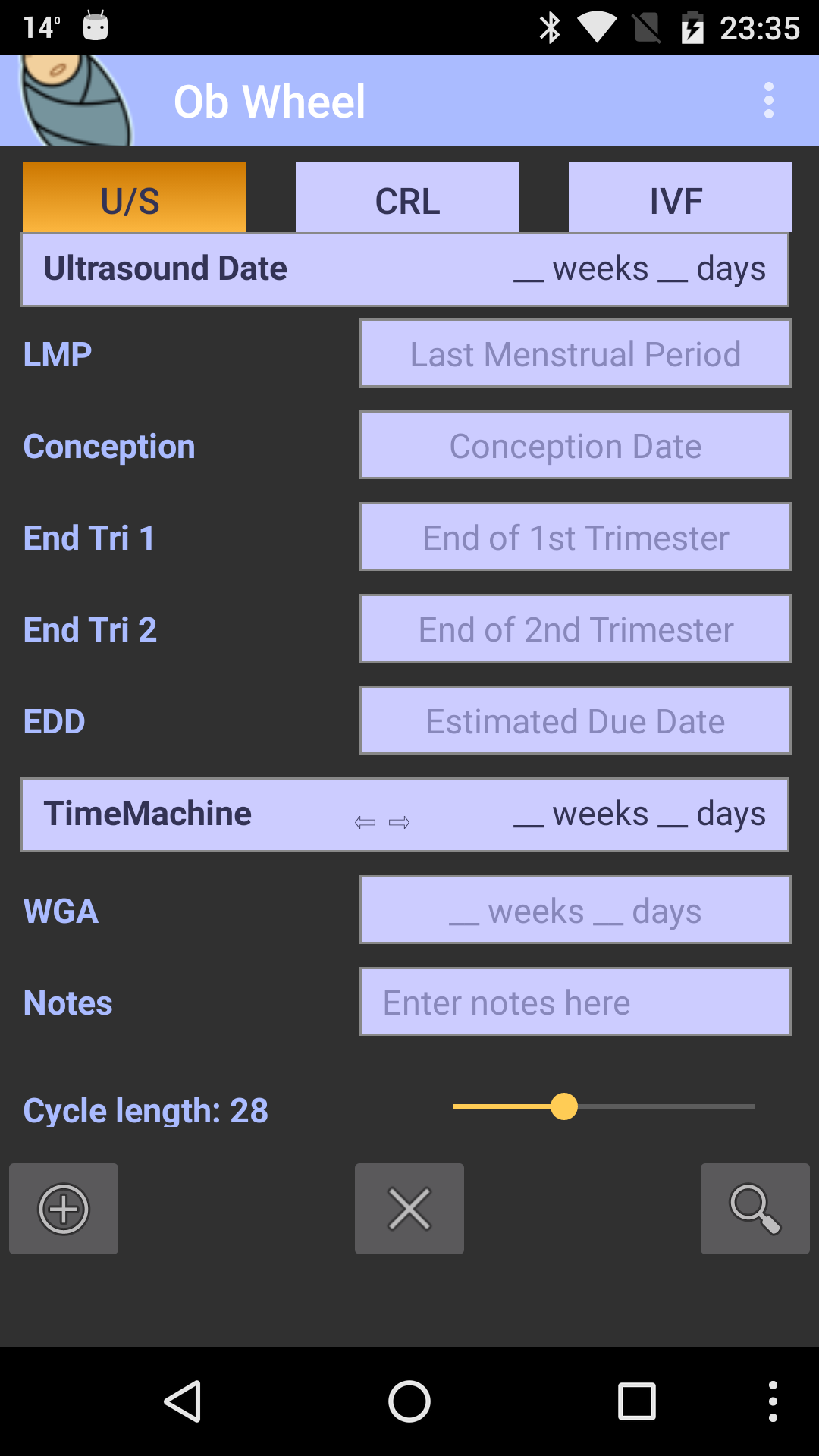
OB Wheel: Pregnancy calculator is a Medical application developed by Quartertone, but with the best Android emulator-LDPlayer, you can download and play OB Wheel: Pregnancy calculator on your computer.
Running OB Wheel: Pregnancy calculator on your computer allows you to browse clearly on a large screen, and controlling the application with a mouse and keyboard is much faster than using touchscreen, all while never having to worry about device battery issues.
With multi-instance and synchronization features, you can even run multiple applications and accounts on your PC.
And file sharing makes sharing images, videos, and files incredibly easy.
Download OB Wheel: Pregnancy calculator and run it on your PC. Enjoy the large screen and high-definition quality on your PC!
A NEW VERSION IS AVAILABLE!Join the Beta testing group
https://play.google.com/apps/testing/com.quartertone.obwheeltwa
----------------------------------------
Multi-function pregnancy calculator. Created by a board-certified ObGyn.
Calculate dates of pregnancy:
-Last menstrual period (LMP)
-Estimated date of conception
-Weeks gestational age (WGA)
-WGA obtained by ultrasound
-Dating by IVF Embryo transfer
-Calculate gestation by Crown-Rump length
-Estimated due date (EDC)
-"Time Machine" mode can calculate "How many weeks will patient be on xxxx date?" and "When will patient be xx weeks gestation?"
Features still present, but no longer supported:
-Store multiple patients for easy retrieval
-Adjust length of cycle and luteal phase
-Full Help pages
-Include extra notes in patient data
**************************
***IMPORTANT NOTE***
**************************
This app calculates exactly 280 days (40 weeks) from LMP to EDC, and accordingly for any date in between. Please note that the paper/plastic wheels used by obstetricians or ultrasound technicians are inherently inaccurate. Different pregnancy wheels may vary by as much as 3 or 4 days. Please keep this in mind when comparing the values obtained here to those given in clinics/hospitals.
(see here: https://bit.ly/pregwheel)
**************************
OBWheel is now completely FREE!
If you would like to continue supporting me directly, you can do so at https://buymeabeer.com/quartertone
You can also donate directly to organizations that need your help right now:
lebanoncrisis.carrd.co - Lebanon Crisis support organizations
supportlrc.app/donate - Lebanese Red Cross
wck.org - World Central Kitchen
ri.org - Relief International
msf.org - Doctors Without Borders
reproductiverights.org - Center for Reproductive Rights
thetrevorproject.org - Trevor Project
blacklivesmatter.com - Black Lives Matter
plannedparenthood.org - Planned Parenthood
eji.org - Equal Justice Initiative
hrc.org - Human Rights Campaign
The people of the world thank you for your support.
We are one.