Octocon - DID/OSDD Management is a Tools application developed by Octocon Developers, but with the best Android emulator-LDPlayer, you can download and play Octocon - DID/OSDD Management on your computer.
Running Octocon - DID/OSDD Management on your computer allows you to browse clearly on a large screen, and controlling the application with a mouse and keyboard is much faster than using touchscreen, all while never having to worry about device battery issues.
With multi-instance and synchronization features, you can even run multiple applications and accounts on your PC.
And file sharing makes sharing images, videos, and files incredibly easy.
Download Octocon - DID/OSDD Management and run it on your PC. Enjoy the large screen and high-definition quality on your PC!
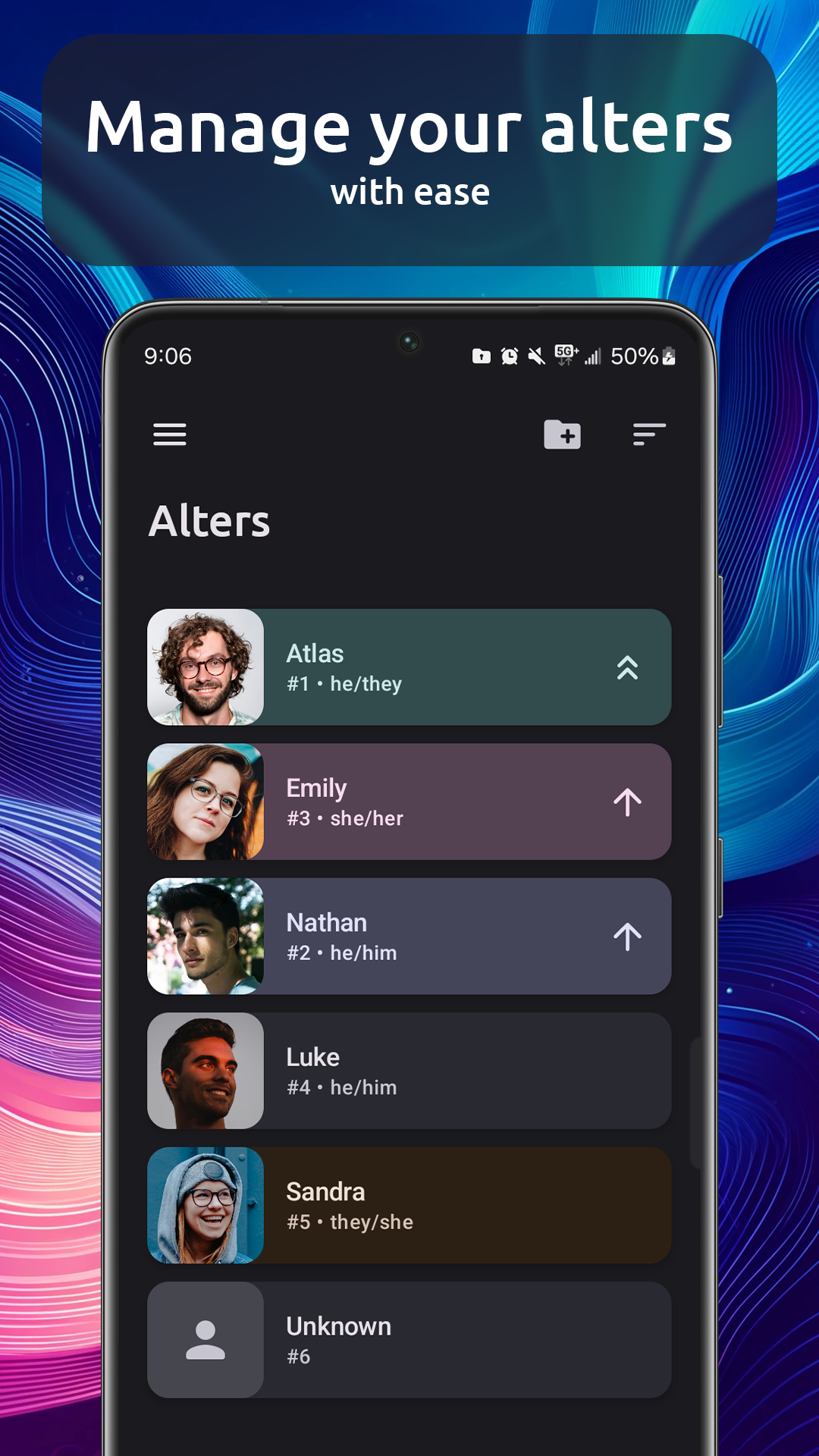
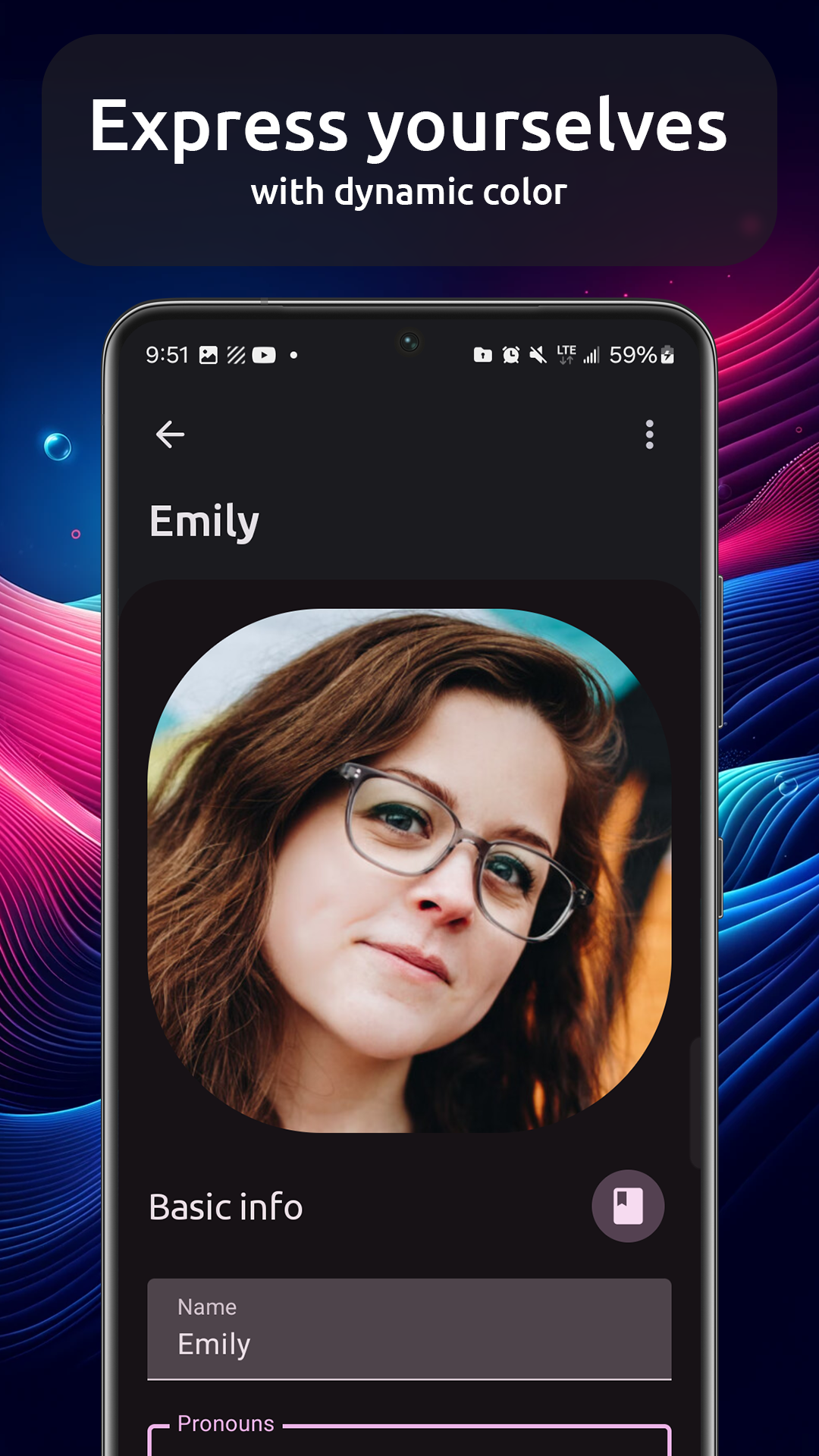
Octocon is the modern, all-in-one toolkit for people with DID and OSDD to manage their disorder and express themselves.Manage a list of your alters complete with a name, profile picture, pronouns, and any custom fields you can imagine!
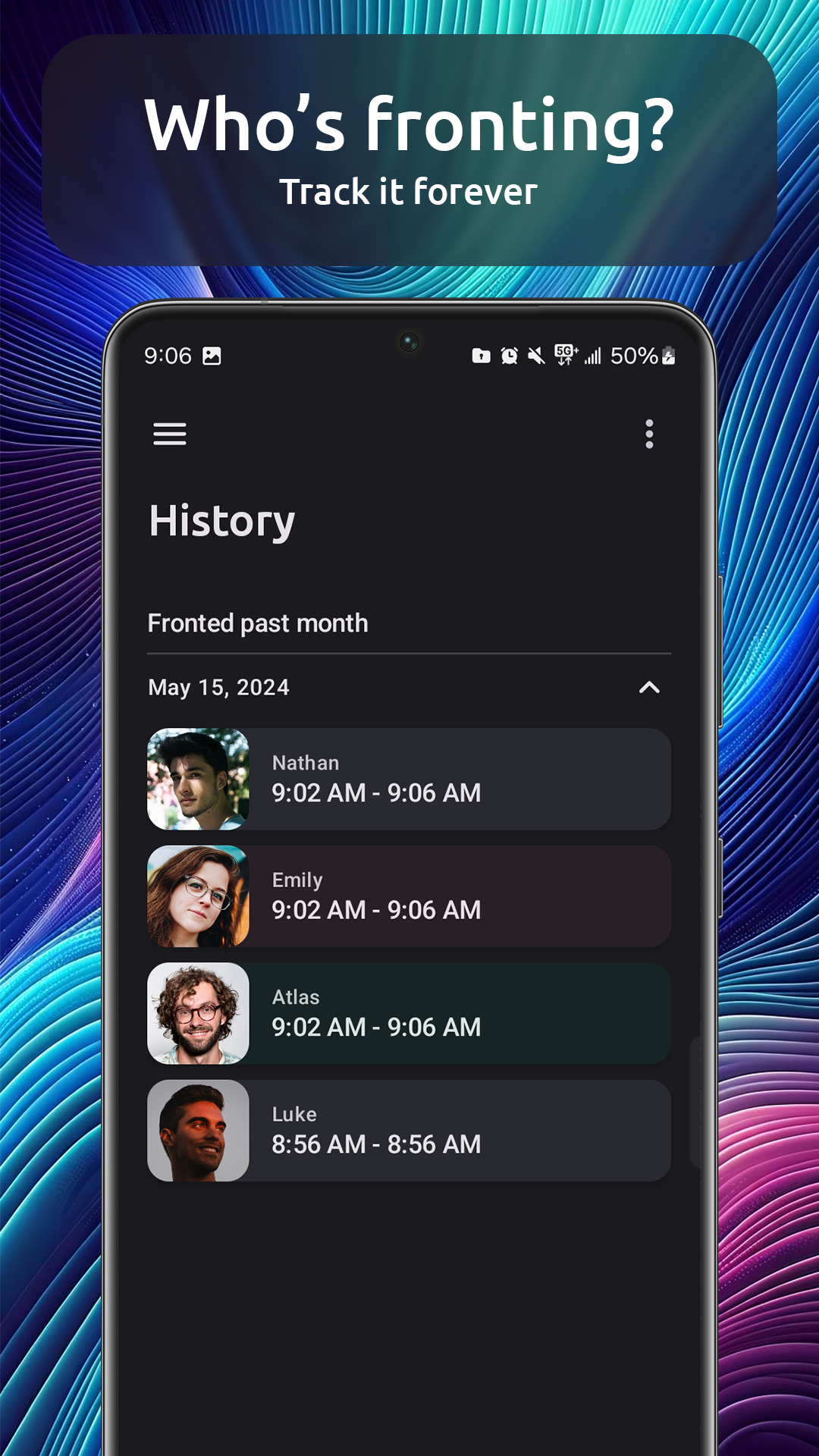
Analyze your front history in complete detail in a list that goes back forever.
Keep a system-wide journal to note down any important information. Alters each have their own private journal, too!
Share aspects of your system with friends with fine-grained control, and let them receive push notifications for front changes. Octocon is built to be privacy-first; all data must be explicitly shared!
All of your data syncs in real-time with the Octocon Discord bot, so you can start sending messages on Discord as your alters instantly!
Have any issues, suggestions, or thoughts? Our community is happy to help on Discord! https://octocon.app/discord