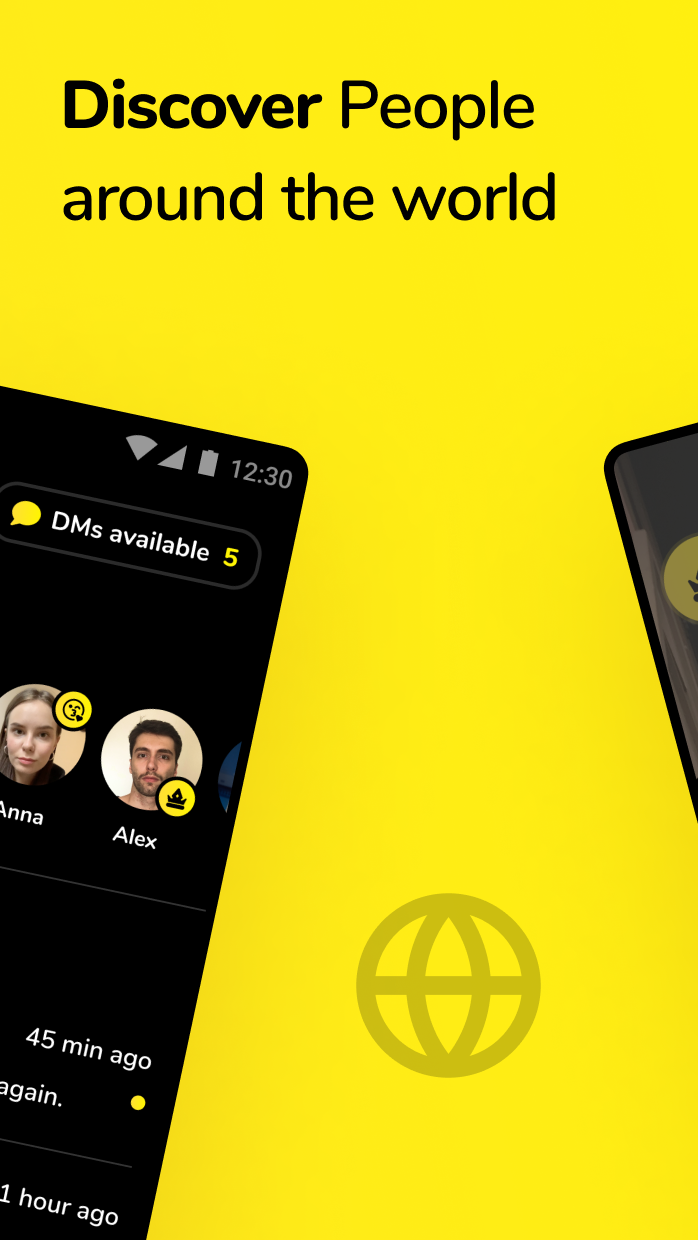
Hoop - Omegle Live Video Chat is a Social application developed by Phollow, but with the best Android emulator-LDPlayer, you can download and play Hoop - Omegle Live Video Chat on your computer.
Running Hoop - Omegle Live Video Chat on your computer allows you to browse clearly on a large screen, and controlling the application with a mouse and keyboard is much faster than using touchscreen, all while never having to worry about device battery issues.
With multi-instance and synchronization features, you can even run multiple applications and accounts on your PC.
And file sharing makes sharing images, videos, and files incredibly easy.
Download Hoop - Omegle Live Video Chat and run it on your PC. Enjoy the large screen and high-definition quality on your PC!
Hoop is a Video Chat app that connects you with millions of nearby and around the world.Wanna meet new people?
Want to make some new friends?
Do you want to meet that special somebody, or you just want to have some fun?
Whatever your heart desires, you are at the right place – welcome to Hoop - Video Chat!
Don’t be shy and just dive in – it’s friendly, it’s safe, it’s free, and it’s FUN! Have one-on-one video chats with millions of people and find new friends around the world with a single tap. Like people, stay in touch (if you want).
You can really use Hoop FREE OF CHARGE.
There are no limitations - talk to people as long as you wish. Some optional features do require in-app purchases.
Your user data
Your user data will always be protected on our secure and encrypted servers. Please just always be mindful of the private information you may reveal while chatting on Hoop.
Need help? Email us at support@meethoop.com
Terms of use: https://meethoop.com/legal/tos.pdf
Eula: https://meethoop.com/legal/eula.pdf
Privacy policy:https://meethoop.com/legal/privacy.pdf