OVpay is a Travel&Local application developed by Translink Customer Care, but with the best Android emulator-LDPlayer, you can download and play OVpay on your computer.
Running OVpay on your computer allows you to browse clearly on a large screen, and controlling the application with a mouse and keyboard is much faster than using touchscreen, all while never having to worry about device battery issues.
With multi-instance and synchronization features, you can even run multiple applications and accounts on your PC.
And file sharing makes sharing images, videos, and files incredibly easy.
Download OVpay and run it on your PC. Enjoy the large screen and high-definition quality on your PC!
With OVpay, you can use your contactless card or phone to check in and out of Dutch public transport. This is the accompanying app—perfect for both seasoned travellers and first-timers.Meet the OVpay app:
• Confirm check-ins and check-outs
Not sure if you’ve checked in or out? Find out under ‘Journeys’. You can also opt to get a notification every time you check in or out.
• Adjust missed check-ins or check-outs
Forgotten to check in or out? No problem! You can adjust missed check-ins and check-outs in the app. Up to 60 days after your journey.
• All journeys and travel costs in a one overview
View all your journeys and travel costs from the past 18 months under ‘Journeys’.
• Create travel expense overviews
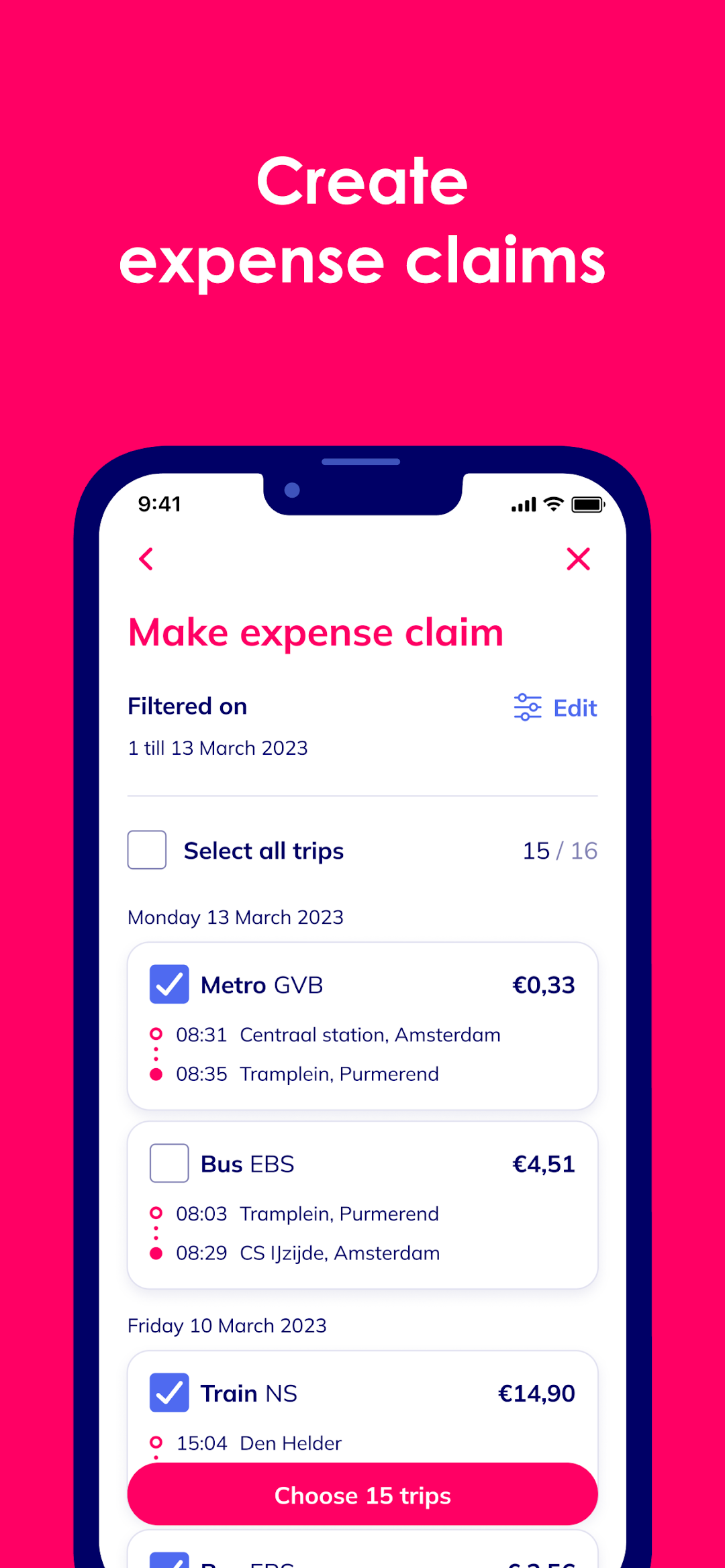
Send travel expense overviews to your employer straight from the app. Or have it email you a PDF. All you need to do is select the month and trips—the app will take care of the rest!
• Add multiple cards
You can now add up to 10 cards to the app. Give them a name and colour so you can easily keep them apart. Perfect if you use different cards for travel.
• Add your age-based discount
If you qualify for a 34% age-based discount, you can add it to your card. In the app, share your name, date of birth and a photo and you’re good to go.
We’re always working to add new features. Keep an eye on our website, Instagram or Facebook for the latest news.
About OVpay
OVpay is a collaboration between Translink, all major Dutch banks, and Dutch public transport operators: Arriva, EBS, GVB, HTM, Keolis, NS, Qbuzz, RET, and Transdev.
This is the accompanying app for OVpay. With OVpay, you can check in and out with your contactless card or phone instead of an OV-chipkaart.
Privacy
With OVpay, you choose how you want to check in and out. We need some of your personal details to make it work, but we believe you should be the one who decides how your details are used, and who uses them. Learn how we process and protect your personal details in your privacy statement (www.ovpay.nl/privacy).