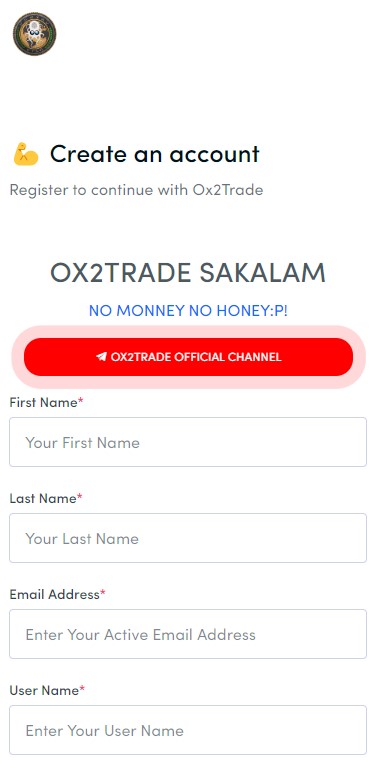
OX2TRADE is a Business application developed by BOSS HUGO, but with the best Android emulator-LDPlayer, you can download and play OX2TRADE on your computer.
Running OX2TRADE on your computer allows you to browse clearly on a large screen, and controlling the application with a mouse and keyboard is much faster than using touchscreen, all while never having to worry about device battery issues.
With multi-instance and synchronization features, you can even run multiple applications and accounts on your PC.
And file sharing makes sharing images, videos, and files incredibly easy.
Download OX2TRADE and run it on your PC. Enjoy the large screen and high-definition quality on your PC!
From the outset, our goal has been to provide opportunities for everybody to invest in the volatile Forex Trade and cryptocurrency markets with the motive to make the lives of ordinary people extraordinary,This is an initiative where we seek to bring the potential of digital assets closer to our clients every individual to help them earn consistently we make more project plan to additional earn to our company we build more idea to help people,