Pact Pay - Escrow,Wallet,Shop is a Finance application developed by SYMFONIA TECHNOLOGIES, but with the best Android emulator-LDPlayer, you can download and play Pact Pay - Escrow,Wallet,Shop on your computer.
Running Pact Pay - Escrow,Wallet,Shop on your computer allows you to browse clearly on a large screen, and controlling the application with a mouse and keyboard is much faster than using touchscreen, all while never having to worry about device battery issues.
With multi-instance and synchronization features, you can even run multiple applications and accounts on your PC.
And file sharing makes sharing images, videos, and files incredibly easy.
Download Pact Pay - Escrow,Wallet,Shop and run it on your PC. Enjoy the large screen and high-definition quality on your PC!
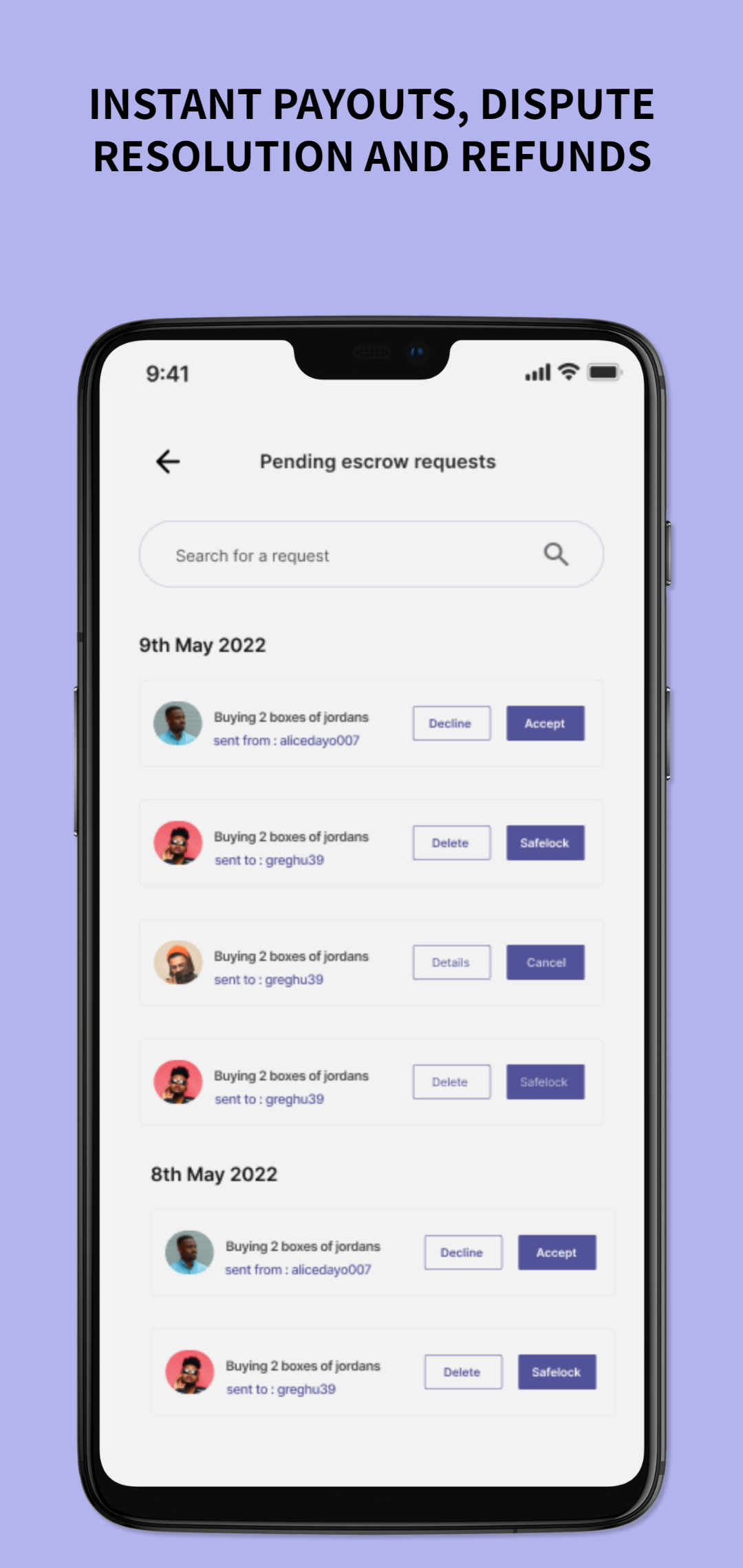
Pact Pay enables you to do more and better with your money by allowing you to send and receive money to and from family, friends, and anyone! Create secure escrow transactions to ensure you get exactly what you ordered, shop on our marketplace, and have your items delivered as soon as possible! Access to expense-based loans that allow you to buy now and pay later at our various stores, manage your bills, and more!Exciting reasons to use Pact Pay include:
- Our partner bank provides dedicated wallet accounts and account numbers.
- The most affordable escrow fees! (Only 0.5%!)
- Pact stores where you can shop for products, services, subscriptions, and other items!
- Pact Points that can be converted to cash and used to shop!
• Create simple and milestone escrow transactions with low escrow fees.
• File a dispute as soon as you suspect something is wrong.
• Payment to the seller is made immediately after the transaction is completed.
• Immediate refunds to buyers if anything goes wrong.
• A straightforward dashboard for tracking all of your earnings and expenses.
• Fund your wallet account and send and receive money from other Pact Pay users and external bank accounts for free.
• Keep track of how much you spend and receive
• Accept payments via QR codes
Please keep in mind that some features may not be fully available to all users at this time.