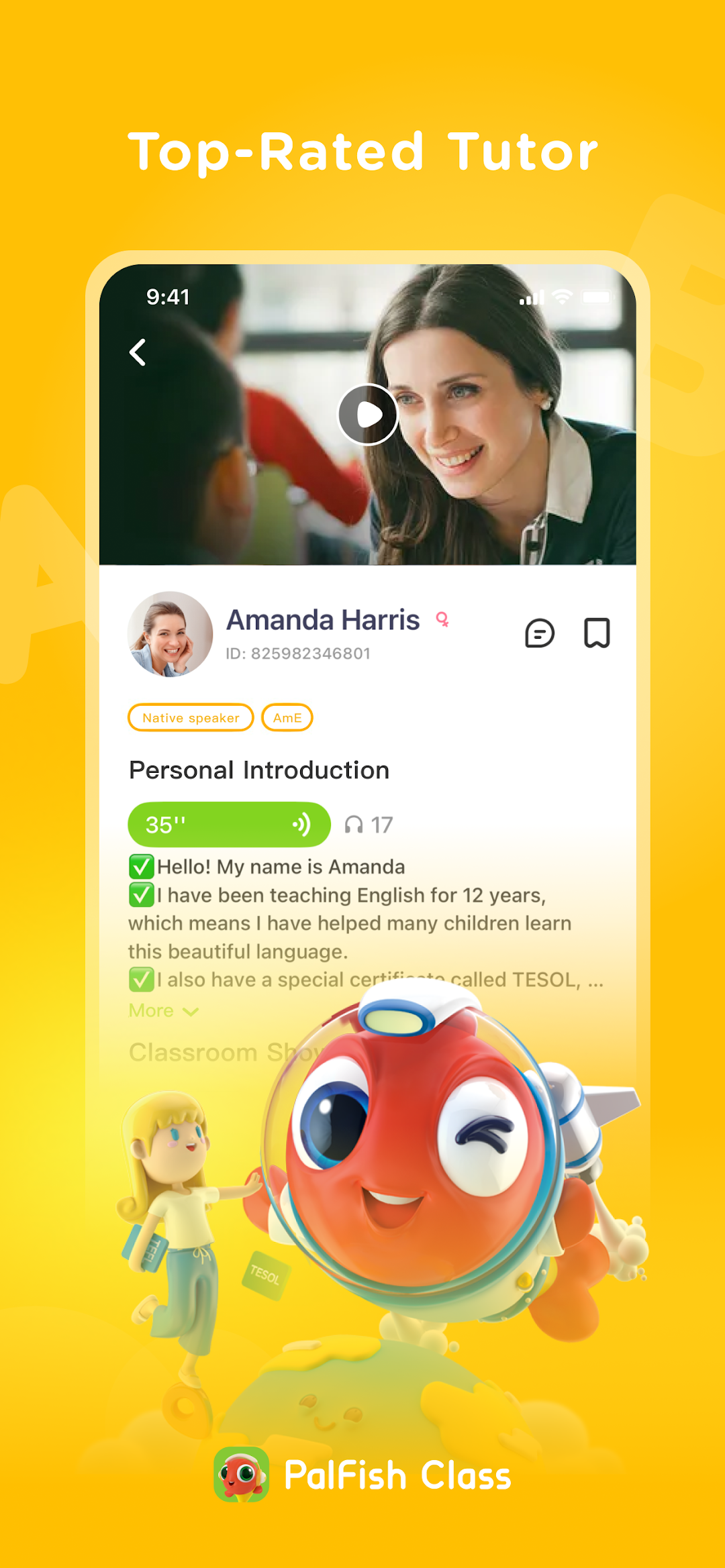
PalFish Class is a Education application developed by Palfish Team, but with the best Android emulator-LDPlayer, you can download and play PalFish Class on your computer.
Running PalFish Class on your computer allows you to browse clearly on a large screen, and controlling the application with a mouse and keyboard is much faster than using touchscreen, all while never having to worry about device battery issues.
With multi-instance and synchronization features, you can even run multiple applications and accounts on your PC.
And file sharing makes sharing images, videos, and files incredibly easy.
Download PalFish Class and run it on your PC. Enjoy the large screen and high-definition quality on your PC!
- Live English Class 1 on 1 from Native teachers application.- Learn and Play through Music and Games with Interactive Class.
- Every teacher has been certified by TESOL, CELTA Over 50,000 teachers in the USA, UK, Australia, Canada, Philippines and South Africa.
- Guaranteed by Real Users worldwide 50M Downloads, 2M Paid Users.
- Using the Pearson’s English syllabus which is the oldest publisher in England and publishes English textbooks around the world
The mission of PalFish is to empower the world’s children, parents and teachers with strong ed-tech products and engaging learning solutions.