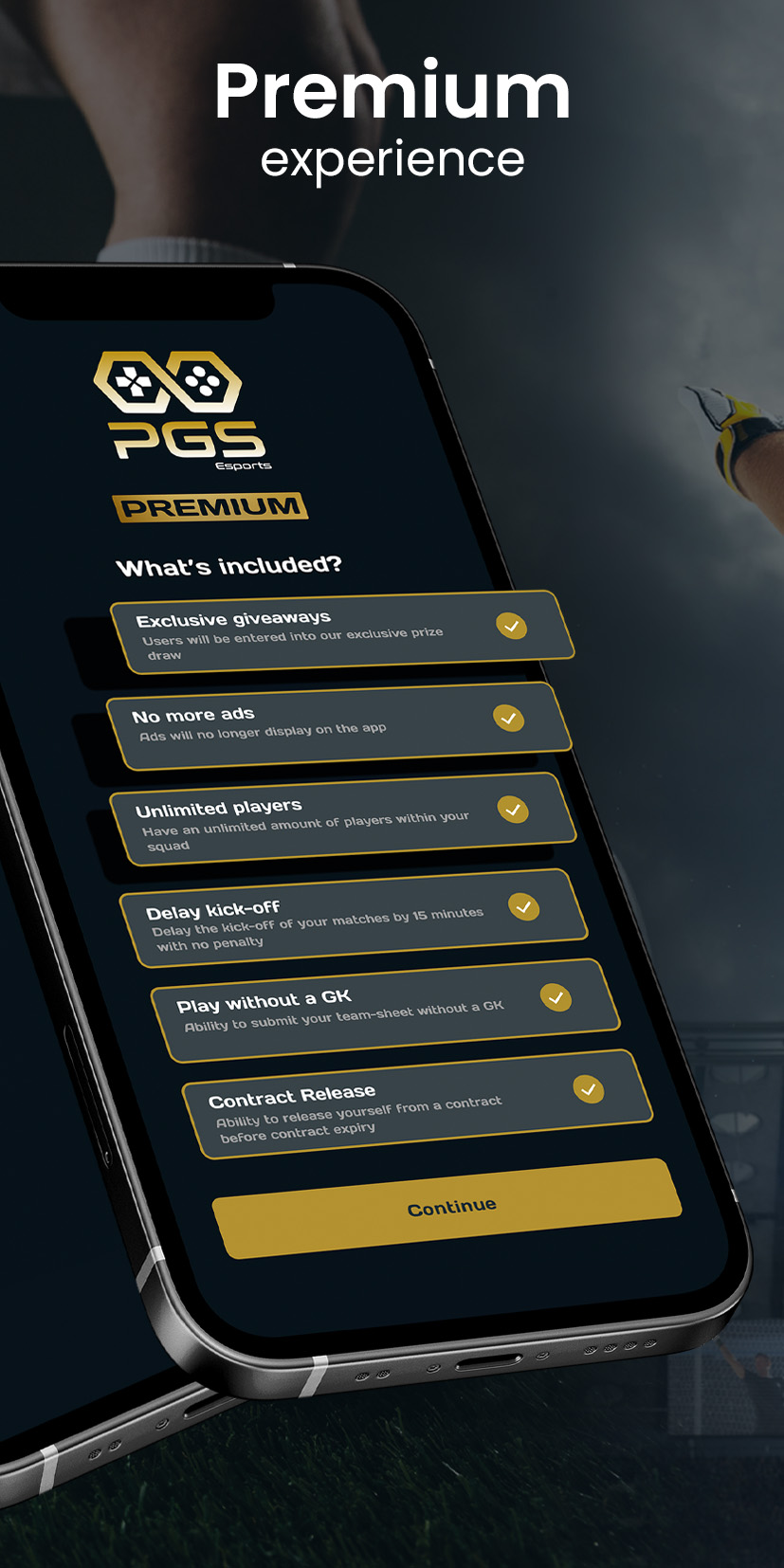
PGS Esports is a Entertainment application developed by PGS Esports, but with the best Android emulator-LDPlayer, you can download and play PGS Esports on your computer.
Running PGS Esports on your computer allows you to browse clearly on a large screen, and controlling the application with a mouse and keyboard is much faster than using touchscreen, all while never having to worry about device battery issues.
With multi-instance and synchronization features, you can even run multiple applications and accounts on your PC.
And file sharing makes sharing images, videos, and files incredibly easy.
Download PGS Esports and run it on your PC. Enjoy the large screen and high-definition quality on your PC!
With a simple streamlined process, users can easily and quickly enter specific stats from the desired games they compete in. The stat entry system allows users to compare their own stats vs those of others to give that competitive edge. This means that users will be competing against each other on a global basis.Individual accolades will be awarded to the best players such as top scorer or most saves, so there is all to play for regardless.
Coming soon:
- View Livestream of games
- Earn PGS coins