Photo Editor 2022 is a Tools application developed by D-MobileApps, but with the best Android emulator-LDPlayer, you can download and play Photo Editor 2022 on your computer.
Running Photo Editor 2022 on your computer allows you to browse clearly on a large screen, and controlling the application with a mouse and keyboard is much faster than using touchscreen, all while never having to worry about device battery issues.
With multi-instance and synchronization features, you can even run multiple applications and accounts on your PC.
And file sharing makes sharing images, videos, and files incredibly easy.
Download Photo Editor 2022 and run it on your PC. Enjoy the large screen and high-definition quality on your PC!
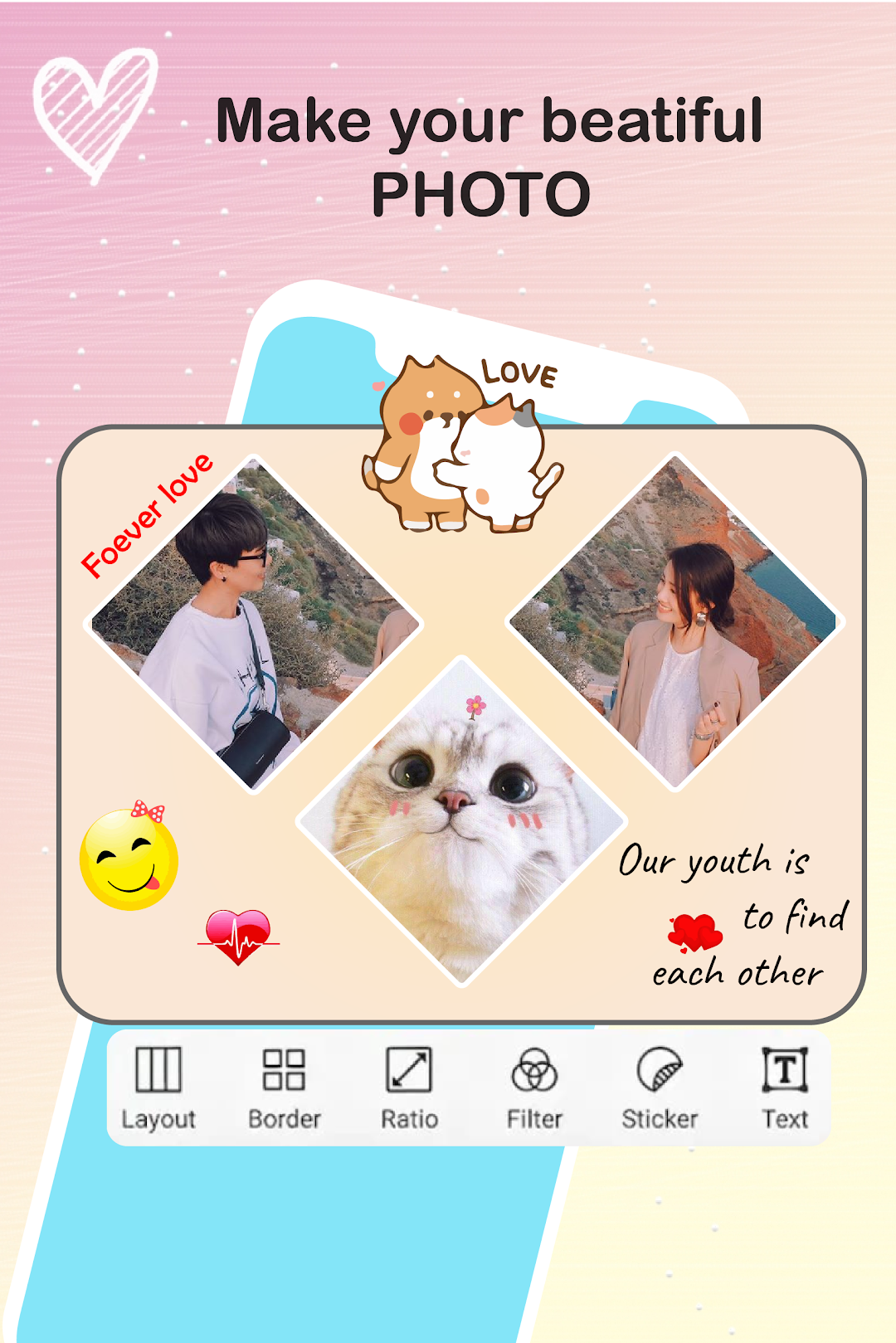
❤️Photo Collage Maker & Photo Grid- Create photo collage with 100+ layouts in seconds
- Custom photo grid size, border and background
- Apply effects and filters to photo
- Add emoji, sticker and text to photo
- Choose multiple ratios, 1:1, 4:5, 3:2 ratios, etc
- Simply drag to swap photo
- You can also personalize your own scrapbook with freestyle pic stitches
❤️Powerful photo editor
- Apply professional effect and filter to picture
- Crop, rotate, resize, blur, mirror, and zoom photo
- Insta square photo with professional blur effect
- Add stickers, text, backgrounds, graffiti, borders, and frames
- Adjust the brightness, contrast, saturation, and layout of your photo
❤️Professional Filters & Magic Effects
- 100+ filters & effects to choose from
- Glitch, Emboss, Pixel
- Sketch, Moire, Monitor
- Retro VHS, Bad TV, RGB
- Lomo, Retro, Food, BW, Film
❤️Funny Sticker & Text
- Built-in 500+ stickers to choose from
- Add text on photo with 50+ typefaces
- Adjust the size and position of stickers and text by simple gestures
❤️Fashionable Background & Photo Frame
- 200+ backgrounds to choose from
- Create a cool picture with 50+ frames
- So easy to make an awesome photo