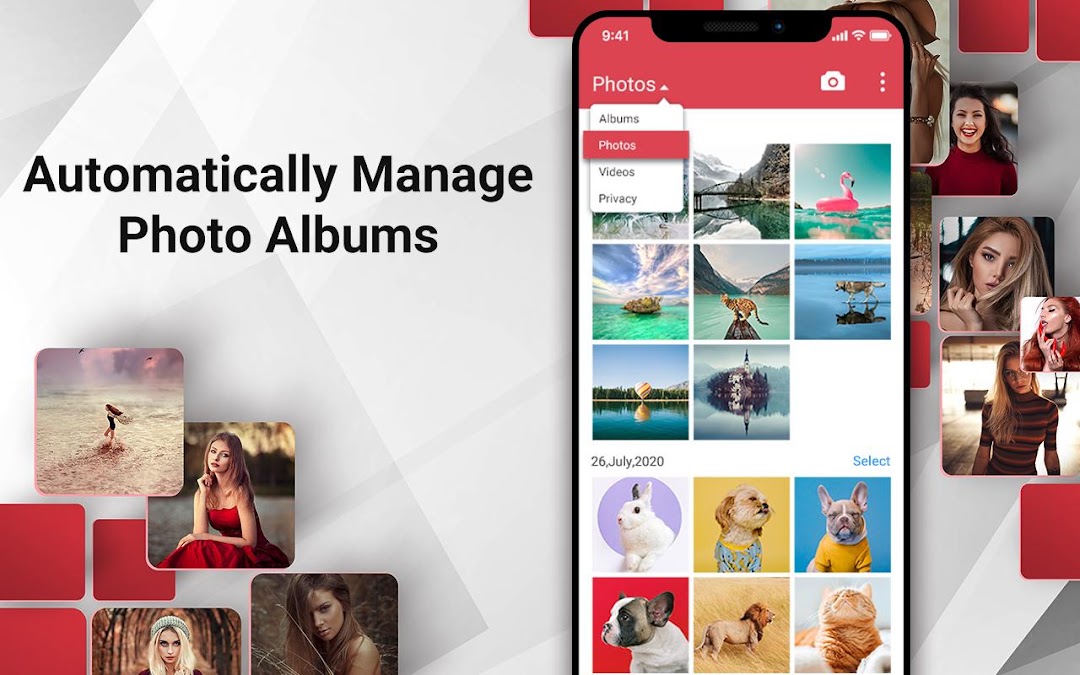


Photo Gallery & Album is a Photography application developed by Easyelife, but with the best Android emulator-LDPlayer, you can download and play Photo Gallery & Album on your computer.
Running Photo Gallery & Album on your computer allows you to browse clearly on a large screen, and controlling the application with a mouse and keyboard is much faster than using touchscreen, all while never having to worry about device battery issues.
With multi-instance and synchronization features, you can even run multiple applications and accounts on your PC.
And file sharing makes sharing images, videos, and files incredibly easy.
Download Photo Gallery & Album and run it on your PC. Enjoy the large screen and high-definition quality on your PC!
The best photo gallery and photo browser&manage app in android market.Photo gallery wish everyone can preview and manager their pictures in a quicker and easier way.
Feel free to management your photo gallery, easy edit your hot photos, and share your moments.
Key Features:
- Hide your private photos and videos
- Protect private photos and videos via encryption
- Supports all the popular image formats.
- Easy to show 1000+ pictures in few seconds, quick access and find all new pictures.
- Preview your album as slideshow in best quality effects
- 3D effect , more realistic aesthetic feeling
- Smooth experience: sliding shift or switch, single or double tap or pinch to zoom.
- Photo editing: Rotate, shrink, crop pictures, set wallpaper with best quality
- More file management features: sort, rename, create new folder, move and copy pictures
- Optimized for HD tablets
- Browse all pictures , pictures will be set as wallpaper , may to the images cut , rotate , amplification , narrow
- Delicate interface design
- Best quality full-screen browser
- Extensible personalized slide play, clear thumbnail preview
- Sharing photos via SMS , E-mail and etc..
- Fluent experience: sliding translation or switching, click or double-click or double refers to scale the image
Notice:
* For users with Android 11 and above, the "MANAGE_EXTERNAL_STORAGE" permission is required for the proper operation of file encryption and management features.
Foreground Service Permission Declaration:
By running the gallery as a foreground service, the video can continue playing in the background even if the user exits the video playback interface. In this way, users can control video playback directly from the notification bar and continue to listen to video content without reopening the gallery app.