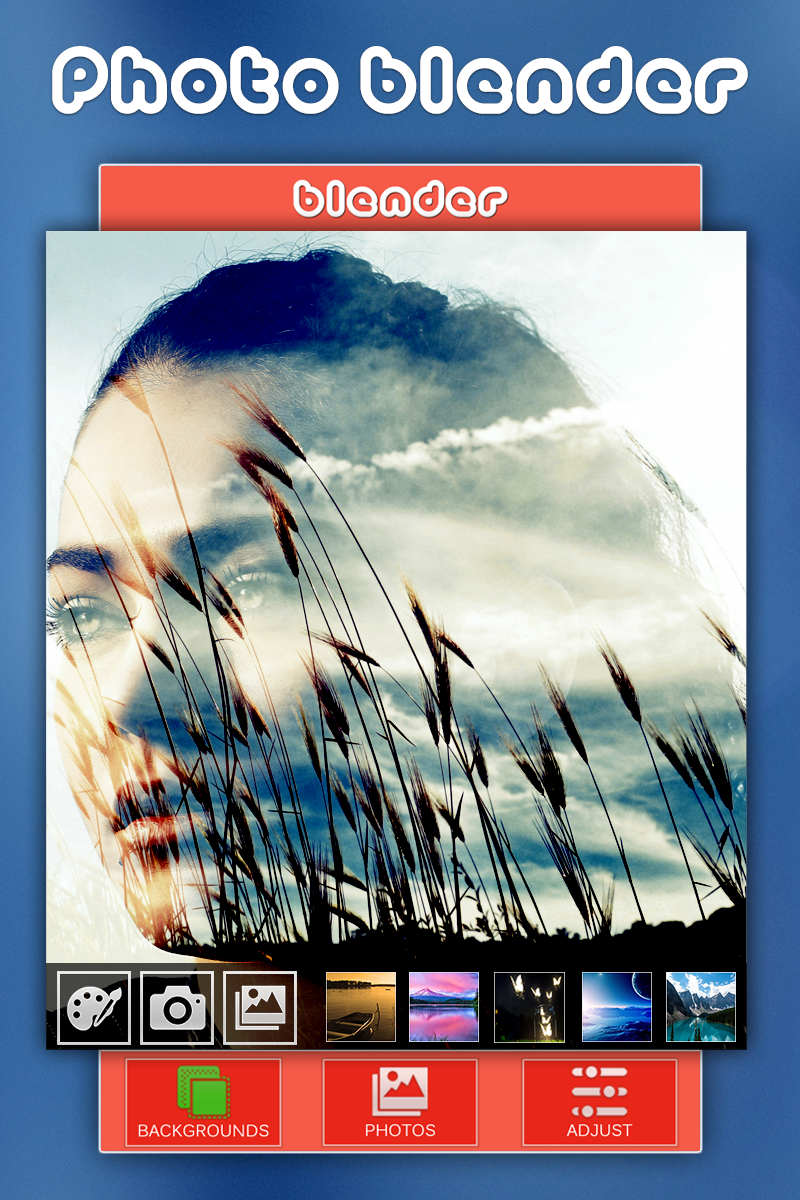
Photo Overlays - Blender is a Photography application developed by photoshop mobile apps, but with the best Android emulator-LDPlayer, you can download and play Photo Overlays - Blender on your computer.
Running Photo Overlays - Blender on your computer allows you to browse clearly on a large screen, and controlling the application with a mouse and keyboard is much faster than using touchscreen, all while never having to worry about device battery issues.
With multi-instance and synchronization features, you can even run multiple applications and accounts on your PC.
And file sharing makes sharing images, videos, and files incredibly easy.
Download Photo Overlays - Blender and run it on your PC. Enjoy the large screen and high-definition quality on your PC!
Photo Blender provides a simplest and easiest way to blend two or more pictures together with advance photo editing and enhancement options.Creating double or multi exposure images by blending or mixing photos and enhance photos beauty by applying effects, overlays and many other advance editing tools like professionals. With the Photo Blender app you can create an amazing poster of your photo by blending them into one.
Photo Blender is one stop app for all your photo blending, photo enhancing and photo editing needs. It is easy to use and powerful app to get perfect result every time.
Features:
1. Blender
- Mix and blend two or more image with advanced blending tools.
2. Editor
- Edit pictures like professionals with many editing tools.
3. Enhancer
- Enhance photos to make then HD.
4. Effects
- Apply effects to make pictures even more beautiful.
5. Overlays
- Apply overlay to give double exposure.
6. Crop
- Crop photos for social media or other use.
7. Orientation
- Adjust orientation to get perfect view of photos.
8. Border, Frames, Sticker, Text and many more
- To give photo your personal touch.
Unleash your creative side with Photo Blender. TRY Now!!