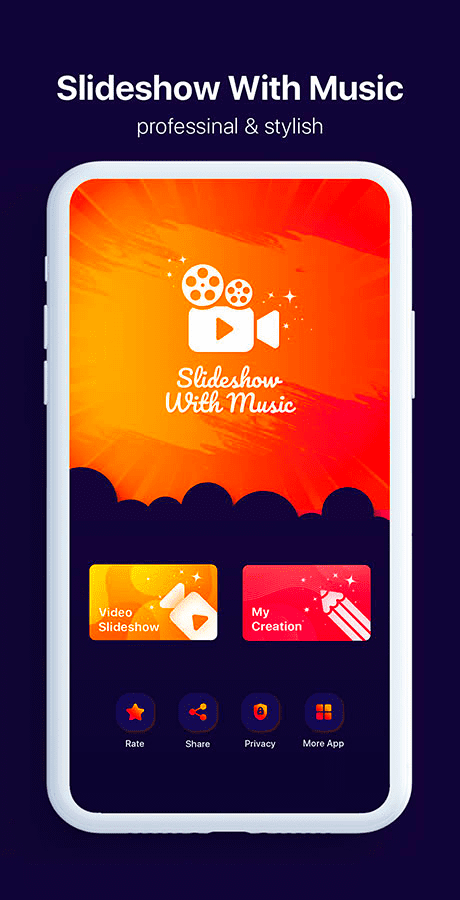
Photo Video Maker - FilmZ is a Video Players&Editors application developed by Professional Utility, but with the best Android emulator-LDPlayer, you can download and play Photo Video Maker - FilmZ on your computer.
Running Photo Video Maker - FilmZ on your computer allows you to browse clearly on a large screen, and controlling the application with a mouse and keyboard is much faster than using touchscreen, all while never having to worry about device battery issues.
With multi-instance and synchronization features, you can even run multiple applications and accounts on your PC.
And file sharing makes sharing images, videos, and files incredibly easy.
Download Photo Video Maker - FilmZ and run it on your PC. Enjoy the large screen and high-definition quality on your PC!
Photo Video Maker : Music Video MakerThis Video Slideshow Maker application is very beautiful tool to start to create slideshow video with beautiful themes, frames and filter effects.
To make slideshow video from photo with your music or any favorite song like many years ago, you need to know how to use tools and different techniques to make video from photos with music, but today with all All are easy transitions, short steps and without any guide you can create beautiful video from photos and music using amazing frames, effects and stickers.
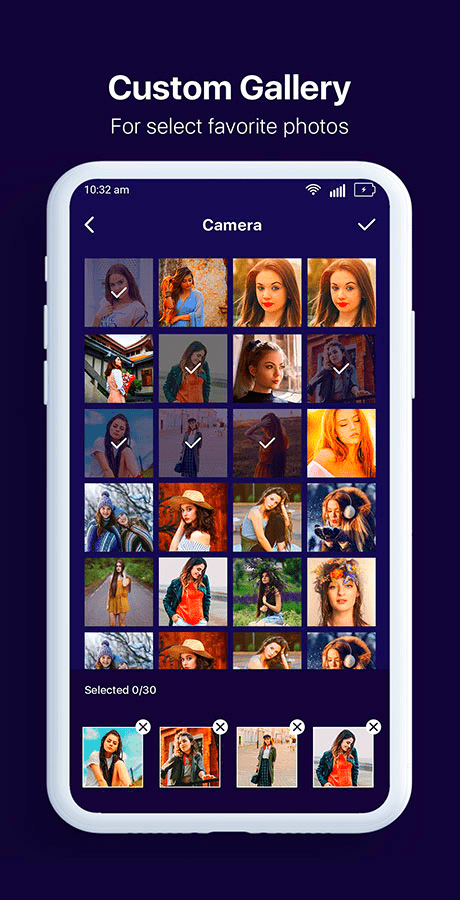
1- Choose a picture from your mobile memory (Gallery or on your SD card memory).
2 - Select your favorite music and you can also trim your song to pick your favorite song which you want to use to create your photo slideshow with music but please you must select minimum 4 images , but it is better to select 10 to 20 images
3- Select Beautiful Frames, This app is a photo video maker with frames and filters, so it is better to use in your image slideshow created by you.
4- Save all changes and check your photo slideshow which is created by you share it with your friends if in your social media.
5- If this Photo Slideshow Maker helps you to create great photo on slideshow and you are happy about that don't forget to share this application with your friend, we will share on this Slideshow Maker application Add button.
- Main Features of Photo Video Maker:
★ Free video maker app with photos and music
★ Easy to use professional editing tools
★ Search photos from your gallery. You can select as many photos as you want. Supports high resolution images.
★ Support image editing, it is a photo editing tool before video making. With more features: Add Text, Stickers, Crop Photos, Flip Photos, Filters, ...
★ Add music to slideshow, easily select the music you like to add to the video.
★ Lots of free themes with beautiful and bright effects are available in the app
★ Lots of photo frames with variety of colors to make your video more prominent.
★ Adjust video length by changing slideshow time between images.
★ Backup videos easily to devices with just one click.
★ Share video to dearest friends via your favorite apps like Facebook, Twitter, Instagram, Email...
Please contact us if you have any questions about this application.