

Photo Gallery 3D & Album Vault is a Video Players&Editors application developed by Leopard V7, but with the best Android emulator-LDPlayer, you can download and play Photo Gallery 3D & Album Vault on your computer.
Running Photo Gallery 3D & Album Vault on your computer allows you to browse clearly on a large screen, and controlling the application with a mouse and keyboard is much faster than using touchscreen, all while never having to worry about device battery issues.
With multi-instance and synchronization features, you can even run multiple applications and accounts on your PC.
And file sharing makes sharing images, videos, and files incredibly easy.
Download Photo Gallery 3D & Album Vault and run it on your PC. Enjoy the large screen and high-definition quality on your PC!
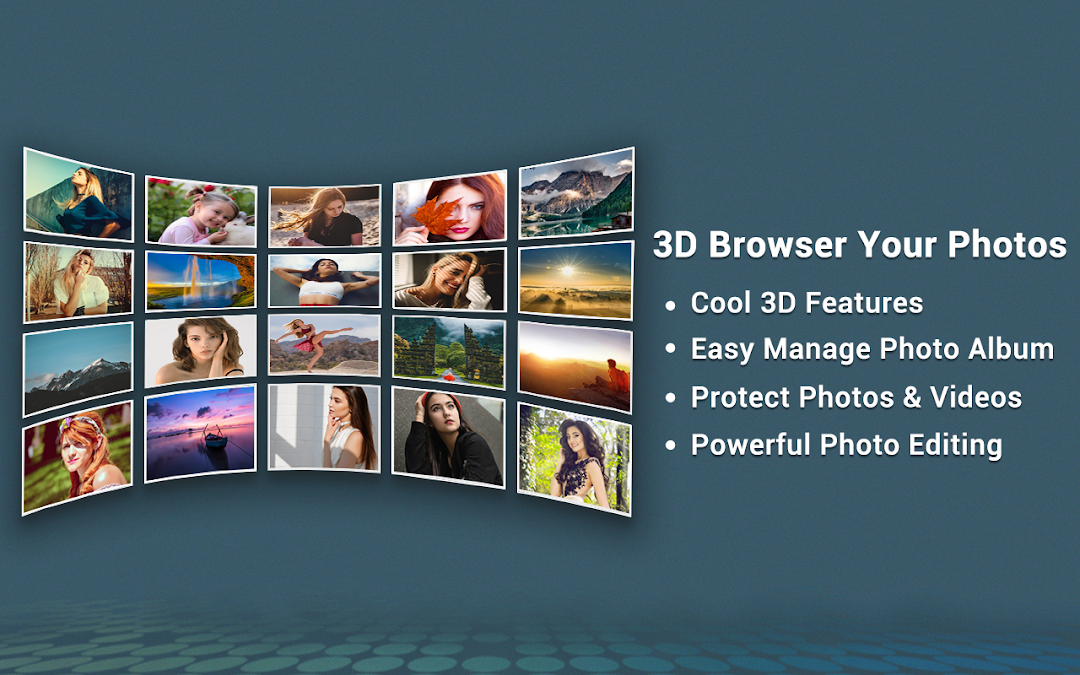
Photo Gallery 3D is one of the native android system Gallery app.You can quick and easy to access all your media(photo and video) files, it also include gorgeous 3D effect. It has utilized all advantage of your phone or tablet.
Photo Gallery 3D supports all the popular image formats
Key Features:
- Protect private photos and videos via encryption
- Hide your private photos and videos in secure gallery vault
- Quick browse all the pictures in your device.
- 3D effect , more realistic aesthetic feeling
- Easy to manager your image
- Set as wallpaper
- Photo editing: Crop, rotate left, rotate right.
- Show image details
- Preview in slideshow
- Easy to share pictures
- Delicate interface design
- Excellent operating experience,easily sliding translation and switching.
Here just as a supplement and provides an additional option for everyone can use this native gallery app. Enjoy it.
Note:
* For users of Android 11 and above, the "MANAGE_EXTERNAL_STORAGE" permission is required to ensure that features such as file encryption and management work properly.
Foreground Service Permission Declaration:
With the gallery running as a foreground service, videos can continue playing in the background even when the user exits the playback screen. In this way, the user can easily control playback through the notification bar and enjoy their videos without needing to reopen the app.