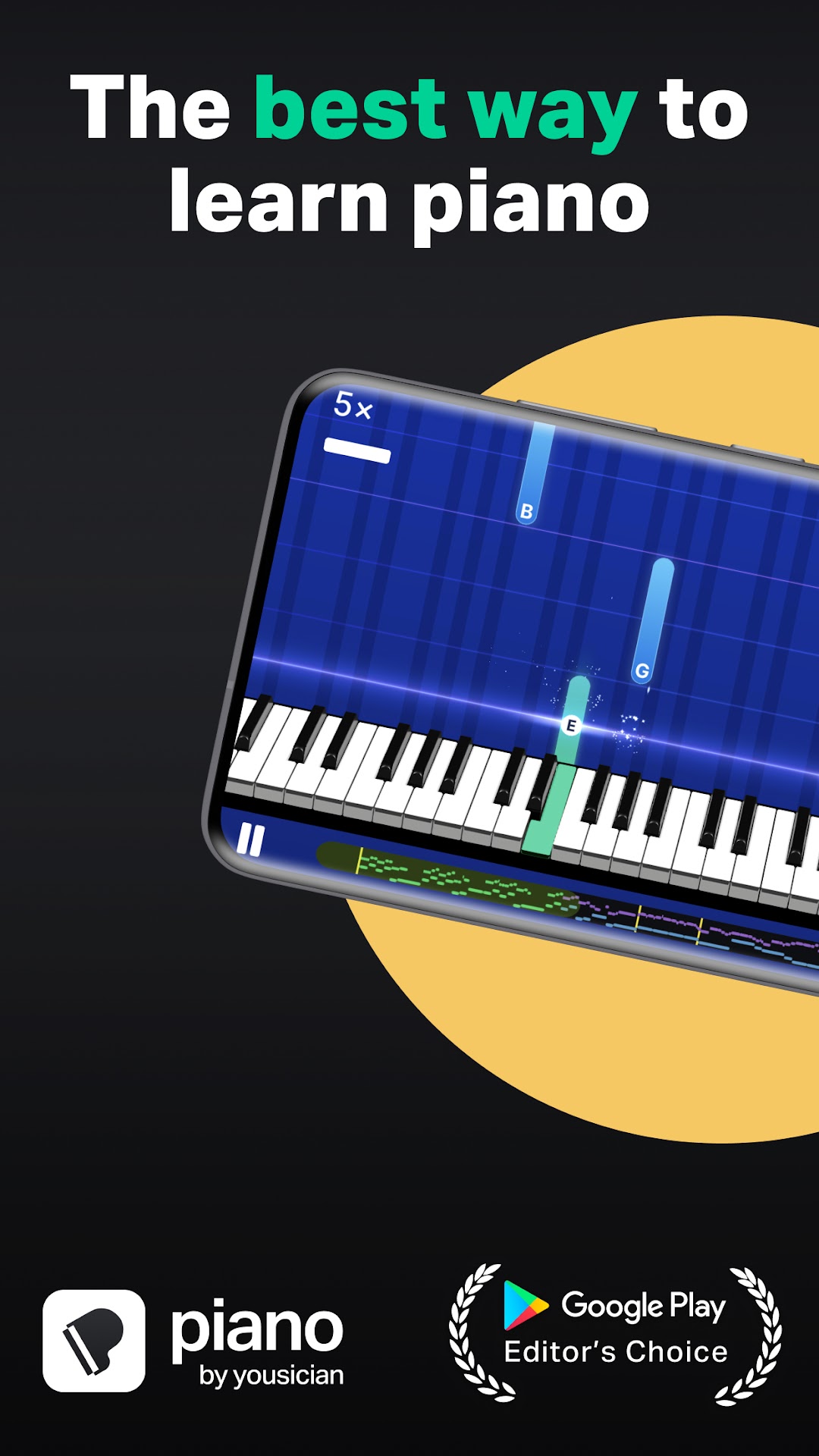
Piano by Yousician is a Education application developed by Yousician Ltd., but with the best Android emulator-LDPlayer, you can download and play Piano by Yousician on your computer.
Running Piano by Yousician on your computer allows you to browse clearly on a large screen, and controlling the application with a mouse and keyboard is much faster than using touchscreen, all while never having to worry about device battery issues.
With multi-instance and synchronization features, you can even run multiple applications and accounts on your PC.
And file sharing makes sharing images, videos, and files incredibly easy.
Download Piano by Yousician and run it on your PC. Enjoy the large screen and high-definition quality on your PC!
Piano by Yousician is your personal piano teacher for the digital age! Learn and play thousands of songs on your real instrument with clear, instant feedback as the app listens along.Finish your first lesson in just 15 minutes!
Learn at your own pace, whenever and wherever you want. The app listens to you play and gives instant feedback on your accuracy and timing. Our piano curriculum, designed by expert piano teachers, will help people of all levels improve, from complete beginners to professionals.
Step-by-step video tutorials guide you through each lesson. Fun and engaging gameplay tracks your progress and keeps you motivated to practice and learn. You’ll be amazed by how fast your skills advance. So go sit at your piano or grab your keyboard, and start playing now!
WHAT IS INCLUDED?
• Over 1,500 popular songs, lessons & exercises
• Hundreds of video lessons, covering all the skills you need to master the piano including sight reading sheet music
• Piano By Yousician also teaches you music theory and Includes special trainers for each piano skill.
• A Weekly Challenge, where you can compete with friends and millions of other piano players worldwide.
SELF-LEARNERS
Piano By Yousician has been developed with the world’s most innovative and experienced piano teachers. With step-by-step lessons and tutorials with constant feedback you can always be sure you’re playing right.
PLAY WITH A REAL PIANO
Piano By Yousician is played with a real instrument, and requires no additional equipment. The phone’s microphone listens to you play and the app tells you how you’re performing.
PREMIUM SUBSCRIPTION
Subscribe for unlimited and uninterrupted playtime across all platforms.
Subscription automatically renews at the end of each term unless auto-renew is turned off in your Yousician account on yousician.com or Google Play account.
ABOUT YOUSICIAN
Yousician is the largest and fastest growing music educator in the world with over 10 million users.
• https://yousician.com/privacy-notice
• https://yousician.com/terms-of-service
FEEDBACK AND SUPPORT
Need help with a problem or have feedback for us? Get in touch at
support.yousician.com
Join the Yousician community on Facebook and Instagram:
https://www.facebook.com/yousician
https://www.instagram.com/yousician
Download our other apps:
- Yousician: Learn Guitar & Bass
- Ukulele by Yousician
- GuitarTuna, the #1 downloaded tuner app worldwide