PicaBook: Picture Book Creator is a Education application developed by My Fortuna, but with the best Android emulator-LDPlayer, you can download and play PicaBook: Picture Book Creator on your computer.
Running PicaBook: Picture Book Creator on your computer allows you to browse clearly on a large screen, and controlling the application with a mouse and keyboard is much faster than using touchscreen, all while never having to worry about device battery issues.
With multi-instance and synchronization features, you can even run multiple applications and accounts on your PC.
And file sharing makes sharing images, videos, and files incredibly easy.
Download PicaBook: Picture Book Creator and run it on your PC. Enjoy the large screen and high-definition quality on your PC!
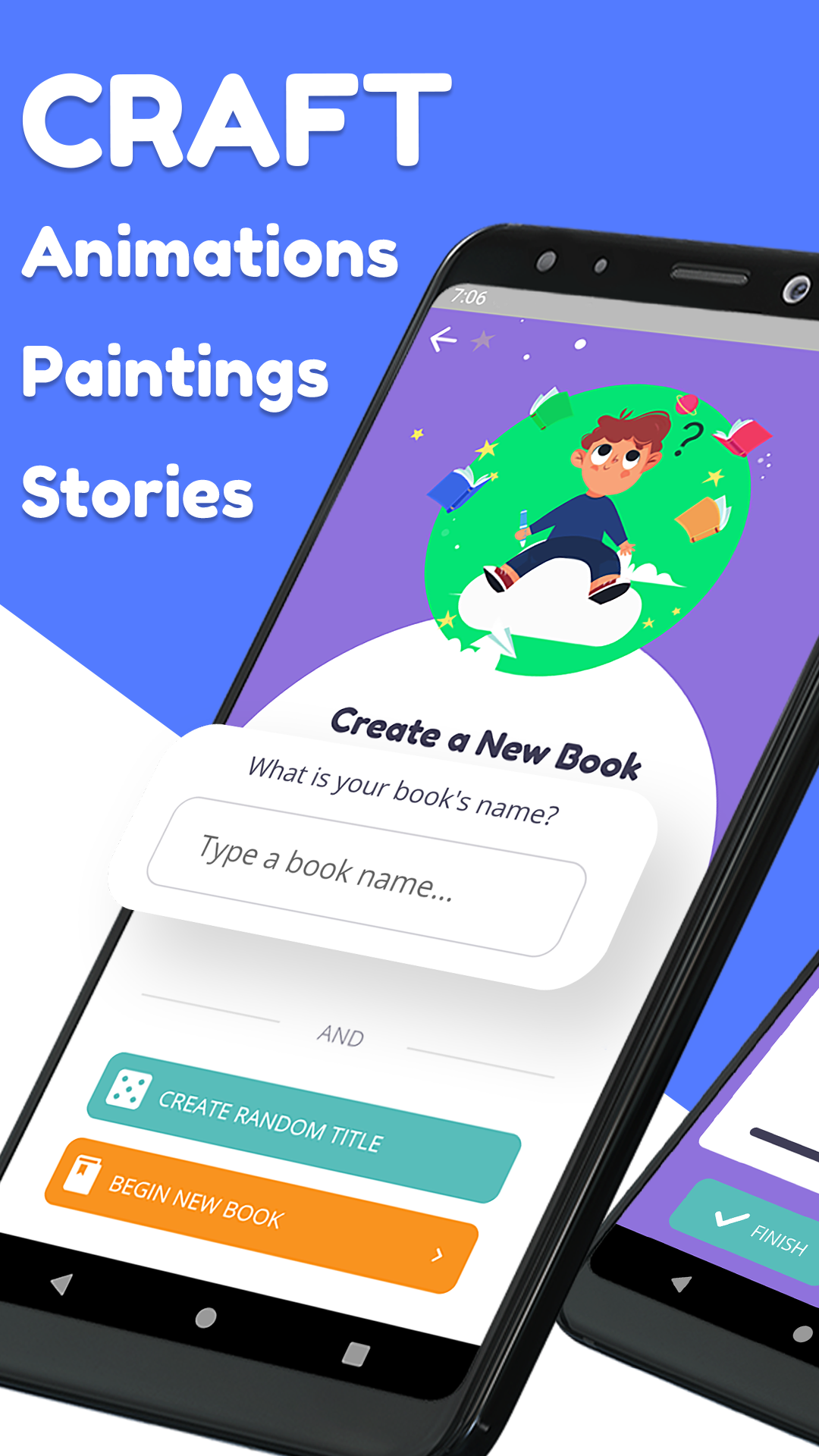
PicaBook provides a simple way to create, store and share short picture book stories and animations. You can create books for your kids or let them make their own! We try to make those long car rides and endless bed time stories more manageable by keeping all of your picture books in one place and ready for viewing at any time. In just a few minutes you can also make a funny animation and reuse later within story books. If you are far away, easily share your books across devices with a built-in system within the app, no sign-in required!NOTABLE FEATURES:
Draw Animations: Create moving stickers and use them in your stories making books come to life!
Audio Narrations: Each page allows you to record a sound clip for any funny narration of the page content.
Book Library: Every new book gets added to the book library allowing you to go back and enjoy previously created stories.
Book Sharing: Anywhere across the globe book small books can be shared accross devices without the need to make an account.
Simple Drawings: Quickly begin drawing images with highly intuitive, simplified drawing controls suitable for all ages.
Customizable Brush: For advanced users there will be no limits in the size and color your pen can take. You can even make it partly transparent if you would like!
Have fun with this exciting new way learn, create and connect!