Pikaslice is a Tools application developed by Marc Haemmerle, but with the best Android emulator-LDPlayer, you can download and play Pikaslice on your computer.
Running Pikaslice on your computer allows you to browse clearly on a large screen, and controlling the application with a mouse and keyboard is much faster than using touchscreen, all while never having to worry about device battery issues.
With multi-instance and synchronization features, you can even run multiple applications and accounts on your PC.
And file sharing makes sharing images, videos, and files incredibly easy.
Download Pikaslice and run it on your PC. Enjoy the large screen and high-definition quality on your PC!
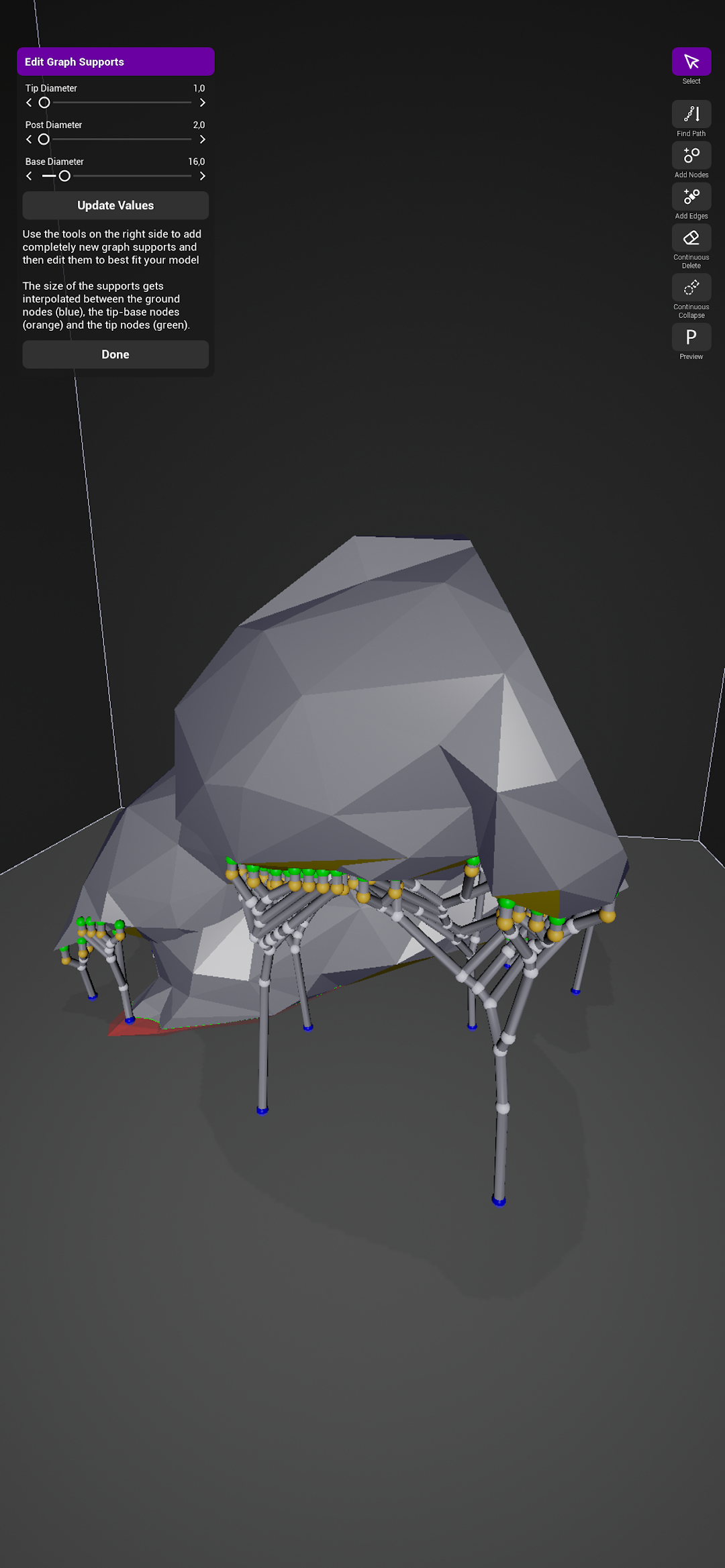
Pikaslice stands out as a versatile resin slicer and filament slicer, designed to cater to both Resin/MSLA and Filament/FFF 3D printing needs on mobile devices. This app simplifies the process of slicing for resin and filament 3D printing. Import your 3D models easily, tweak their position and arrangement for optimal printing, and utilize the advanced resin slicer and filament slicer features for manual or automated support placement. Pikaslice also includes a thorough island detection for resin models, ensuring high-quality slicing for resin printing. Once your slicing is complete, Pikaslice's resin slicer and filament slicer capabilities allow you to export your models to a broad array of Resin/MSLA and Filament/FFF printers.For users of resin MSLA, DLP, and FFF/Filament 3D printers, Pikaslice is a highly compatible app. It supports a diverse range of printers (detailed list available within the app), making it a go-to resin slicer and filament slicer tool for 3D printing enthusiasts and professionals alike.