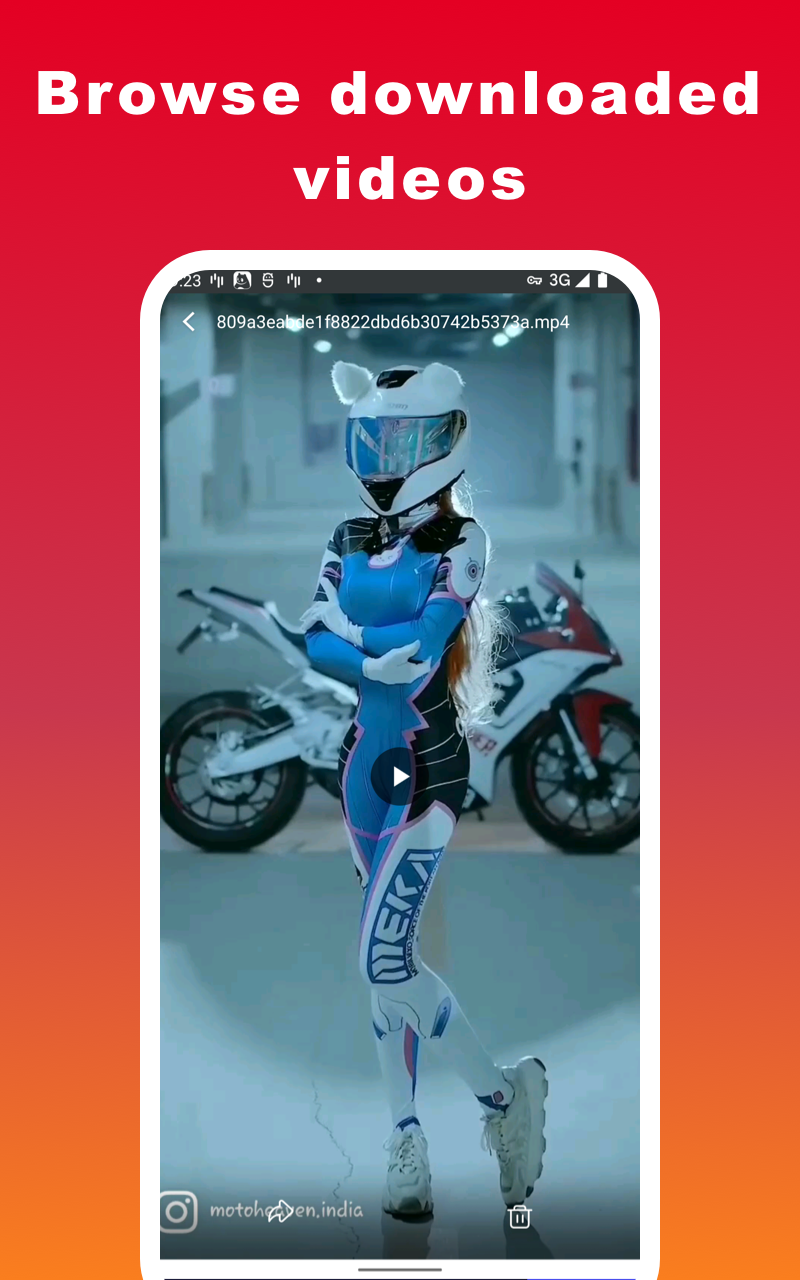
Video Downloader for Pinterest is a Video Players&Editors application developed by DMY Video Downloader, but with the best Android emulator-LDPlayer, you can download and play Video Downloader for Pinterest on your computer.
Running Video Downloader for Pinterest on your computer allows you to browse clearly on a large screen, and controlling the application with a mouse and keyboard is much faster than using touchscreen, all while never having to worry about device battery issues.
With multi-instance and synchronization features, you can even run multiple applications and accounts on your PC.
And file sharing makes sharing images, videos, and files incredibly easy.
Download Video Downloader for Pinterest and run it on your PC. Enjoy the large screen and high-definition quality on your PC!
🏆 This app is easily Video Downloader for Pinterest and Pinterest Saver which allows you to Download Pinterest Videos, GIFs and Photos.Pinterest Video Downloader supports super download mode which can boost your download speed up to 5 times faster than other downloaders with its multi-thread tech. Pinterest Video Downloader is best app to download video from Pinterest.
How to download videos from Pinterest?
1. Use ‘Copy Link’
1️⃣ Open Pinterest Video and click on the "Copy Link" of the video you are interested in.
2️⃣ Open Pinterest Video Downloader
- Done! Your video will be downloaded automatically
2. Use ‘Share Link’
1️⃣ Open Pinterest Video Downloader and click on the "Share Link" of the photo or video you are interested in
2️⃣ Select Pinterest Video Downloader to share
- Done! Your video will be downloaded automatically
Best Video Downloader for Pinterest Video.
❣Disclaimer:
- This Pinterest video download app is not affiliated with Pinterest.
- Any unauthorized actions (re-uploading or downloading of contents) and/or violations of intellectual property rights is the sole responsibility of the user.