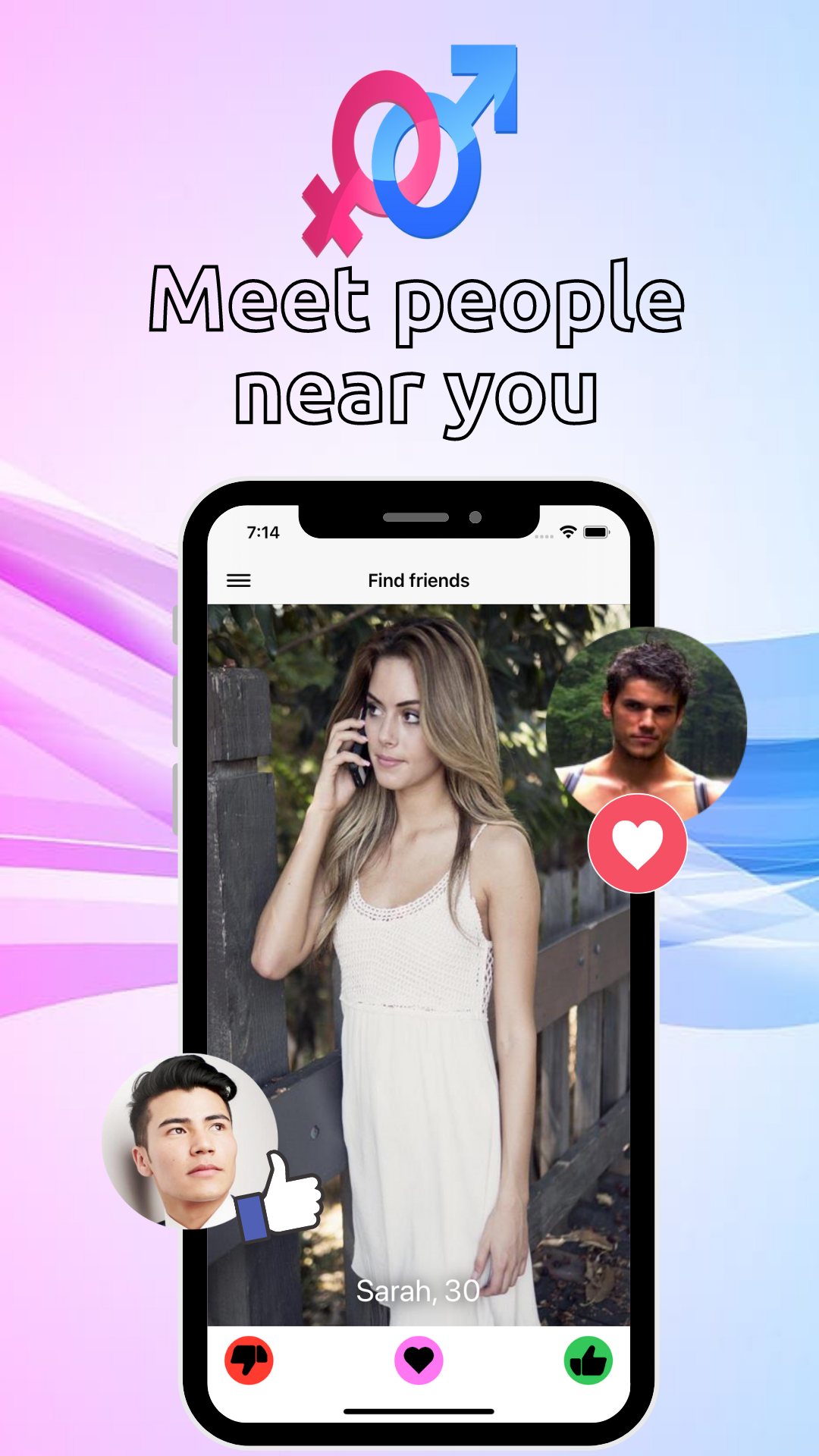
Dirty Talk: Sexy Chat 4 Adult is a Dating application developed by Giganerds, but with the best Android emulator-LDPlayer, you can download and play Dirty Talk: Sexy Chat 4 Adult on your computer.
Running Dirty Talk: Sexy Chat 4 Adult on your computer allows you to browse clearly on a large screen, and controlling the application with a mouse and keyboard is much faster than using touchscreen, all while never having to worry about device battery issues.
With multi-instance and synchronization features, you can even run multiple applications and accounts on your PC.
And file sharing makes sharing images, videos, and files incredibly easy.
Download Dirty Talk: Sexy Chat 4 Adult and run it on your PC. Enjoy the large screen and high-definition quality on your PC!
PingAck: Chat, match, and meet local singles. flirting at a new level!Looking for a free dating app with advanced live chat features to connect with local singles or worldwide? Pingack is your global destination for live chat, dating, and meeting new friends. Whether you're seeking casual dating, a meaningful relationship, or simply to expand your social circle, Pingack offers an inclusive and welcoming community for singles of all genders, sexual orientations, and backgrounds phone sex.
Connect with Nearby Singles and People around the globe:
Global & Local Connections: Swipe through profiles of singles nearby or broaden your horizons and connect with people from around the world using our powerful search filters.
Engage in Seamless Live Chat: Enjoy a seamless live chat experience with features designed to enhance your connections.
Real-Time Messaging: Send and receive messages, emojis, and photos instantly, keeping the conversation flowing.
Read Receipts: Know when your messages have been seen, eliminating guesswork.
Photo Sharing: Easily share photos to express yourself and get to know your matches better.
Express Yourself with Emojis: Use emojis to add emotion and personality to your chats.
Find Your Perfect Match: See who likes you and discover compatible singles based on your preferences. Our intelligent matching system helps you find meaningful connections.
A Welcoming Community for All Singles:
Pingack is more than just a dating app; it's a vibrant community where singles from all walks of life can connect. We celebrate diversity and inclusivity, welcoming singles of any sex gender, and background.
Your Free, Safe, and Private Dating Experience:
100% Free Core Features: All Core Features are Included!
Privacy You Can Trust: We prioritize privacy and keep your personal information confidential. Your safety is our top priority.
Smart Matching & Anonymous Connections: Our smart matching system facilitates anonymous connections with compatible singles ready to chat and flirt, giving you control over your interactions.
Ready to Start Your Global Dating Adventure? Download Pingack today and start connecting!