Pingoo is a Education application developed by Pingoo, but with the best Android emulator-LDPlayer, you can download and play Pingoo on your computer.
Running Pingoo on your computer allows you to browse clearly on a large screen, and controlling the application with a mouse and keyboard is much faster than using touchscreen, all while never having to worry about device battery issues.
With multi-instance and synchronization features, you can even run multiple applications and accounts on your PC.
And file sharing makes sharing images, videos, and files incredibly easy.
Download Pingoo and run it on your PC. Enjoy the large screen and high-definition quality on your PC!
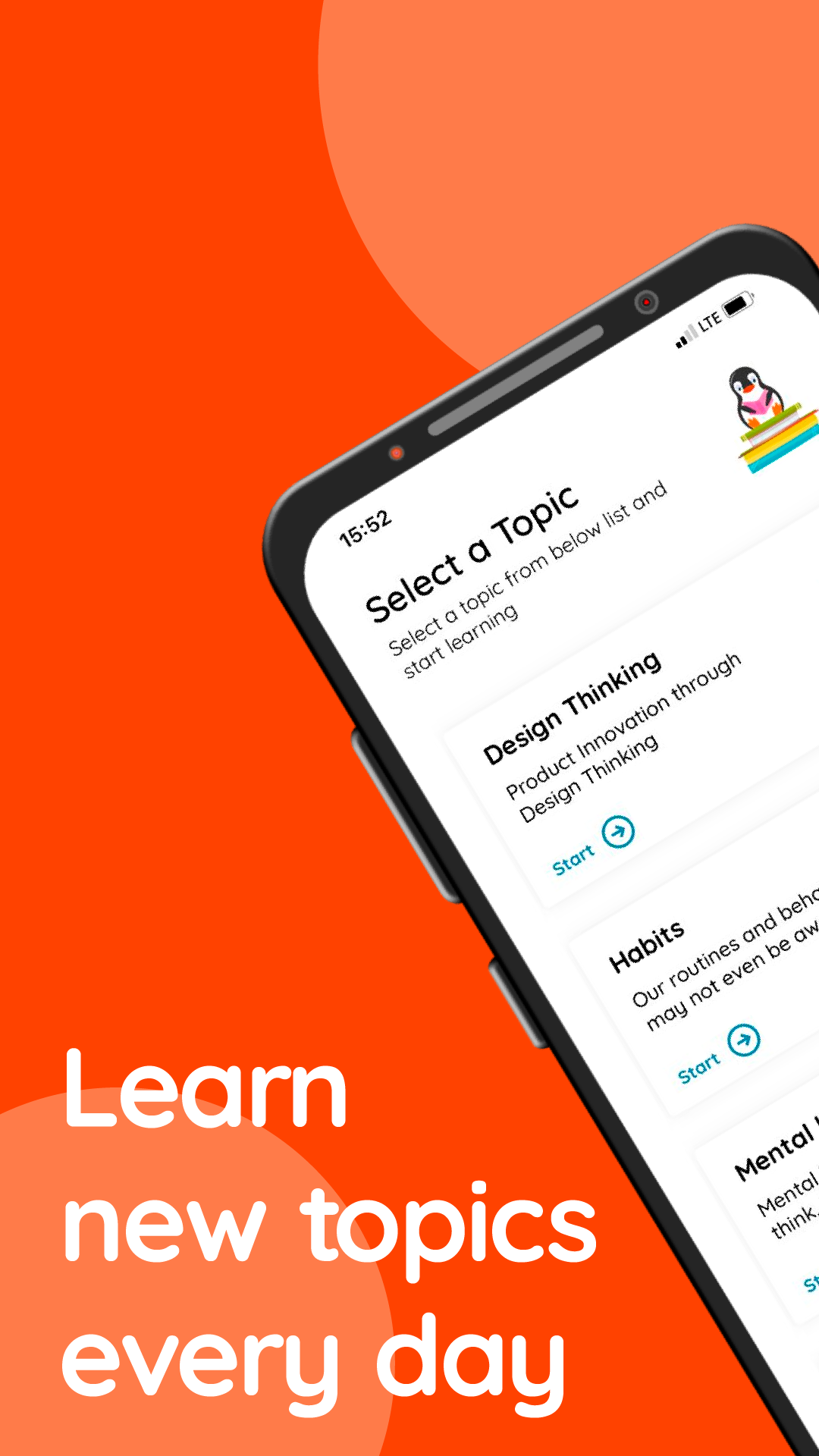
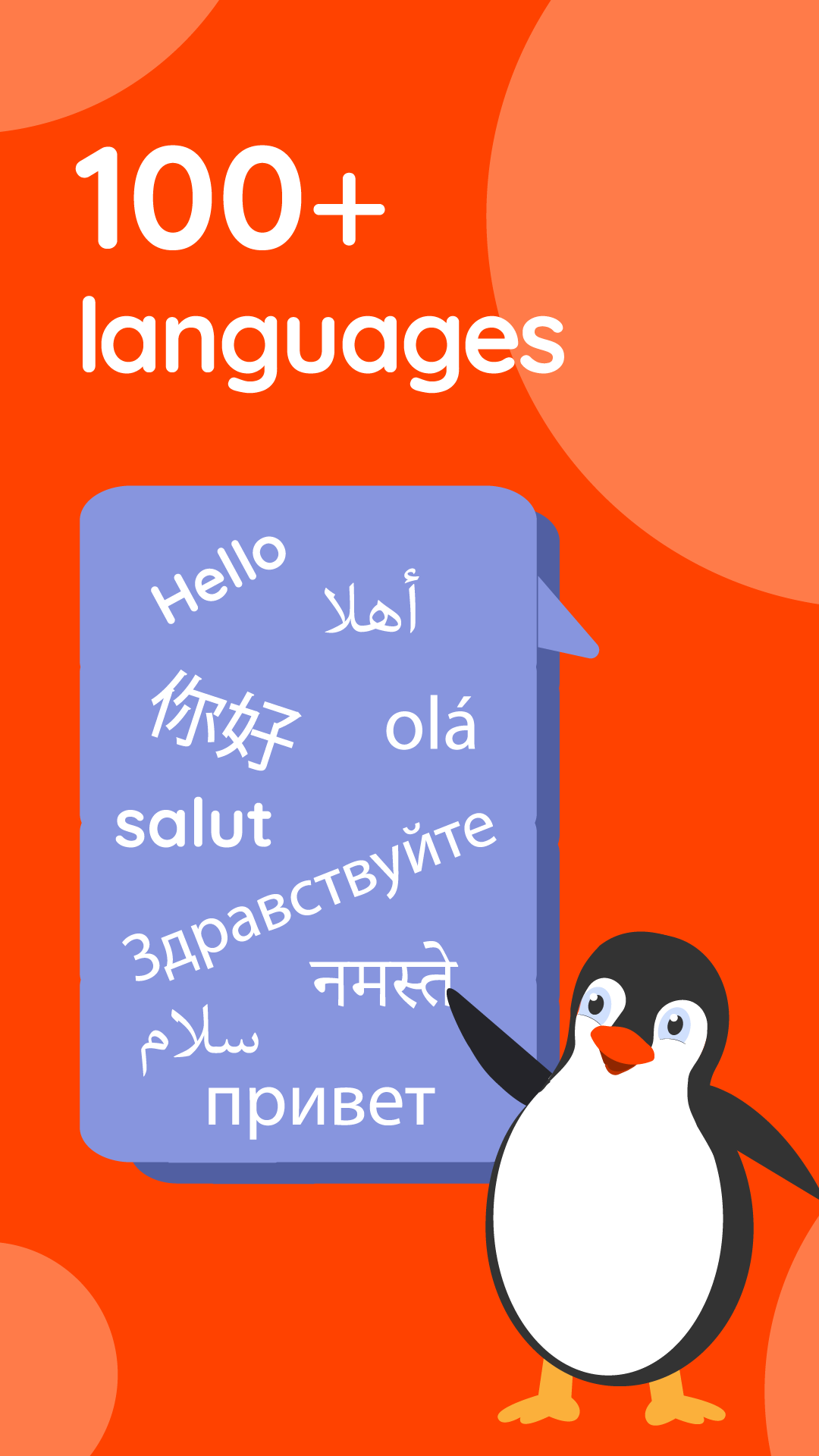
Pingoo is a micro-learning app that enables you to learn about a new topic in a few minutes while you are learning anew language (such as English). By selecting a topic from a wide range of topics, from health and wellness to literature, history, innovation, design, and privacy!How Pingoo works?
It is simple! You can select a topic of interest, then you are presented with a series of cards, in a trivia-style game. Each card contains a sentence that is either true or false. After reading the sentence, you swipe right, if you think the phrase on the card is true, and swipe left if you think it is a false claim. Upon each swipe, you get instant feedback with a short answer. Then you can dig deeper into the topic by reading a series of short posts in a FAQ style, or read articles or booked linked to the topic to learn more.